

Quick answer: Notion AI is either the best money you’ll spend on software this month or a complete waste — and which one it is depends on your workspace, not the AI. Buy it if Notion is where your work already lives (50+ pages of real content, weekly searches, meeting notes); skip it if you open Notion twice a week. Since May 2025 there’s no standalone add-on — real access is bundled with Business at ~$15–20/member/month. Rating: 4.4/5.
Here’s the uncomfortable truth about Notion AI that most reviews dance around: it’s either the best money you’ll spend on software this month, or a complete waste of money, and which one it is has almost nothing to do with the AI itself. It depends on your workspace.
We ran our editorial operation (article planning, meeting notes, research wikis) through Notion AI for several weeks. Not demo content: our actual messy, half-organized, real-world workspace. That’s the only way to review this thing honestly, because Notion AI’s value is entirely a function of what you feed it.
Disclosure: we pay for our own tools and test independently. If you subscribe through our links, we may earn a commission at no extra cost to you.
Notion AI at a glance:
| Pricing | Bundled with Business (~$15–20/member/mo annual); Free and Plus get a ~20-response trial |
| What it does best | In-doc summaries, workspace Q&A with citations, database autofill |
| Buy it if | Notion holds your daily work: 50+ pages, weekly search, meeting notes |
| Skip it if | You open Notion twice a week, or just want a better chatbot |
| Rating | 4.4/5 |
Prices verified: October 2026.
The 30-second answer
Buy it if Notion is where your work already lives: daily notes, project docs, a team wiki you actually search. Skip it if you open Notion twice a week, or if what you really want is a better ChatGPT. Notion AI sells you context inside your own documents, not raw capability, and context is worthless without content.
What does Notion AI actually do?
Forget the feature list for a second. Notion AI does three things that matter:
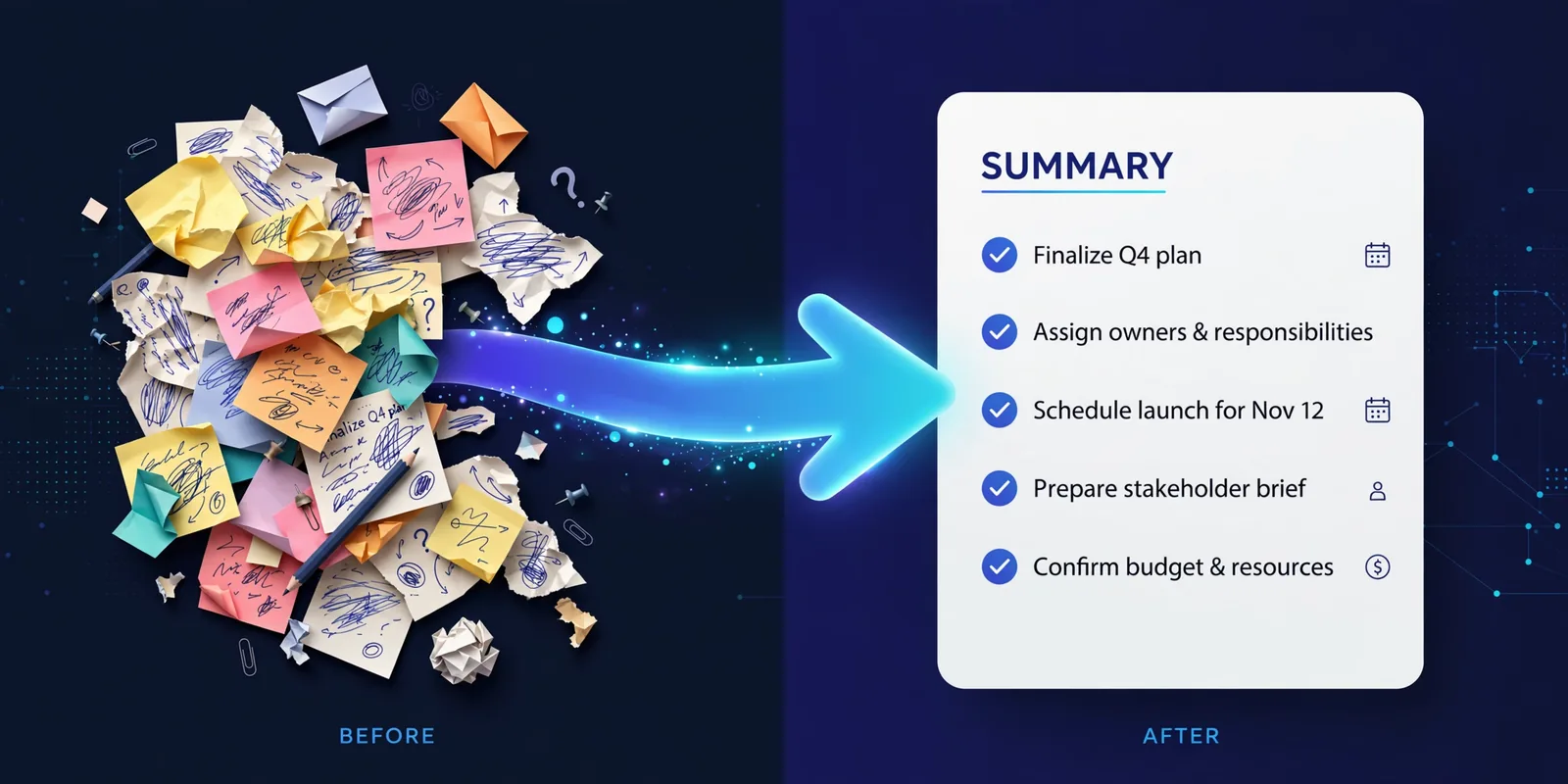
1. It summarizes inside your docs. Highlight a rambling meeting note, hit the AI, get action items. No copying to another tab. This is the feature that earns its keep. It’s consistently good at turning information overload into skimmable briefs.
2. It answers questions about your workspace. “What did we decide about pricing in the March roadmap meeting?” It searches your pages, then cites which ones the answer came from. For teams with real wikis, this turns Notion into a searchable company brain. For teams with twelve pages, it’s a party trick.
3. It autofills databases. Point it at a Notion database and it can summarize entries, extract keywords, categorize rows. If you run a content pipeline or lightweight CRM in Notion, this quietly saves hours.
Everything else (brainstorming, rewriting, translating) is fine, but a free chatbot does it as well or better. The three above are the actual product.
What test predicts whether Notion AI is worth it?
Before you spend a dollar, run this five-minute diagnostic. It predicts your Notion AI experience better than any review:
- Do you have 50+ pages of real content? Meeting notes, project docs, specs, not templates, but content.
- Do you search your Notion at least weekly because you can’t remember where something was decided?
- Do you take meeting notes in Notion (not in a notebook, not in your head)?
- Does at least one other person rely on your workspace?
Score 3–4: Notion AI will probably pay for itself within a month. Score 0–2: it will feel like an expensive chatbot with a worse personality than the free ones. We’ve watched both outcomes happen, and the workspace, not the user, not the plan, was the difference every time.
Notion AI rewards an organized workspace and punishes a sparse one. That’s the whole review in one sentence, but nobody puts it that bluntly because it doesn’t sell subscriptions.

What does Notion AI really cost per seat?
Notion’s pricing structure changed in 2025, and most reviews haven’t caught up. The old standalone AI add-on ($8–10 per member per month) was retired for new subscribers in May 2025. Full Notion AI access now comes bundled with the Business plan, which per Notion’s pricing page runs roughly $15–20 per member per month on annual billing (about $20–24 monthly). Free and Plus plans only get a limited trial of AI (around 20 responses). Legacy add-on subscribers were grandfathered, but if you’re buying today, Business is the floor for real AI access.
Now multiply. A 12-person team on Business at ~$20/member/month: ~$240/month, ~$2,880/year. For that money you could buy twelve ChatGPT Plus seats. Is Notion AI worth that? Only if those 12 people are all heavy Notion users getting daily value from summaries and workspace Q&A. In most teams, three people will use it constantly and nine will forget it exists, and you’re paying for all twelve.
The rule: pilot with your heaviest Notion users first. Measure time saved on summaries and doc-search for a month. Then decide on the rollout with data, not vibes. The most common waste we see is buying AI for a workspace the team barely uses.
What can’t Notion AI see?
Here’s something no review we found talks about: Notion AI only knows what it can access. Pages you haven’t shared with it, private pages outside its permissions, content in workspaces it isn’t added to, invisible.
This bites in two ways. First, it answers confidently from incomplete information. Ask about a decision documented in a private page and you’ll get a smooth, plausible answer built from everything except the page that matters. It won’t tell you what it’s missing. Second, team rollouts leak confusion: the AI’s answers differ person to person based on their page access, and nobody realizes they’re getting different “truths.”
The fix is unglamorous: keep important decisions in shared, well-titled pages, and spot-check AI answers about anything that matters for the first month. Treat it like a smart intern with partial file access, because that’s what it is.
How do you set up Notion AI’s meeting-notes workflow?
If you do one thing with Notion AI, make it this. The setup takes twenty minutes and pays back weekly:
1. Build a meeting template with an AI block baked in. Title, date, attendees, agenda, then an AI block pre-prompted: “Summarize the notes below into: key decisions, action items with owners, open questions.” Every meeting now ends with a summary instead of a wall of text nobody re-reads.
2. Standardize your note-taking. The AI is only as good as the raw material. Agreed conventions (decisions marked clearly, action items with names attached) multiply summary quality. Garbage notes in, confident garbage out.
3. Review the first ten summaries. You’ll learn within two weeks which note-takers produce AI-friendly notes and which meetings need a human pass. After that, trust but verify on anything involving money, hiring, or commitments.
Teams that do this report the meeting-summary feature alone justifying the cost. Teams that skip the template and just “try the AI sometimes” report nothing, and cancel by month two.
How much does Notion AI cost in 2026?
As of late 2026, Notion AI is not a standalone add-on for new buyers. It’s bundled into the Business plan (roughly $15–20 per member per month annual, $20–24 monthly, per Notion’s pricing page). Free and Plus plans include a limited AI trial, around 20 responses, enough to test it on your real content. Do that test on your three messiest pages, not on a fresh demo workspace.
Two things to know: Notion has restructured AI pricing before, so verify current numbers on Notion’s official pricing page before budgeting. And remember the per-seat multiplication from the math section: the sticker price is never the real price for teams.
Who is Notion AI actually for?
Worth it: teams running projects and wikis in Notion daily; managers drowning in meeting notes; content teams drafting in Notion; anyone whose work genuinely lives there.
Skip it: casual Notion users; people who mainly want a writing assistant (ChatGPT or Claude, free tier, done); solo users on tight budgets; teams not already committed to Notion. Never adopt a workspace for the AI add-on.
What are the signs you should cancel Notion AI?
- You’re opening a chatbot tab anyway for anything beyond summaries. If Notion AI isn’t reducing your tab count, it’s not earning its keep.
- Nobody asks the workspace questions. The Q&A feature is the differentiator. If your team still Slacks “where is the launch doc?”, the wiki (or the habit) isn’t ready.
- Month two looks like month one. Real value compounds as templates and habits form. Flat usage after 60 days means the fit isn’t there. Cancel cleanly; no shame in it.
FAQs
Is Notion AI better than ChatGPT?
Different jobs. Notion AI wins for in-context work (summaries, workspace Q&A, autofill) because it sees your docs. ChatGPT wins for open-ended reasoning, coding, and creative work. Most serious users end up with both, each doing what it’s good at.
Can it really answer questions about my notes?
Yes, and the citations (which pages it used) are the killer feature, since you can verify instead of trusting. Just remember the blind-spot section: it only sees what it can access.
Does it work on mobile?
Yes, across web, desktop, and mobile, though the full power (templates, database autofill) is a desktop experience.
Is my workspace data used to train AI models?
Notion states customer data isn’t used for training without consent, with enterprise controls available. Read their current privacy policy rather than trusting any review (including this one) on the specifics.
We have a messy wiki. Will Notion AI fix it?
No, and this is the most expensive misconception. It will confidently summarize your mess. Clean first: consistent titles, a team home page, archived stale docs. Then the AI becomes dramatically more useful.
The verdict
Notion AI is the rare AI add-on that earns its keep, for the right workspace. The in-context summaries, cited Q&A, and frictionless writing help compound daily into real hours saved. It’s not a ChatGPT replacement and never pretends to be; it’s a productivity multiplier for people whose work already lives in Notion.
Rating: 4.4/5, excellent for Notion power users and teams, an easy skip for everyone else.
A final test before you buy: run the trial on your three messiest, longest pages, the ones you’re slightly embarrassed about. If the summaries and answers save you real time on your content, subscribe with confidence. If they feel meh on your messiest pages, they’ll feel meh everywhere.