

Quick answer: Grammarly is still the best ambient writing assistant in 2026 — our rating: 8/10 — because it shows up in every app and catches mistakes before they ship, which ChatGPT can’t do. Pro is worth it for professional writers; everyone else should enjoy the free tier guilt-free. If you only write short bursts on your phone, or you’re a professional editor, you can skip it.
The last time we paid for Grammarly without thinking twice was years ago. Back then the question was simple: do you want fewer typos in your emails? Today the question is harder. ChatGPT is free, excellent at rewriting, and one browser tab away. So why would anyone still pay for a grammar checker?
Fair question. We asked it too, loudly, while running our own trial of Grammarly against the “just paste everything into ChatGPT” workflow for a month. The answer turned out to be more nuanced than either Grammarly’s marketing or the “ChatGPT does it all” crowd admits.
We’ve used Grammarly daily across blog posts, client emails, documentation, and academic work. This is the honest 2026 assessment: what it does that AI chatbots can’t, where the free plan genuinely suffices, and who should actually pull out a credit card.
Affiliate disclosure: this review is independent and hands-on. If you upgrade via our links, we may earn a commission at no extra cost to you.
Grammarly at a glance:
| Free | Pro (~$144/year, ~$12/mo annual) | |
|---|---|---|
| Grammar and spelling | Yes | Yes |
| Full-sentence rewrites | No | Yes |
| Tone adjustments | Basic | Advanced |
| Plagiarism checker | No | Yes |
| Generative AI prompts | 100/month | 2,000/month |
| Best for | Casual writers | Professionals writing daily across many apps |
Prices verified: October 2026.
What does Grammarly do in 2026?
Grammarly is an AI writing assistant that lives where you write. Browser extension, desktop app, mobile keyboard, Google Docs, Word, and over a million other apps and sites. It checks grammar and spelling, suggests clarity improvements, detects tone, rewrites sentences, and on paid tiers checks plagiarism and offers generative AI assistance. (One note: Grammarly’s parent company rebranded itself as Superhuman in late 2025, but the Grammarly product kept its name.)
The 2026 plans simplified to Free and Pro (annual around $144/year, or roughly $30/month billed monthly). Pro adds full-sentence rewrites, advanced tone adjustments, plagiarism detection, and 2,000 generative AI prompts per month, where the free plan gets you 100, per the company’s plans page.
That’s the spec sheet. But specs don’t tell you whether it matters in your day.
Where does Grammarly still beat ChatGPT?
This is the section most reviews skip, so let’s be direct. ChatGPT is a better writer. Grammarly is a better proofreader. Different jobs, and the proofreading job turns out to matter more than you’d think.
It follows you everywhere. ChatGPT requires copying text into a chat window. Grammarly checks your writing inside Gmail, Slack, WordPress, Google Docs, and Twitter as you type. That ambient coverage is the whole point. Most writing errors don’t happen inside chatbots. They happen in Slack messages, reply emails, and comment boxes. We found that once we stopped doing the copy-paste dance, we caught probably twice as many issues, simply because the tool was there.
It’s faster for micro-edits. Fixing a typo or accepting a clarity suggestion takes one click. Doing the same through ChatGPT means a round-trip conversation for every sentence. When you’re sending fifteen emails before lunch, that friction difference is enormous.
It catches tone problems before you send. Grammarly flags when your Slack message sounds harsher than you intended. ChatGPT can’t do that, because it never sees the message. We’ve all sent a two-word reply (“Fine. Sounds good.”) that landed wrong. Tone detection is the feature we didn’t know we needed until it saved a client relationship or two.
Plagiarism checking matters. Pro’s plagiarism detector is the real deal for students, academics, and publishers. ChatGPT has no equivalent. If you’re publishing anything publicly, this alone can justify the tier.
Consistency at scale. For teams, style guides and brand tone enforcement across dozens of writers is something a chatbot session simply can’t replicate. ChatGPT helps one person at a time. Grammarly can keep a whole content team on-voice.
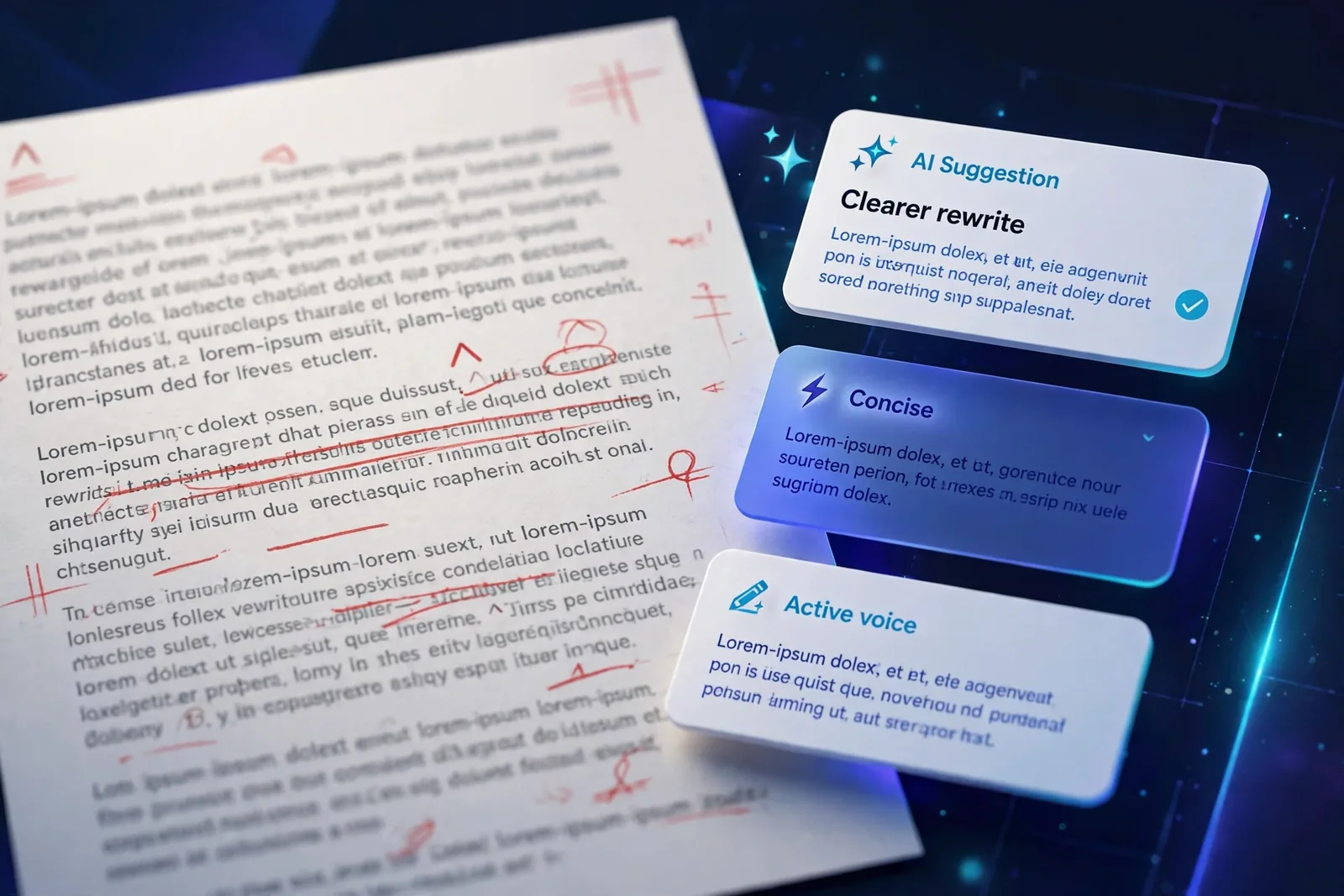
Where does Grammarly fall short?
The free plan is thin: basic grammar and spelling, with the genuinely useful rewrites and tone features behind Pro. Accept every suggestion and your voice flattens into generic Grammarly prose, so you’ll spend time dismissing. Technical writing and deliberate style choices get flagged as false positives. Your text is processed on Grammarly’s servers, and its generative assistant produces polished-but-shallow drafts on technical topics.
Honesty requires the other side too, and there are real frustrations.
The free plan is thin. You get basic grammar and spelling, but the genuinely useful rewrites and tone features sit behind Pro. We ran the free tier for a week on a test machine, and it caught the typos, sure, but it felt like meeting a helpful colleague who only knows half the job.
Then there’s the voice-flattening problem. Accept every suggestion and your writing starts sounding like everyone else’s Grammarly-assisted writing. The tool optimizes for correctness, not character. If you write with personality, you’ll find yourself dismissing suggestions to keep your sentences weird in exactly the right way. Which is fine, but you learn to dismiss. And dismissing takes time too.
False positives are the third irritation. Technical writing, creative prose, and deliberate stylistic choices all get flagged. A fragment you wrote for emphasis? Flagged. An industry term it doesn’t know? Flagged. We eventually built a rhythm of dismissing, but new users should know this up front: the red underlines are suggestions, not verdicts.
There’s also a privacy trade-off worth stating plainly. Your text is processed on Grammarly’s servers. Fine for most writing. Think twice before pasting highly sensitive material into it, the same as you would with any cloud writing tool.
And the generative AI assistant? It handles everyday rewrites well but produces polished-shallow drafts on technical topics. It’s a first-pass editor, not a subject-matter expert. Manage that expectation and you won’t be disappointed.
Should you pay for Grammarly Pro or stay on the free plan?
Stay on Free if you write casually, mainly need spell and grammar catching, or do most of your writing in one app with decent built-in checking. The free tier is genuinely useful at $0. No shame in it.
Pay for Pro if you write professionally (client emails, published content, academic work) and you pass these tests. First: do you write ten or more outward-facing pieces daily across multiple apps? Second: would it catch three or more meaningful errors per day that you’d otherwise miss? Third: does writing quality directly affect your income or reputation?
If yes to all three, do the math. At roughly $12/month on the annual plan, one avoided embarrassing client email pays for months of the subscription. One.
Skip it if you only need occasional checks, write creatively (it will fight your style every day), or do all your writing inside a single AI-native editor that already has built-in assistance.
How does Grammarly compare to ChatGPT and ProWritingAid?
Versus ChatGPT: ChatGPT wins at drafting and deep rewriting; Grammarly wins at ambient, everywhere proofreading. They’re complements, not substitutes. Our actual workflow: draft in ChatGPT, polish everywhere with Grammarly.
Versus ProWritingAid: cheaper (around $120/year) and deeper on long-form structure analysis. Novelists and book authors often prefer it. Grammarly wins on platform coverage and mobile. If you write books, look at ProWritingAid first.
Versus QuillBot: a stronger pure paraphraser (around $100/year) but with a weaker grammar engine and no plagiarism checker. Different tool for a different job.
Versus Hemingway: a $20 one-time readability editor. No grammar AI, no cross-platform support. Honestly a different tool entirely, but some writers use it as a style check alongside Grammarly.
Frequently Asked Questions
Is Grammarly worth it in 2026?
For professionals who write daily across many apps: yes, Pro earns its keep. For casual writers: the free tier suffices. The value is ambient coverage, not raw AI power.
Has ChatGPT made Grammarly obsolete?
No. They do different jobs. ChatGPT is better at generating and deeply rewriting text; Grammarly is better at catching errors in the apps where you actually write. Most professionals benefit from both.
Is Grammarly Pro worth $144/year?
If writing quality affects your income and you write across many platforms, yes. If you’re a student or casual writer, start free and upgrade only when you feel the limits.
Does Grammarly steal my data?
Your text is processed on their servers to provide suggestions. Avoid pasting highly sensitive material (passwords, confidential strategy) into any cloud writing tool.
Is there a free alternative?
For basic grammar: LanguageTool (open source) and built-in checkers. For AI rewriting: ChatGPT free. Nothing matches Grammarly’s cross-app coverage for free, though.
Can students use Grammarly for essays?
Yes, and Pro’s plagiarism checker helps ensure originality. But check your institution’s AI policy, and never submit AI-generated text as your own work.
Who Shouldn’t Bother
If you write in short bursts on your phone, mostly texts and social captions, Grammarly’s free tier adds little over your keyboard’s autocorrect. And if you’re a professional editor, you’ll find yourself fighting its suggestions more than accepting them. Grammarly shines brightest for the vast middle: people who write real documents and want a safety net.
Conclusion
Install the extension today and write one real email with it on, then read back every suggestion you dismissed. Those dismissals are the map of your actual voice — the places Grammarly’s correctness and your style disagree. Keep the tool for the typos and the shipped-mistake insurance; keep your weird sentences on purpose. The writers who get the most from Grammarly aren’t the ones who accept everything. They’re the ones who know exactly what to ignore.
Keep reading:
– How to Write Effective AI Prompts
– Best Free AI Writing Tools
– Free AI Tools for Students
[…] Grammarly Review: Is It Still Worth It in 2026? […]
[…] Grammarly Review: Is It Still Worth It in 2026? […]