

Quick answer: The trick isn’t a better prompt — it’s a better process: draft rough yourself, direct the tone in one sentence, get 2–3 variations, combine by hand, and read the result aloud before sending. ChatGPT or [Claude](https://www.anthropic.com/pricing) with this workflow beat every dedicated tool for most people, and both are free. Just ban the filler phrases: no “I hope this finds you well,” no “circling back,” no “leverage.”
Here’s the thing nobody admits: everyone knows AI can write emails now, and almost everyone’s AI-written emails read like a machine wrote them. Polished but hollow, with a faint whiff of sycophancy. The moment you see “I hope this email finds you well,” you know exactly what happened.
We spent months testing AI email workflows in real inboxes: sales outreach, supplier complaints, client follow-ups, the works. The method that actually works isn’t “generate the perfect email in one prompt.” It’s using AI for what it’s genuinely good at (structure, phrasing, tone shifts) while you stay in charge of the message, the facts, and the voice. This guide lays out that workflow: the human-sounding method, tone control, real before-and-after examples, and the privacy rules most people skip.
The workflow at a glance:
| Step | What to do | Why it matters |
|---|---|---|
| 1. Draft rough | Write what happened and what you want, like explaining to a friend | Honesty beats polish at this stage |
| 2. Direct the tone | One sentence: “firm but polite,” “warm,” etc. | The highest-leverage part of email prompting |
| 3. Get variations | Ask for 2–3 different angles | Mix and match the best lines from each |
| 4. Combine by hand | Add the details only you know | The AI can’t fake your history with the recipient |
| 5. Read aloud | Ask: “Would I actually say this?” | The ultimate test of sounding human |
The Core Workflow: Draft, Direct, Refine
Forget one-shot generation. Here’s what we do, email after email:
1. Write a rough draft in your own words. Don’t polish it. Just say what happened and what you want, like you’re explaining it to a friend. Ugly is fine here. Honesty at this stage beats polish every time.
2. Tell the AI the exact tone you want. This one sentence is the highest-leverage part of email prompting:
“Rewrite this to be firm but polite. I want to clearly ask for a solution without sounding aggressive.”
3. Ask for 2–3 variations. Different angles reveal which phrasing feels like you. Then mix and match the best lines from each.
4. Combine and edit by hand. Take the strongest parts and add the specific details and context only you know. The history with this recipient? The AI can’t fake that.
5. Read it out loud. This is the ultimate test. Ask yourself: “Would I actually say this, in this tone, to a real person?” If not, keep editing until the answer is yes.
Five steps. Maybe three minutes total for a normal email. But the difference between step 2 and skipping it is the difference between “sounds like me” and “sounds like a chatbot.”
The Anatomy of a Good Email Prompt
Let’s compare. Weak prompt:
“Write a professional email about the delayed shipment.”
The AI has nothing to work with, so it guesses. And AI guesses sound corporate.
Strong prompt:
“Write a short follow-up email to a supplier. Context: our order is 2 weeks late, this is the second delay. Tone: firm but professional, no threats. Goal: get a concrete delivery date. Keep it under 120 words. End with a clear question.”
See the difference? Six elements transformed the output: audience, context, tone, goal, length limit, and a clear CTA. Give the AI all six and it stops guessing and starts writing.
Tone Control: The Real Skill Nobody Teaches
Most people just accept the AI’s default tone, which is cheerful corporate. Don’t. Direct it like you’d direct an actor:
- Firm but polite, for complaints and follow-ups: “state the facts, request action, no emotional language”
- Warm and appreciative, for thank-yous and introductions
- Confident and concise, for executives: “cut all throat-clearing, lead with the ask”
- Apologetic without groveling: “acknowledge the mistake once, focus on the fix”
And here’s a rule we consider non-negotiable: never let AI set the emotional temperature of a sensitive email. For apologies, condolences, or conflict, write it yourself, then use AI only for grammar. Some messages need to cost you effort. That’s literally what makes them meaningful.
Before/After: What “Human” Actually Looks Like
Weak AI draft:
Hi Sarah, I hope you’re doing well. I wanted to reach out because I specialize in helping businesses optimize their messaging and unlock stronger growth outcomes. I’d love to discuss how my tailored solutions could support your goals.
Sounds polished, right? It also sounds like a machine performing “professional.” Nobody talks like this. Nobody trusts it.
Human version:
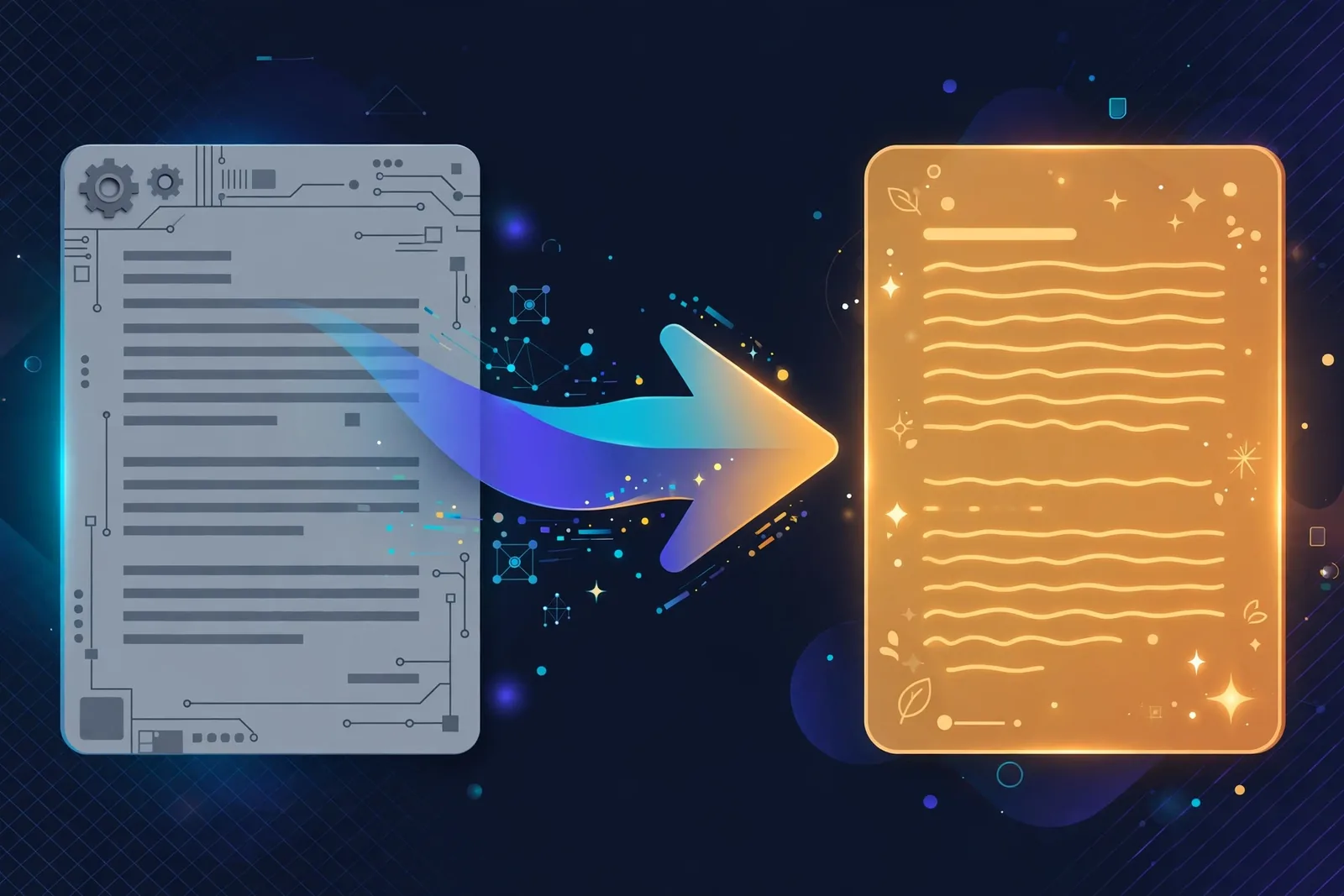
Hi Sarah — noticed your pricing page buries the actual plans three clicks deep. I help SaaS companies make pages like that convert better; happy to send two specific suggestions for yours if useful.
What’s different? One real observation. Zero inflated language. One concrete offer. Specificity is what makes writing feel human, and it’s the single thing AI cannot supply. You have to bring it yourself.

Email Types: Quick Playbooks
Cold outreach: lead with a specific observation about them. Never “I hope this finds you well.” One problem, one offer, low-friction CTA. Keep it under 100 words or it won’t get read.
Follow-ups: reference the previous thread explicitly. “Following up on my note from Tuesday about X” beats “just bumping this” every time. State what you need and by when.
Complaints: facts, then impact, then requested resolution. In that order. Firm language, zero insults. Honestly, AI is genuinely good at keeping these professional. It doesn’t get angry on your behalf, which is exactly what you need at 11pm when you’re drafting a complaint.
Thank-yous: short and specific. Name what they did and why it mattered. These should barely need AI at all.
Apologies: write the core yourself. AI can check the tone (“does this sound defensive?”) but the accountability has to be yours.
Privacy Rules (Don’t Skip This Part)
Before pasting anything into an AI tool, remember what you’re handing over:
- Strip what the AI doesn’t need. Internal strategy details, other people’s personal data, financial specifics. None of that helps the AI write better.
- Never paste credentials or account numbers. Assume the text is stored somewhere. Because it probably is.
- For sensitive negotiations, ask yourself whether AI help is worth the exposure at all. Sometimes the answer is no.
The Mistakes That Make AI Emails Obvious
After reading hundreds of AI-assisted emails (and sending our share of bad ones), the tells are always the same:
Sending the first draft. Raw AI output has a texture: three tidy paragraphs, a greeting that says nothing, and a closing line that hedges. “Please do not hesitate to reach out if you require any further assistance.” Nobody writes that in real life, and nobody feels anything reading it. Always do at least one editing pass.
Over-formatting. AI loves bold headings, bullet lists, and sign-offs with separators inside casual emails. A two-sentence reply doesn’t need structure. Match the formatting to the relationship: plain text for people you know, light structure for formal first contact.
The fake-friendly opener. “I hope you’re having a wonderful week!” in a cold email to a stranger reads as insincere because it is. If you wouldn’t say it to the person’s face, don’t type it.
Hiding the ask. AI-generated emails often bury the actual request in paragraph three, wrapped in qualifiers. Flip it: lead with what you need, then give the context. Busy people reward clarity with replies.
Sounding like a press release. Words like “leverage,” “synergy,” and “best-in-class” sneak into AI drafts constantly. Real people don’t talk that way in email. When you spot one, replace it with the plain word you’d use in conversation.
One more habit worth building: keep a small file of your best-performing emails, the ones that got replies. When you need a new draft, paste one into the AI as a style reference: “Match this tone and length.” Ten minutes of setup, and every future email starts closer to your voice.
Frequently Asked Questions
Will people know I used AI for my emails?
Only if you send the raw output. An edited, personalized AI-assisted email is indistinguishable from a human one, because the personal parts are yours.
What’s the best AI email writer?
For most people, ChatGPT or Claude with the workflow above (both free). Dedicated tools like Compose AI or Flowrite add inbox integration if you want it. Microsoft Copilot is the pick if you live in Outlook.
Can AI write cold emails that get replies?
It can draft them, but replies come from specificity: real observations about the recipient. AI supplies the structure; you supply the insight that earns the reply.
How do I stop AI emails sounding generic?
Ban the filler phrases: “I hope this finds you well,” “just checking in,” “leverage,” “circling back.” Add one true specific detail per email. Then read it aloud before sending.
Is it okay to use AI for job application emails?
Yes, for drafting and polishing. But the content (your achievements, your reasons for applying) must be yours and true. No exceptions.
Should I disclose AI use in emails?
For routine business writing, no. For anything where authorship genuinely matters (apologies, personal notes), write it yourself.
Conclusion
AI is the best email assistant ever built: fast, tireless, and genuinely good at phrasing. But the emails people actually respond to are specific, honest, and human. Use the draft-direct-refine workflow, guard your tone deliberately, and never outsource the parts that require you.
Want sharper inputs for the whole process? Our AI prompting guide levels up everything in this article.