

Quick answer: These aren’t really rivals — they’re different jobs. Pick Canva AI if you need finished, publishable designs fast; pick Adobe Firefly if you need premium standalone images with the safest commercial licensing in the business. Many professionals use both: Canva for speed and volume, Firefly for the images where quality is the deliverable.
This comparison confuses people because the names suggest a straight image-generator fight. In practice, they’re different kinds of tools. Canva AI (Magic Studio) is a complete design suite with AI inside: you generate images and build finished social posts, decks, and marketing assets around them. Adobe Firefly is a premium image engine: best-in-class generation that plugs into Photoshop and professional workflows.
So the question worth asking isn’t which is “better.” It’s which job you’re hiring for: finished designs, or premium standalone images? We put both through real projects, and this is the honest breakdown.
Affiliate disclosure: this comparison is independent. If you subscribe via our links, we may earn a commission at no extra cost to you.
The Short Verdict
- Choose Canva AI if you’re a marketer, small business owner, educator, or creator who needs finished, publishable designs fast. It’s an entire design department in an app.
- Choose Adobe Firefly if you’re a designer or creative professional who needs the highest image quality, vector generation, Photoshop integration, and bulletproof commercial licensing.
- Many professionals use both: Canva for speed and volume, Firefly for the images where quality is the deliverable.
Canva AI vs Adobe Firefly: how do they compare head to head?
| Canva AI (Magic Studio) | Adobe Firefly | |
|---|---|---|
| Image quality | Good: best at illustrated/graphic styles | Excellent: photorealistic, detailed |
| What it is | Full design suite + AI | Image generation engine |
| Templates | Millions, every format | None (standalone images) |
| Generative fill/edit | Good | Excellent (Photoshop-integrated) |
| Vector generation | No (raster only) | Yes: Firefly Vector, SVG/AI export |
| Text in images | Good | Very good |
| Ease of use | Excellent (drag-and-drop) | Good web app; full power needs Adobe apps |
| Video | Yes (basic AI video) | Now included on paid tiers |
| Commercial safety | Good (Pro license) | Excellent: licensed training data, indemnification, Content Credentials |
| Training data transparency | Fair | Excellent (Adobe Stock licensed) |
| Team collaboration | Excellent | Fair (needs Creative Cloud Teams) |
| Free tier | Generous templates + limited AI credits | 25 generative credits/month |
| Paid from | $15/month (Pro) | $9.99/month (Firefly Standard) |
| Best for | Non-designers, marketers, speed | Designers, photorealism, legal safety |
Prices verified: October 2026.
Where does Canva AI win?
Finished designs, not just images. This is the core of the argument. A Firefly image still needs layout, typography, and export, and that work happens in another app. Canva generates the image inside the design itself, on-brand, sized for the platform, ready to publish. For a social media manager shipping 20 assets a week, that workflow difference matters more than any quality gap.
Breadth. Presentations, videos, docs, whiteboards, websites, plus Magic Write for copy and Brand Kit for consistency. Canva is the only tool here you’d honestly describe as “my design department.”
Accessibility. A beginner is productive in an afternoon. Firefly’s web app is approachable too, but its real power unlocks inside Photoshop and Illustrator, and learning that full workflow is a serious time investment.

Where does Adobe Firefly win?
Image quality ceiling. For photorealism, detailed compositions, and generative fill that actually blends, Firefly sits a tier above. When the image is the deliverable (hero visuals, campaign key art, product shots), that gap matters.
Commercial safety. Firefly’s training on licensed Adobe Stock content, with Content Credentials and indemnification, is the cleanest legal story in AI image generation. For agencies, enterprises, and anyone with IP compliance requirements, this alone can settle the decision.
Professional pipeline. Native Photoshop integration (Generative Fill inside your PSD), vector generation with SVG export, and high-resolution print workflows. Canva’s print export tops out at 300 DPI and stays raster-only.
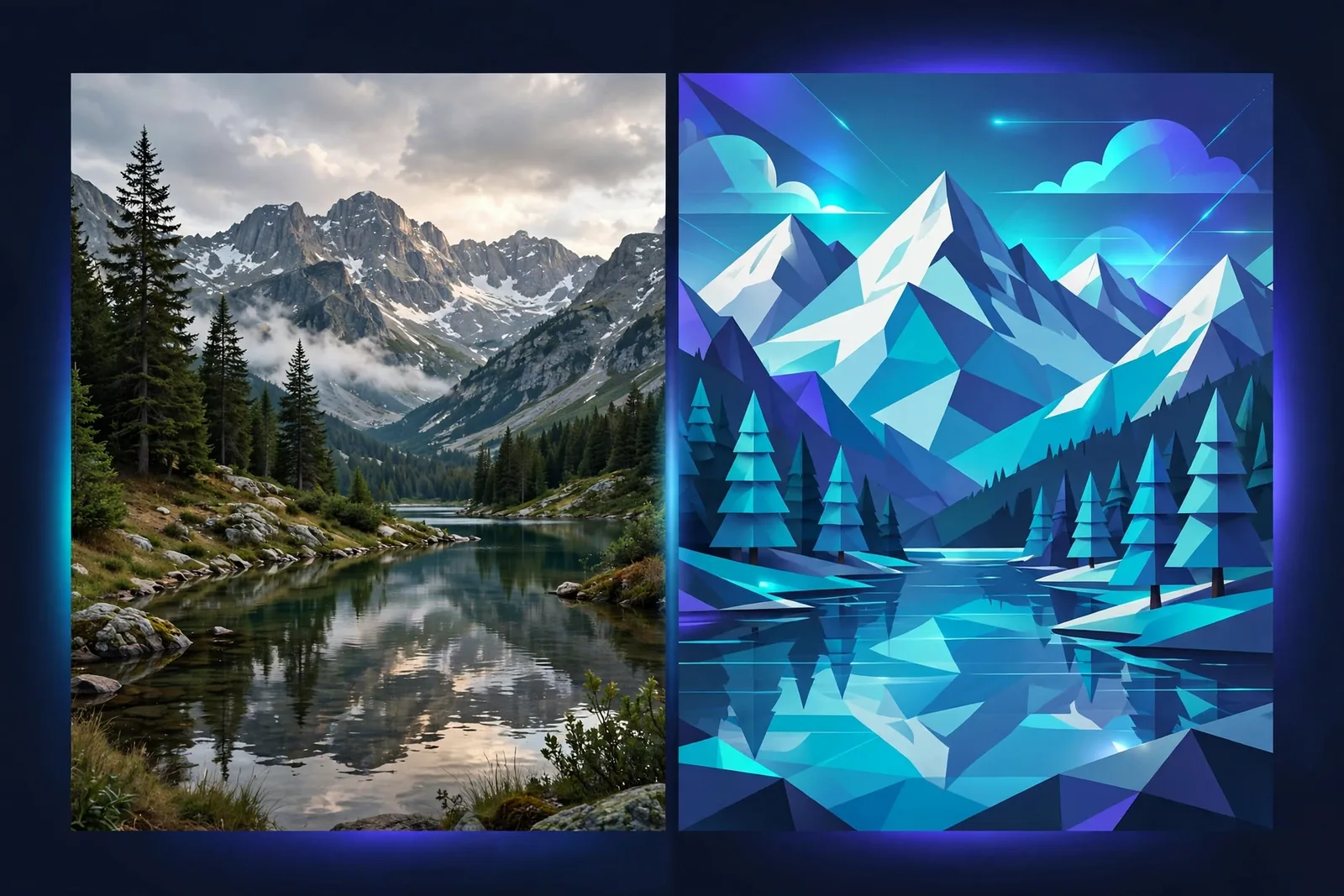
What happened when we gave both tools the same brief?
Specs and feature tables only go so far. So we gave both tools the same brief: a launch visual for a fictional fitness app, needed as an Instagram post, a story, and a blog hero image, on a two-hour deadline.
In Canva AI: we typed the brief into Magic Design, got three editable drafts in under a minute, picked one, generated a background image, dropped in the headline, applied the brand kit, then used Magic Switch to produce the story and blog sizes. Total time: about 35 minutes, coffee included. The result looked professional and on-brand. Nobody would guess AI was involved.
In Adobe Firefly: the hero image itself was clearly better. Richer lighting, more detail, the kind of image you’d put on a landing page. But then the real work started: exporting, opening a layout tool, setting type, resizing for three formats manually. Total time: just under two hours, and we already knew our way around design software. A beginner would have taken far longer.
That test is the whole comparison in miniature. Canva turned a brief into finished, published assets. Firefly produced a superior image that still needed a designer. Neither result is wrong; they answer different needs.
The cost question came up too. On paper the entry prices look similar, but they buy different things. Per Adobe’s pricing page, Firefly Standard at $9.99/month includes 2,000 generative credits a month, and on paid tiers standard image generations are unlimited, so the credits mainly go to premium features like video and third-party partner models. We found Canva Pro at $15/month covers the entire workflow for one person shipping content daily, while heavy Firefly users who also need layout often end up paying for both tools, which only makes sense if the volume justifies it.
Which should you choose: Canva AI or Adobe Firefly?
- “I need 20 social posts a week and I’m not a designer.” Canva AI, and it isn’t close.
- “I need the best possible images for client campaigns.” Adobe Firefly (plus Photoshop if you’re serious).
- “Legal/compliance reviews my assets.” Firefly, for the licensed-data story.
- “I want one subscription that does everything.” Canva Pro.
- “I’m a designer already paying for Creative Cloud.” Firefly is already in your toolkit. Use it. You’re paying for it either way, so it might as well earn its keep.
- “Print work, vectors, or photo compositing.” Firefly, without question.
Can You Use Both? (The Pro Move)
Yes, and many do. Generate premium key visuals in Firefly, then drop them into Canva for layout, typography, resizing via Magic Switch, and team collaboration. You get Firefly’s quality where it counts and Canva’s speed everywhere else. Two subscriptions, but each earns its keep if your volume justifies it.
If you go this route, set up a simple handoff habit: generate Firefly images at the highest resolution you can, save them to a shared folder with clear names, and build your Canva templates to expect those dimensions. The workflow only feels smooth if the handoff is boring and repeatable. The moment you’re re-exporting and re-cropping every time, the “pro move” becomes a time sink. A 10-minute setup of that pipeline pays for itself within the first week.
When the combo doesn’t make sense: if you’re a solo creator publishing a few posts a week, one tool is plenty. The two-tool workflow pays off when image quality is a real differentiator for your work (client campaigns, product launches, portfolio pieces) and your volume is high enough that Canva’s speed matters daily. Below that threshold, pick the one that matches your primary need and keep it simple.
Frequently Asked Questions
Which is better for beginners?
Canva AI. You can be productive in hours, with everything in one place. Firefly’s full power assumes some Adobe familiarity.
Is Adobe Firefly commercially safe?
Yes. It’s trained on licensed Adobe Stock and public domain content, with indemnification on paid plans. Among major generators, it has the safest legal story.
Can Canva AI match Firefly’s image quality?
Not at the top end. Canva is good for illustrated and graphic styles; Firefly leads on photorealism and detail.
Which is cheaper?
Entry points are similar (around $10-15/month), but they buy different things: Canva Pro is a whole suite, while Firefly Standard is 2,000 generative credits plus unlimited standard image generations. Compare against your actual usage.
Do I need Photoshop to use Firefly?
No. The web app works standalone. But the deepest value (generative fill in context, max resolution) needs Photoshop.
Can I sell designs made with these tools?
Canva Pro includes commercial rights for your designs; Firefly’s indemnification covers generated images on paid plans. Always verify current terms for your use case.
Conclusion
Ask what you’re making, not which tool is “better.” Finished designs at speed? Canva AI. Premium images with a clean legal story? Adobe Firefly. The marketer shipping daily content and the designer crafting campaign heroes have different jobs, and now you know which tool fits yours.
Want the deep dive on Canva’s suite? Read our Canva Magic Studio review.