Best AI Translation Tools in 2026: DeepL vs Google vs ChatGPT by Language Pair
There is no single best translation tool. There is a best tool for your language pair, your content type, and your privacy needs. Here they are, routed by pair.
Affiliate disclosure: this post links to the tools it covers. If you buy through one of those links, we may earn a commission at no extra cost to you.
Quick answer: For European language pairs, DeepL is the strongest default for nuance and business content. For Asian pairs, check a specialist engine (Papago for Korean and Japanese) before assuming DeepL or Google wins. For rare or low-resource languages, Google Translate wins on coverage alone, with 249 languages and dialects. For long documents where context matters across paragraphs, a general LLM such as ChatGPT or Claude can beat a dedicated engine, but it can also invent phrasing that was never in the original, which is a different failure mode from a literal mistranslation, and you need to know which one you are dealing with.
Most translation roundups rank tools as if one engine wins everywhere. It does not. Translation quality varies by language pair more than by brand, and the tool that produces the most natural German-to-English business email may be a poor choice for Urdu-to-English legal text or a Korean product manual. This article routes you by language pair first, then by job. Text, documents, or built into your product.
One boundary before we start: this article covers translating written text and documents. Learning a language is a different job with different tools, and translating video speech (dubbing) is a different job again. If you need either of those, look for a dedicated guide rather than stretching these tools to fit.
Route by Language Pair First
Your pair
Start with
Why
Watch out for
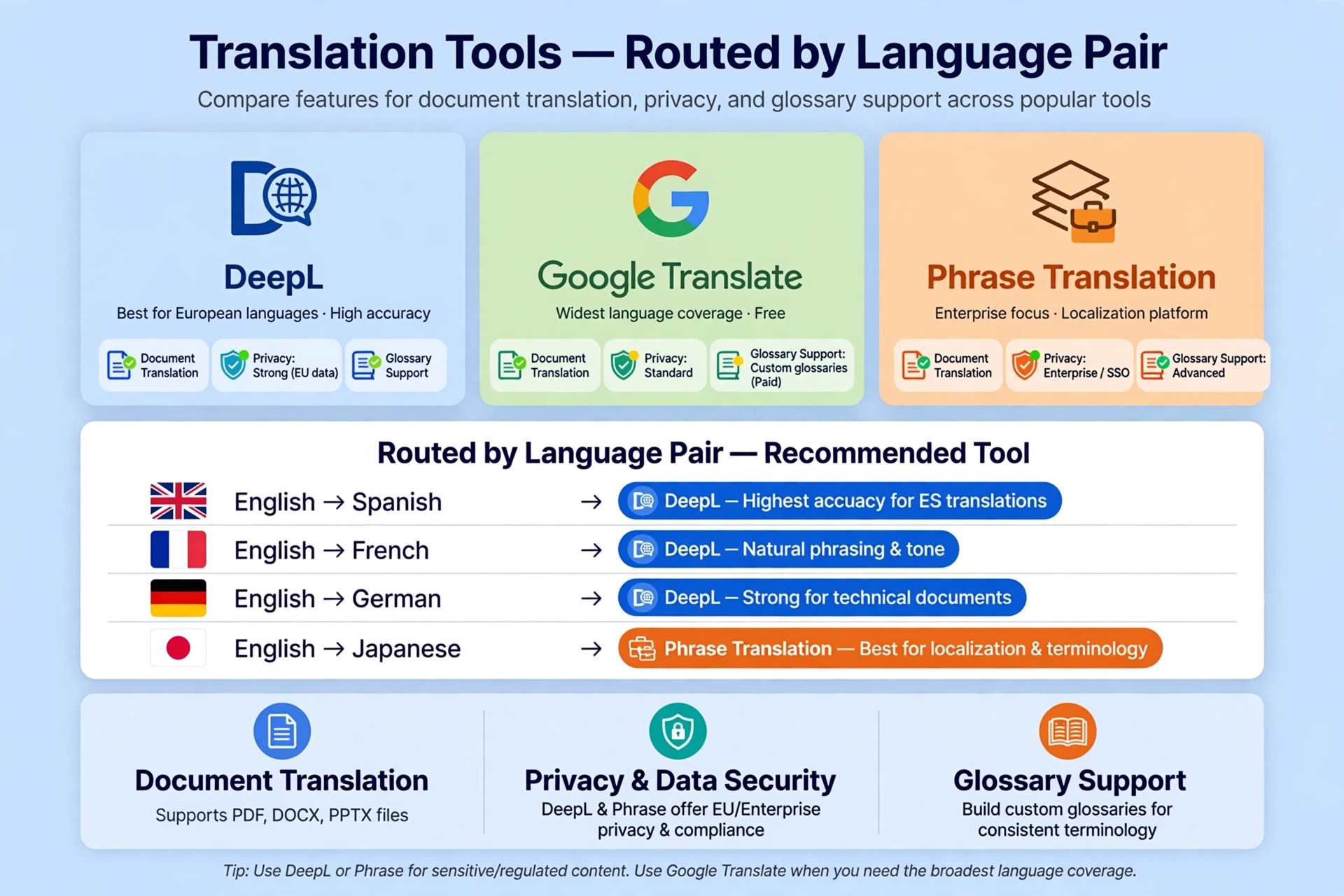
European (EN↔DE/FR/ES/IT/NL/PL etc.)
DeepL
Strongest nuance, tone control, glossaries
Smaller language list; paid tiers for volume
Korean / Japanese
Papago, then DeepL
Specialist engines trained on those pairs
Papago’s strength is regional, not universal
Chinese
DeepL or Google
Both strong on major Chinese pairs
Formality and idiom handling vary; check output
Rare / low-resource languages
Google Translate
249 languages and dialects: widest coverage
Accuracy varies widely by pair (see below)
Many languages at once (website, app)
Google or Microsoft API
Per-character API pricing scales
Quality control per language still needed
Long documents needing context
LLM (ChatGPT/Claude) + human review
Holds context across paragraphs
Can embellish or invent; never publish unreviewed
The Tools in Detail
DeepL: Best for European Pairs and Business Content
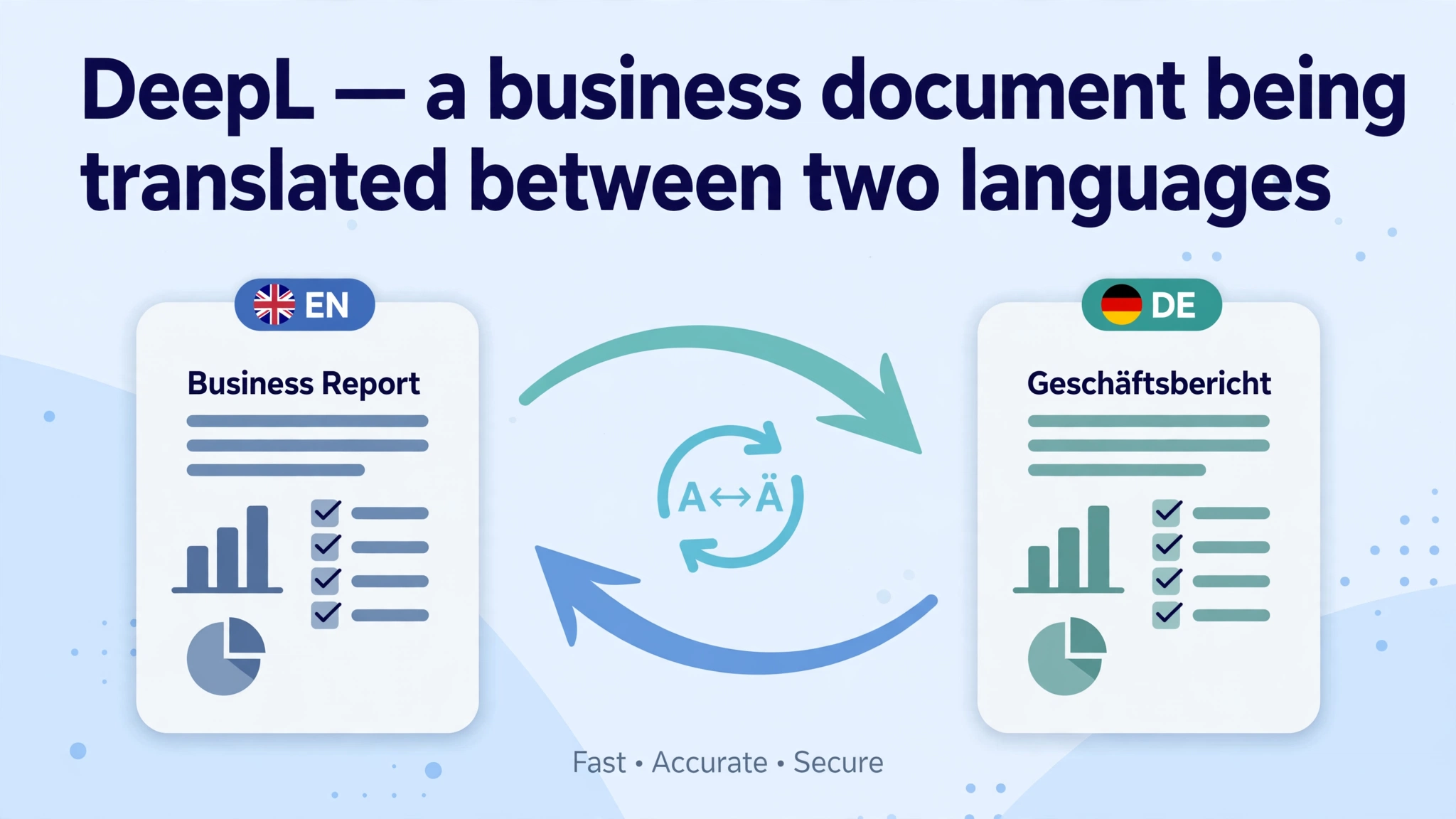
DeepL is a dedicated neural machine translation engine that trades breadth for depth. It focuses on producing natural, fluent translations in the languages it supports, with built-in tools professionals actually use: an AI glossary generator that suggests terminology from past translations, formal/informal tone selection for select languages, a desktop app, browser extensions on Pro, and CAT tool integration on higher tiers.
The accuracy evidence is real but needs its caveats. DeepL’s own blind tests found its translations rated 1.3 times more accurate than Google’s. A vendor-published figure, treat it as a claim, not a measurement. More independent: an Intento benchmark put DeepL first in about 65% of the language pairs it tested, with its edge concentrated in European combinations. A 2024 survey by the Association of Language Companies found 82% of language service companies use DeepL, against 46% for Google Translate. Those are usage figures, not accuracy scores, but they tell you what professionals reach for.
Pricing, as reported in October 2026, with a warning: DeepL’s prices vary by region, currency, and billing period, and sources disagree. The annual-billing figures most often cited are Starter $8.74 per user a month, Advanced $28.74, Ultimate $57.49; monthly billing runs roughly $10.49 / $34.49 / $68.99 for the same tiers. Starter gives each user 1 million characters and 5 documents a month (up to five users); Advanced gives unlimited text translation, 20 documents a month, glossaries, and CAT integration; Ultimate raises documents to 100 a month with a larger file-size limit. The free tier gives text translation with a per-request character limit and 3 document translations a month. File-size limits rise with tier (roughly 5MB free to 30MB Ultimate), and large image-heavy PDFs hit those caps fast.
Language count is a stale-facts trap. Older pages say DeepL supports 30 languages. DeepL has expanded well past that. Current comparison tables list 100+ languages. If you see “30 languages” on a page, that page is out of date. Check DeepL’s live language list for your pair rather than trusting any roundup’s number, including this one’s.
Google Translate: Best for Coverage and Scale
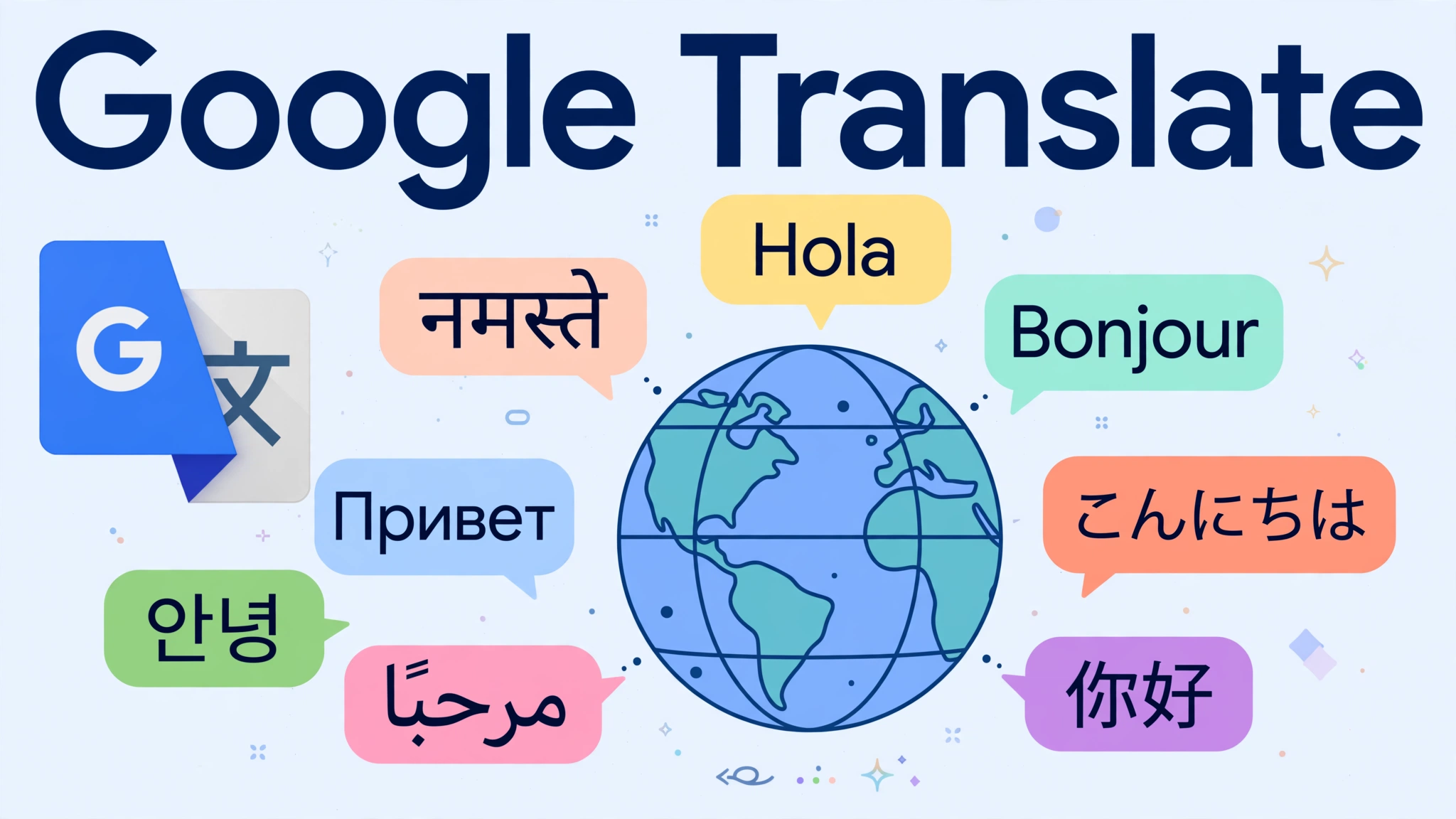
Google Translate supports 249 languages and dialects. The widest coverage of any tool here, including many lesser-known and regional languages no competitor touches. It handles text, documents, websites, camera translation, and live speech. For a quick lookup, a street sign, or a language DeepL does not support, it is the default, and the free web and app versions cost nothing.
Accuracy is where the coverage story needs its qualifier. A 2021 UCLA Medical Center study found Google’s neural machine translation preserved meaning correctly in 82.5% of cases on average, but the range ran from 55% to 94% depending on the language, with Spanish highest. That spread is the whole point: Google is excellent on high-resource pairs and unreliable on low-resource ones. A translation into a well-covered European language and a translation into a rare regional language are not the same product, even though they come from the same box.
Pricing: the consumer tool is free. The Cloud Translation API is pay-as-you-go. The first 500,000 characters a month are free, then rates start at $20 per 1 million characters, with document translation from $0.08 per page. That meter is what makes Google the right pick for building translation into a product or translating a website into twenty languages at once.
Microsoft Translator: Best Value API for Volume
Microsoft Translator is the quiet value pick of the API world: $10 per 1 million characters (half Google’s rate) with a free tier of 2 million characters a month that does not expire, and 179 languages. If you are translating at volume inside a Microsoft 365 environment, or building translation into an Azure-hosted product, the combination of the largest free allowance and the lowest per-character price is hard to beat. For one-off human translation in a browser, it is not the tool most people reach for. Its strength is the API, not the consumer experience.
Papago: Best for Korean and Japanese
Papago (by Naver) is a specialist engine whose strength is regional: Korean and Japanese pairs, where its training data and handling of honorifics and sentence structure give it an edge over general engines. It is free as an app. The honest framing is narrow: Papago is not a universal translator, and its advantage fades outside its strong pairs. But when your pair is Korean↔English or Japanese↔English, test Papago against DeepL on your actual content before deciding. The specialist often wins on the pairs it was built for.
ChatGPT / Claude: Best for Long Documents, With a Different Failure Mode
General LLMs are not translation engines. They are language models that can translate, and the difference matters. A dedicated engine like DeepL is literal: it tries to render exactly what the source says, and when it fails, it usually fails visibly. An awkward phrase, a wrong word. An LLM can fail invisibly: it can smooth over ambiguity, add connective phrasing that was never in the original, or “helpfully” clarify a sentence by changing its meaning. In a marketing text, that reads as better writing. In a contract, it is a liability.
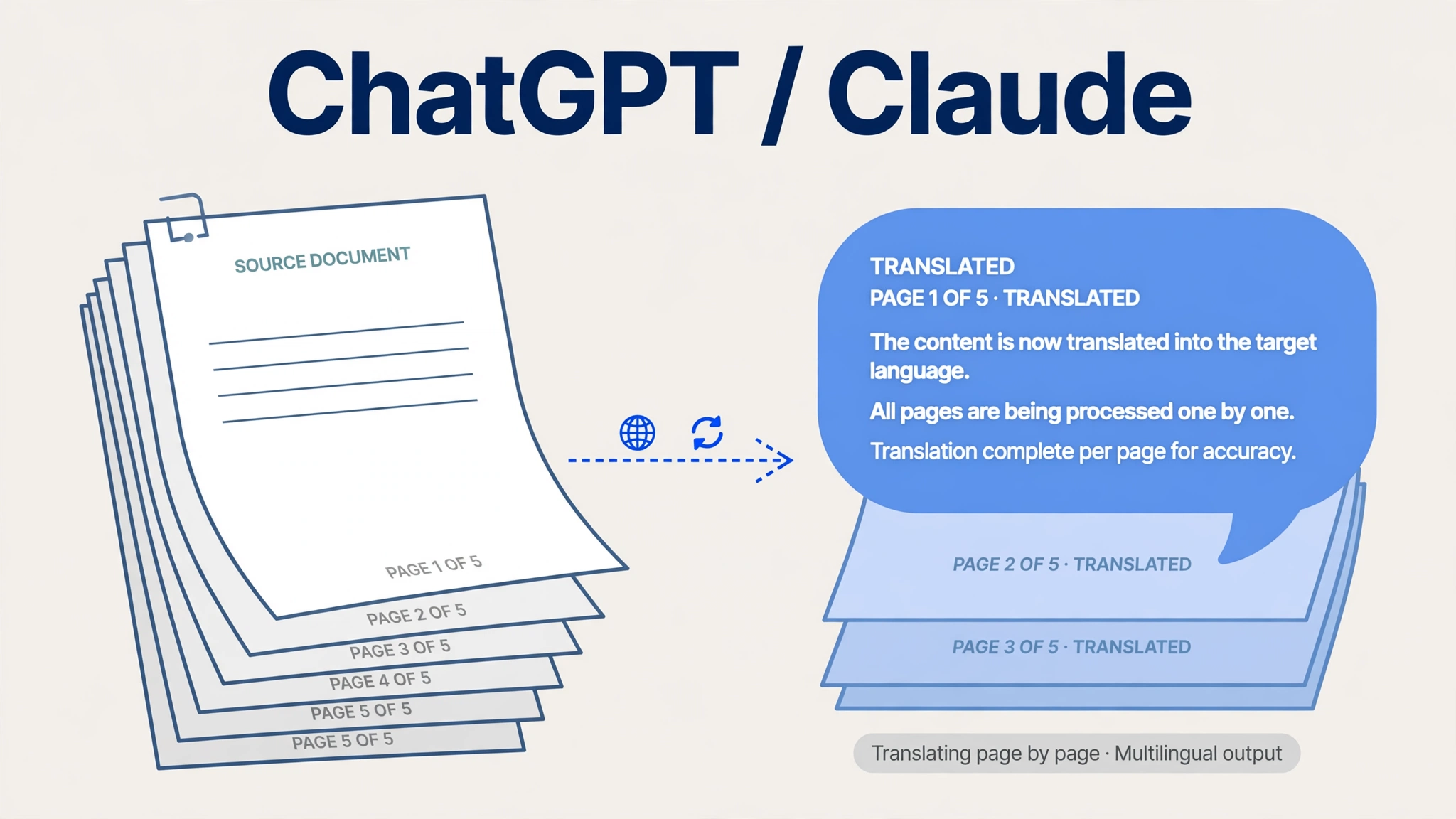
Where LLMs genuinely win is long documents. A dedicated engine translates sentence by sentence; an LLM can hold context across paragraphs, keep a character’s voice consistent through a story, or keep terminology stable across a 40-page report. Benchmark evidence supports taking LLMs seriously: an Intento 2025 analysis rated OpenAI’s GPT-4.1 the top single-agent performer across 11 language pairs, and Claude Sonnet is rated strong for European and East Asian pairs. For API pricing, LLM translation runs roughly $3 per 1 million input tokens (about $8.49 per 1 million characters at standard conversion). Cheaper per character than Google’s API, though token counts vary with the text.
The rule: use an LLM when context across paragraphs is the hard part, and always have a human who reads the source language review the output. Never publish LLM-translated legal, medical, or safety content without that review.
Amazon Translate: Best If You Already Live on AWS
Amazon Translate costs $15 per 1 million characters with a free tier of 2 million characters a month for the first year, covering 75+ languages. Its case is entirely about stack: if your product already runs on AWS, unified billing and native integration beat a marginally better engine. If you are not on AWS, there is no reason to pick it over Microsoft or Google.
Stories, long reports, marketing where voice matters
Never for
n/a
Unreviewed legal, medical, or safety content
Privacy: The Split That Matters for Business Text
Pasting business text into a free chatbot is not the same as translating it in DeepL Pro. DeepL Pro is GDPR-compliant, does not use Pro-submitted business texts to train its models, and deletes them after translation. That is the privacy story that justifies a paid tier for confidential documents.
Free consumer translators (Google Translate’s free web tool, a free chatbot) are governed by general consumer privacy terms, which are less specific about business data. If the text is a contract, an HR document, a patient-facing leaflet, or anything with personal data, use a paid tier with explicit no-training and deletion terms, or a self-hosted option. If the text is a restaurant menu, the free tool is fine. The dividing line is whether you would mind the text being stored or reviewed: if you would, pay for the tier that promises it will not be.
Document Translation: What the Free Tier Actually Gives You
Document translation is where free tiers end and subscriptions begin. DeepL’s free tier covers 3 documents a month with file-size caps; Starter raises that to 5 documents per user a month, Advanced to 20, Ultimate to 100. Google Translate’s free tool handles documents, but formatting preservation and size handling are weaker, and the API charges per page. If your job is “translate one 60-page PDF a month,” check the file-size limit and the document count before paying. A 50-page PDF counts as one document, but splitting it into chapters to dodge a size cap counts as several.
Formatting preservation is DeepL’s practical edge: translated Word, PDF, and PowerPoint files come back with the original layout largely intact, which saves the re-formatting hour that a plain-text translation costs you.
The Verification Protocol (Run It Before Anything Important Ships)
Machine translation is a draft, not a deliverable, for anything that matters. The protocol below takes minutes for short text and scales to a review pass for documents.
Back-translate the critical sentence. Translate the output back into the source language with a different engine. If the meaning moved, the first translation is suspect.
Check numbers, names, dates, and negations first. Engines garble these more quietly than anything else. A flipped “not”, a shifted decimal, a name transliterated two ways in one document.
Check glossary terms. If you defined a term, search the output for every occurrence. One inconsistent rendering in a 30-page document is the most common professional failure.
Read the output in the target language only. Does it read naturally, or does it read like translated text? A native speaker’s five-minute read catches what no automated check will.
For legal, medical, or safety content, get a qualified human translator to review. No engine on this list is a substitute, and saying otherwise would be irresponsible.
Frequently Asked Questions
Is DeepL better than Google Translate?
For European languages and nuanced business content, yes: DeepL wins on fluency, and independent benchmarks and professional usage back that up. For breadth, Google wins: 249 languages against DeepL’s 100-plus, including many languages DeepL does not cover. The right question is always “for which language pair?”
Is AI translation accurate enough for business?
For internal drafts, customer emails, and product copy with a human review pass, yes. For contracts, medical, or safety content, AI translation is a first draft that a qualified human translator must review. Accuracy varies enormously by language pair: Google’s meaning-preservation rate ranged from 55% to 94% across languages in one study.
What is the best free AI translation tool?
Google Translate, for coverage and zero cost. DeepL’s free tier is the better free option for European-pair quality, with 3 document translations a month. For occasional API use, Microsoft Translator’s 2-million-character monthly free tier is the most generous.
Can ChatGPT translate better than DeepL?
For long documents where context across paragraphs matters, sometimes: LLMs hold terminology and voice across a whole document in a way sentence-level engines do not. For short, precise text, DeepL is more reliable, because an LLM can embellish or invent phrasing that was never in the original. Use the LLM with human review, never unreviewed.
Is it safe to translate confidential documents with AI tools?
Only on a paid tier with explicit no-training and deletion terms, such as DeepL Pro. Do not paste confidential text into a free consumer translator or chatbot. If the text is sensitive enough that storage would be a problem, it is sensitive enough to pay for the protected tier.
The Bottom Line
Route by pair, then by job. European pairs: DeepL. Korean or Japanese: test Papago first. Rare languages: Google. Volume via API: Microsoft on price, Google on breadth. Long documents where context is the hard part: an LLM, always with human review. And whatever engine you pick, the verification protocol is part of the translation. A translation nobody checked is a draft, not a deliverable.
Prices verified: October 2026. DeepL pricing varies by region and billing period. Check the live pricing page before budgeting.