

Quick answer: In 2026 the best free background removers are Adobe Express (cleanest results, no signup, free commercial use) and Pixelcut (no signup, HD downloads), with Photiu as the precision pick. Heads up: remove.bg’s standalone site shuts down December 1, 2026, so plan your replacement now. Most people only need two tools — one default, one backup — and the days of paying per image for basic cutouts are over.
The “Free” Background Remover Problem
Search for a free background remover and you’ll find dozens of tools that promise the world, then watermark your image, cap your resolution at thumbnail size, or demand a signup and credit card before showing you the result. The category that remove.bg defined has gotten crowded, and “free” has gotten slippery.
We tested the current crop of free AI background removers with one simple standard: can you upload a photo and download a clean, full-resolution, watermark-free cutout without paying? Here’s what actually passed.
Context worth having: remove.bg, the tool that defined this category, has announced its standalone website shuts down on December 1, 2026, with background removal folded into Canva (and its API users redirected to Leonardo.Ai). If you’re a longtime remove.bg user looking for a new home, this guide is especially for you.
1. Adobe Express: The Cleanest Free Option
Adobe Express offers a background remover that’s genuinely free to start: no account needed to get going, clean PNG export, no watermark, and free commercial use. For most people doing occasional removals, this is the one to bookmark.
The quality is what you’d expect from Adobe. Edge detection handles hair and complex outlines well, though not quite at the level of specialized tools on the hardest cases. The interface is minimal: upload, wait a few seconds, download. No upsell gauntlet, no credit system.
Two honest caveats. Heavy use draws on Adobe’s generative-credit pool, so if you’re processing dozens of images a day, the free allowance won’t stretch forever. And if you need batch processing or fine-tuned edge refinement, you’ll outgrow it. But for the “I need this background gone right now” use case, it’s the cleanest free experience we’ve tested.
Best for: Quick one-off removals, no signup, commercial-safe output.
Signup required: No to start.
Watermark: No.
2. Photoroom: Best for High Volume
Photoroom’s free plan delivers around 250 exports per month, which is an enormous allowance for a free tier. If you’re an e-commerce seller processing product photos or a creator doing regular cutouts, this volume matters.
The catch is that signup is required, and the free tier is designed to upsell you to paid features like batch processing, HD exports, and background templates. The core removal quality is strong, particularly for product photography, which is Photoroom’s home turf.
One thing to verify on the day: Photoroom’s own site currently says free exports come without a watermark, though some reviews report watermarked free exports, so check the current terms before you batch-export a catalog. For marketplace sellers who need clean white-background product shots at volume, Photoroom’s free tier is still arguably the most practical option on this list.
Best for: E-commerce sellers, high-volume product photos.
Signup required: Yes.
Watermark: No, per Photoroom’s current site (older reviews differ; verify).
3. Pixelcut: No Signup, HD Downloads
Pixelcut has become a favorite for good reason: its own site advertises free HD downloads with no signup and no watermark. Upload your photo, get a clean cutout, download it. The whole process takes seconds.
The tool excels at product photography and portraits, with a mobile-first design that makes it genuinely pleasant to use on a phone. Processing takes seconds per image, and the edge quality on standard subjects (people, products, pets) is excellent.
Where it falls slightly short is the most complex edge cases: wispy hair against busy backgrounds, transparent objects, where specialized tools still win. For 90% of real-world use, though, Pixelcut is more than enough.
Best for: Quick mobile removals, product shots, portraits.
Signup required: No.
Watermark: No.
4. NoBG.space: The Privacy-First Pick
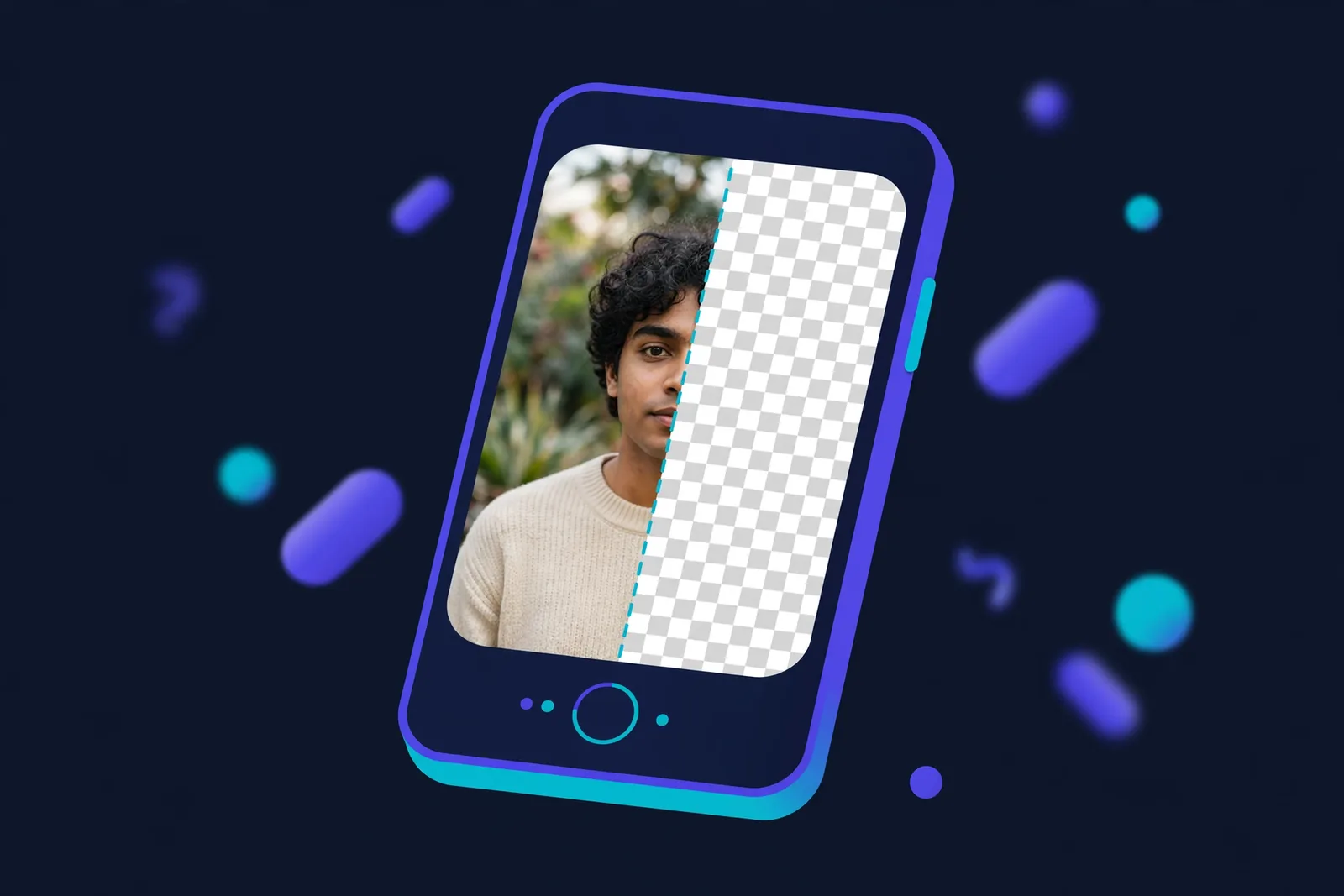
NoBG.space does something none of the others do: it runs entirely in your browser. Your photo never uploads to a server. Processing happens locally on your device, which means no account, no uploads, no data retention, unlimited use.
The quality is solid for most common scenarios. Server-based tools still win on the absolute hardest edge cases, but for standard portraits, products, and objects, NoBG.space holds its own. And the privacy angle is genuinely meaningful if you’re processing sensitive images, client photos, or anything you don’t want sitting on someone’s server.
If privacy matters to you, or you just hate creating accounts, this is your tool.
Best for: Privacy-conscious users, sensitive images, unlimited use.
Signup required: No.
Watermark: No.
5. Photiu: The remove.bg Successor
Photiu is the tool we’d point former remove.bg users to first. The free tier needs no signup and returns a clean transparent PNG, matching the classic remove.bg experience. But it goes further with an editing layer the original never had.
The standout feature, per Photiu’s own materials, is Adjust Cutout: an object-aware erase and restore brush. After the AI’s first pass, you can paint back details it clipped (stray hair strands, fabric edges) or wipe away background fragments it missed. The brush is designed to behave differently on hair than on background noise. No other mainstream free tool offers this kind of smart refinement, as far as we’ve seen.
There’s also Reselect Subject for when the AI picks the wrong foreground element, and batch uploads of up to 50 images. For anyone who lived in remove.bg, Photiu is built to feel like coming home to a renovated house.
Best for: Former remove.bg users, precise cutout refinement.
Signup required: No for basic use.
Watermark: No.
Quick Comparison
| Tool | Signup | Watermark | Standout strength |
|---|---|---|---|
| Adobe Express | No | No | Cleanest no-friction experience |
| Photoroom | Yes | No (verify current terms) | ~250 free exports/month |
| Pixelcut | No | No | HD downloads, mobile-first |
| NoBG.space | No | No | 100% private, in-browser |
| Photiu | No | No | Smart cutout refinement tools |
Prices verified: October 2026.
What About remove.bg?
The elephant in the room. remove.bg defined this category, and for professional work where maximum edge accuracy matters, it still led on the hardest cases. But its free tier had tightened over the years, with full-resolution downloads moving behind credits and paid plans, making it impractical for free use.
Now the situation is final: remove.bg announced its standalone site closes on December 1, 2026, with the feature folding into Canva. There’s no reason to build a workflow around it now. Photiu is the closest spiritual successor, and the other tools on this list cover every use case remove.bg served.
Tips for Better Cutouts
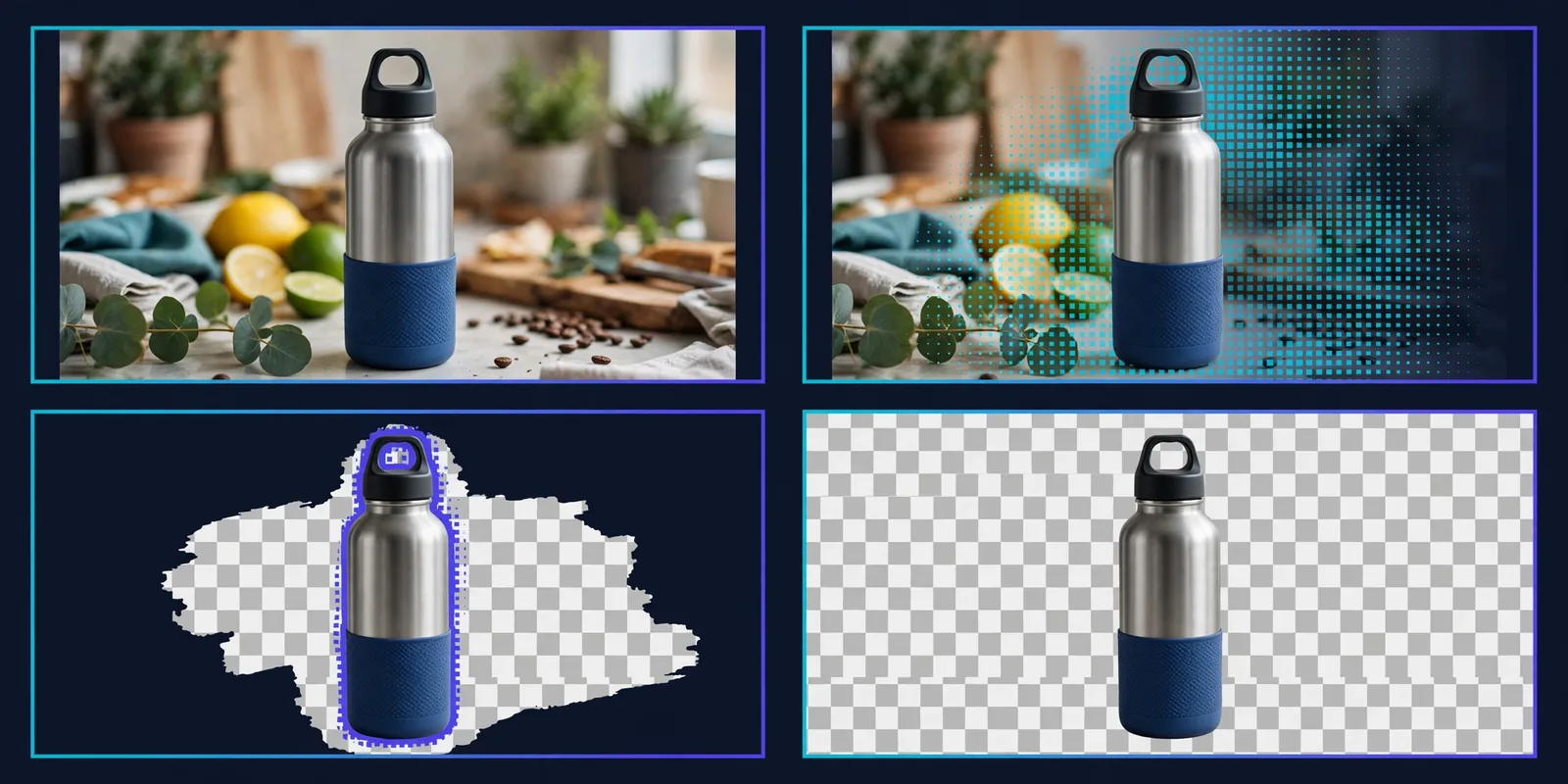
Start with good lighting. AI removal works best on well-lit subjects with clear contrast against the background. A blurry, dark photo will defeat even the best model.
Watch the edges on hair and fur. This is where every tool struggles most. If your subject has complex hair against a busy background, try Photiu’s refinement brush or run the image through twice.
Check transparency. Download the PNG and view it against a dark background to spot leftover fragments or halos the thumbnail preview hid.
For product photos, shoot with removal in mind. A plain, contrasting background makes the AI’s job trivial. You don’t need a studio; a white wall and decent light will do.
Frequently Asked Questions
What is the best completely free AI background remover?
For most people, Adobe Express (no signup to start, clean export, commercial use) or Pixelcut (no signup, HD downloads). For privacy, NoBG.space processes everything in your browser. For volume, Photoroom’s free tier allows around 250 exports per month.
Is remove.bg still working?
As of October 2026, yes, but only until December 1, 2026, when remove.bg’s standalone site shuts down and the feature moves into Canva. Plan your replacement now; Photiu is the closest alternative, and Adobe Express covers simple needs.
Can I use free background remover output commercially?
It depends on the tool. Adobe Express allows free commercial use. Others vary, so check each tool’s terms. As a rule, outputs you create are safer than outputs where the tool retains rights (some free tiers grant the platform broad licenses).
Do I need to sign up for these tools?
Adobe Express, Pixelcut, NoBG.space, and Photiu all work without signup for basic removal. Photoroom requires an account but gives you around 250 free exports monthly in return.
Which background remover is best for product photos?
Photoroom is purpose-built for e-commerce product shots with background templates and batch options. Pixelcut is excellent for quick product cutouts. Both handle the clean white-background look marketplaces require.
Can AI remove backgrounds from videos too?
Yes, but it’s a different challenge. CapCut offers free AI background removal for video on desktop and mobile. For video, expect more limitations on free tiers than with images.
Most people only need two of these: one default and one backup. Bookmark the pair that fits your use case and ignore the rest.
Conclusion
Next time you need a cutout, skip the old paid habit and try the free route first: run the same image through two of the tools above and zoom to 200% on the hair and edges. Whichever holds up becomes your default; bookmark it and stop thinking about background removal entirely. The per-image pricing era is over for basic cutouts — spend that money only when precision actually pays.