

How to Write a Resume With ChatGPT: Step-by-Step (2026)
Quick answer: You can build a real resume with ChatGPT’s free tier in about an hour: feed it raw work history, use [METRIC] placeholders so it never invents numbers, and spend 15 minutes tailoring keywords to the job description — that’s the highest-ROI step. ChatGPT is the assistant, not the author: you keep the facts and the formatting, it brings the speed and structure.
Most AI resume advice stops at “just ask ChatGPT to write your resume.” We have tested that approach, and the result is consistent: generic bullet points, hallucinated metrics, and formatting that dies inside applicant tracking systems.
A smarter approach exists, and it is less work than people assume. The idea is to give ChatGPT the jobs it is genuinely good at (drafting, keyword matching, tightening language) while you keep the two jobs it cannot do: deciding what is true and controlling the formatting. From raw work history to a tailored, ATS-friendly resume, expect about an hour for the first version, then 15 to 30 minutes per tailored application after that.
The 6-step workflow at a glance:
| Step | What to do | The key rule |
|---|---|---|
| 1. Build the base | Outline with sections, [METRIC] placeholders | Never let the AI invent numbers |
| 2. Achievement bullets | Rewrite duties as one-line impact bullets | You fill in real numbers later |
| 3. Tailor with keywords | Compare resume vs job description | 15 minutes here is the highest-ROI step |
| 4. Professional summary | 3 sentences, under 60 words | Delete every word you’d never say aloud |
| 5. ATS-format check | Single column, standard headings, PDF export | You own the layout, not the AI |
| 6. Human pass | Verify facts, then clean language, then read aloud | Facts first, polish second, perform last |
Before You Start: Gather Your Raw Material
ChatGPT can’t invent your career, no matter how good the prompt is. Before you open the chat window, compile:
- Full work history: titles, companies, dates, locations
- Responsibilities in plain language (don’t polish these yet)
- Results and numbers you can verify: revenue influenced, team size, projects shipped, time saved
- Tools and skills: software, certifications, languages
- The target job description. This is the input most people skip, and it’s the most important one.
Paste it all in raw. Ugly input is perfectly fine. Taking messy notes and turning them into clean copy is exactly what this tool is built for.
Step 1: Build the Base Resume
Start with structure before wording:
“Act as a resume writer. Here is my work history: [paste]. Create a clean resume outline with these sections: professional summary, work experience, skills, education. Use reverse-chronological order and leave [METRIC] placeholders where I should add numbers.”
The placeholder trick is the most important move in this entire guide. It stops ChatGPT from inventing “increased revenue by 34%,” which is the single most common and most dangerous AI resume failure. You fill in real numbers later. The AI never gets to guess.
Step 2: Write Achievement Bullets, Not Duties
Recruiters skim for impact, not job descriptions. For each role, prompt:
“Rewrite these responsibilities as achievement-focused bullets using strong action verbs. Keep each bullet to one line. Where I wrote [METRIC], suggest the type of metric that would strengthen the bullet without inventing a number: [paste responsibilities]”
Before: “Responsible for managing social media accounts.”
After: “Grew Instagram engagement [METRIC]% in 6 months by launching a UGC campaign across 3 product lines.”
Then you fill in your real number. The AI gives you the bullet structure; every fact inside it stays yours.
Step 3: Tailor to Each Job With Keyword Matching
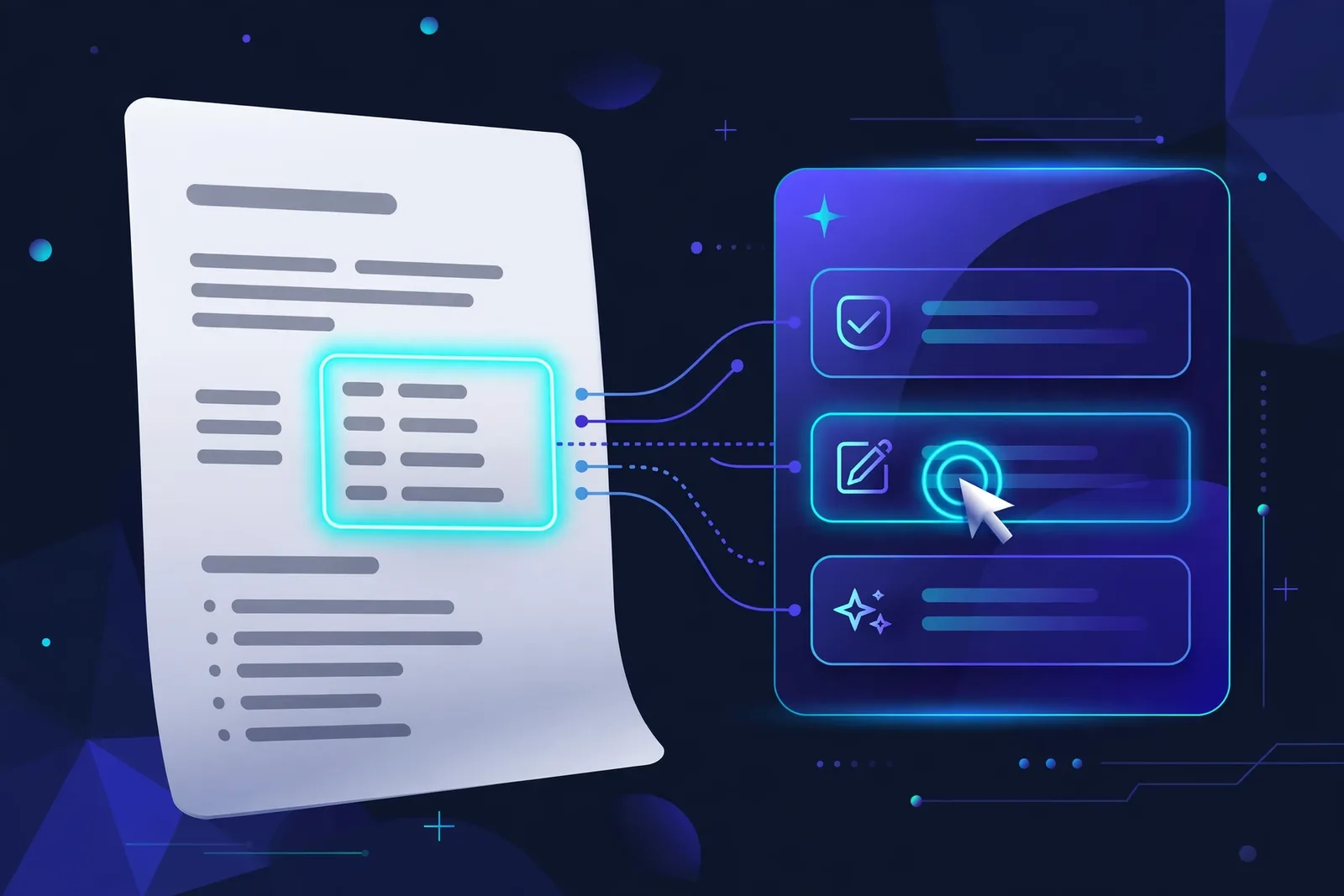
This is the step that actually gets interviews, and it’s the one most people skip. Paste the job description alongside your draft:
“Compare my resume against this job description. List the important keywords and skills from the posting that are missing or underemphasized in my resume, and suggest exactly where to add each one naturally: [resume] [job description]”
Applicant tracking systems (Workday, Taleo, Greenhouse, Lever) parse text and score keyword overlap. A tailored resume with natural keyword placement dramatically outperforms a generic one. Fifteen minutes here is the highest-ROI part of the entire workflow.
A word of caution on keyword stuffing: it backfires. A tailored, truthful resume with strong language beats a stuffed one every time, because the stuffed version collapses the moment an interviewer asks, “Tell me about this.”
Step 4: Draft the Professional Summary
Your summary answers three questions: who you are, what you do best, and what value you bring. Prompt:
“Write a 3-sentence professional summary for a [role] with [X] years in [industry]. Highlight [skill 1], [skill 2], and this achievement: [real achievement]. Keep it under 60 words, confident but not buzzwordy.”
Then delete every word you would never say out loud. If “synergized cross-functional paradigms” survives your edit, you didn’t edit hard enough.
Step 5: ATS-Format Check
Paste your finished text back in and ask:
“Review this resume for ATS compatibility. Flag any formatting risks: tables, columns, text boxes, graphics, headers/footers, non-standard fonts, missing standard section headings.”
Then format it yourself in Google Docs or Word: single column, standard headings (Experience, Education, Skills), common fonts, PDF export named FirstName_LastName_Resume.pdf. The AI drafts the wording; the layout decisions stay with you.
Why does this matter so much? Fancy templates with columns and graphics are the number one reason qualified resumes get auto-rejected. The prettiest resume template you have ever seen might be invisible to the software that decides whether a human ever reads it.
Step 6: The Human Pass (Non-Negotiable)
Before sending anything out, do this:
- Verify every fact. If you can’t defend it in an interview, delete it.
- Remove AI tics. “Leveraged,” “spearheaded,” “synergized,” any word you’d never say in real life. Cut them all.
- Read it aloud. Awkward phrasing reveals itself immediately when you hear it.
- Check for leftovers. Prompt fragments, unfilled [METRIC] placeholders, spelling inconsistencies.
The sequence matters more than people expect. Check the facts first, clean up the language second, and read it aloud last. If you read aloud before verifying, you will fall in love with sentences you then have to delete. Get the facts straight, then make them sound good, then hear them.
Copy-Paste Prompt Library
Save these for repeat use:
- Bullets: “Turn these duties into 4 achievement bullets with action verbs and [METRIC] placeholders: [duties]”
- Summary: “3-sentence professional summary for [role], [X] years, strengths: [a, b], achievement: [real one]”
- Tailoring: “Find missing keywords from this job post vs my resume and show me where to add them: [both]”
- Cover letter: “Draft a 200-word cover letter connecting my [top achievement] to this role’s [key requirement]”
- Skills section: “Organize these skills into Technical / Professional categories and flag any that are outdated for [industry]: [skills]”
One last note on the prompts themselves: they are starting points, not magic spells. The quality of the output tracks the quality of the input. Vague work history gets vague bullets. Specific, honest input gets a resume that sounds like you on your best day.
A Real Example: From Raw Notes to Finished Bullets
Theory is nice. Here is what the workflow looks like on actual messy input.
Raw notes (what you’d paste in):
“Worked at Brightline Media 2021-2024, marketing coordinator then senior. Ran the email newsletter, did social media posts, helped with the website redesign project, organized two webinars. Team of 3.”
What ChatGPT gives back (with the Step 2 prompt):
- “Grew email newsletter subscribers [METRIC]% over [METRIC] months through segmented campaigns and A/B-tested subject lines”
- “Coordinated a website redesign with a 3-person team, improving [METRIC] engagement metric post-launch”
- “Planned and executed 2 webinars generating [METRIC] qualified leads”
Your job: fill in the real numbers, delete any bullet you can’t defend, and cut the ones that sound like someone else’s career. The AI turned vague duties into achievement-shaped containers. You decide what goes in them.
Notice what did not happen here. No invented numbers. No AI-chosen job title. No AI decision about which roles to include. All of that judgment stayed on your side of the table, which is exactly where it belongs.
One more tip from experience: run the whole resume through the AI one final time with “tighten this without changing any facts.” It is a good editor of its own work when you give it that explicit constraint, and it will cut fluff it created without touching anything true.
Frequently Asked Questions
Will employers know I used ChatGPT?
Probably not from the text alone, and employer surveys lean in your favor: a 2025 Zety survey of 500 HR managers found roughly two-thirds approve of candidates using AI for resume creation. What employers actually reject is generic, uncustomized content (a 2025 Resume Now survey found 62% of hiring managers reject AI-generated resumes that lack a personal touch). The takeaway is consistent across these polls: a tailored, truthful AI-assisted resume is fine; a copy-paste generic one is not.
Can an AI-written resume pass ATS?
Yes, if the formatting is clean (single column, standard headings) and the keywords match the posting. The AI helps with wording; you make sure the structure is machine-readable.
Should I let ChatGPT invent metrics for my bullets?
Never. Use [METRIC] placeholders and fill in real numbers. Fabricated achievements are a firing offense if discovered, and interviewers can always tell when you can’t discuss “your” results.
Is it better to use ChatGPT or a dedicated AI resume builder?
ChatGPT (free) plus your own formatting handles most cases. Dedicated builders (Teal, Rezi, Kickresume) add ATS scoring and templates, which is worth it if you’re applying at high volume.
How long does this take?
First resume: 1–2 hours including gathering materials. Each tailored version after that: 15–30 minutes, mostly the keyword-matching step.
Do I need ChatGPT Plus for this?
No. The entire workflow runs on the free tier.
Conclusion
ChatGPT is the fastest resume assistant ever built, but it is an assistant, not an author. You bring the facts, the judgment, and the voice. It brings speed, structure, and keyword intelligence. That division of labor is what produces a resume that survives both the screening software and the human interview.
Need the visual to match? Generate a professional photo with our guide to free AI headshot generators.