Affiliate disclosure: this post links to the tools it covers. If you buy through one of those links, we may earn a commission at no extra cost to you.
Quick answer: For most small teams, the answer is Help Scout (free for 5 users, then $25 a user a month) if you answer mostly by email, Freshdesk Growth ($19 an agent a month, first 500 AI sessions included) if you want a classic helpdesk with AI to try at no extra cost, or Zoho Desk (from $7 an agent a month) if price decides. The number to watch is not the seat price, it is seats plus AI-agent fees, because most vendors bill the AI separately per resolution or per session. A chatbot is a different product: if you only need a chat widget that answers questions, you do not need a helpdesk at all.
Support software has three products hiding under one label, and buying the wrong one is the most common mistake in this category. A chatbot is a front-end widget that answers questions on your website. A helpdesk is the system behind support: ticketing, a shared inbox, agent workflow, a help center, and reporting. An AI agent is the layer inside a helpdesk that resolves tickets on its own, usually billed per resolution. This article is about helpdesks (the middle product) with the AI agent priced in. Chatbots get one section at the end, not a ranking. If the chatbot itself is the purchase, our comparison of the best AI chatbot for small business prices the main options by real monthly cost.
What It Really Costs: Seats Plus AI at 2, 5, and 10 Agents
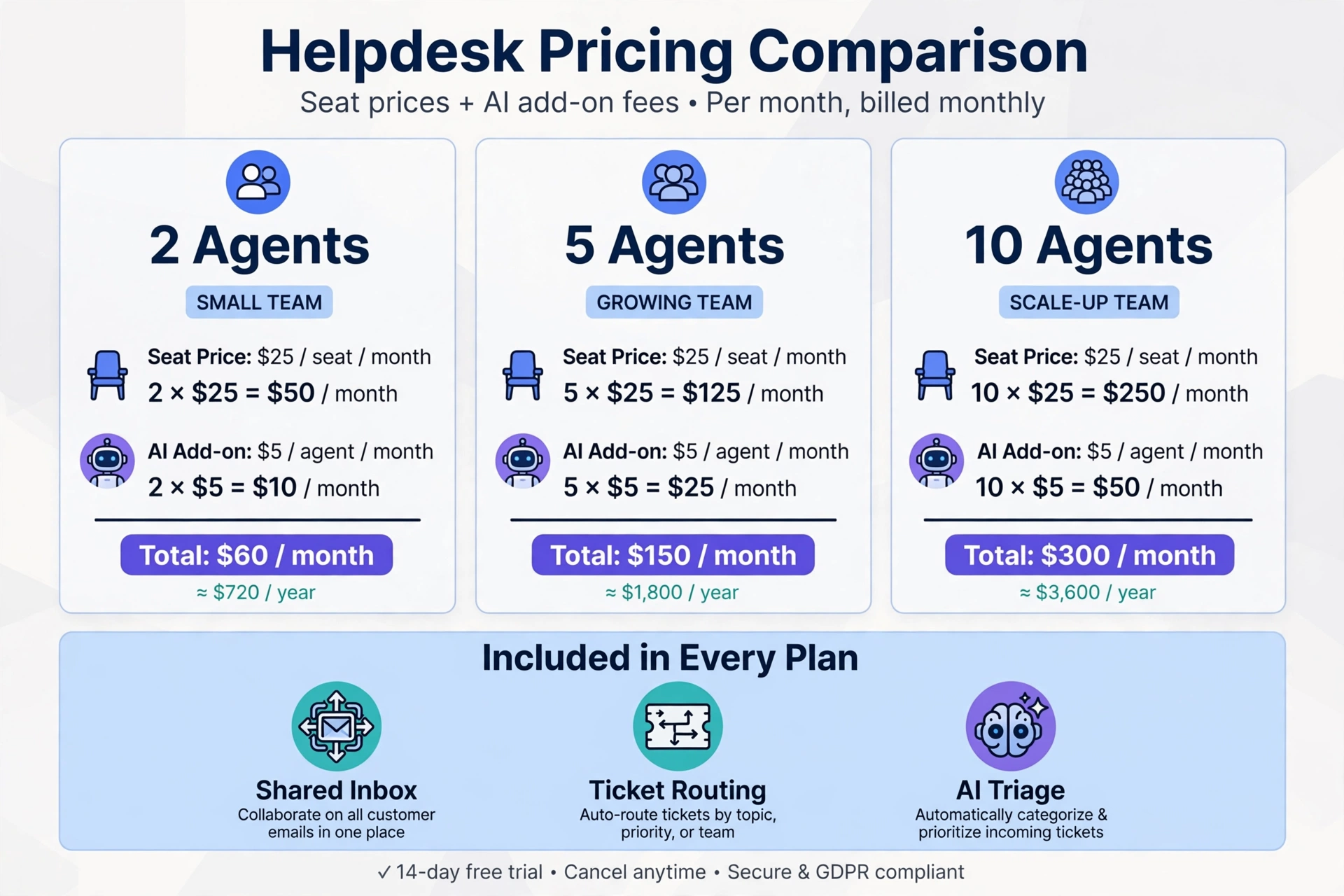
Seat prices are the sticker. AI-agent fees are the bill. This table prices a team at three sizes, assuming 300 AI-handled conversations a month, a realistic load for a small team with a help center worth answering from. Seat prices use annual billing.
Tool
2 agents (seats only)
5 agents (seats only)
5 agents + 300 AI resolutions
10 agents + 300 AI resolutions
Help Scout (Standard)
$50
$125
$125 + $225 = $350
$250 + $225 = $475
Zoho Desk (Standard)
$28
$70
$70 (no AI on Standard)
$140 (no AI on Standard)
Zoho Desk (Professional, with Zia)
$46
$115
$115 (Zia included in seat)
$230 (Zia included in seat)
Freshdesk (Growth)
$38
$95
$95 + $0 (first 500 sessions) = $95
$190 + $0 = $190
Zendesk (Suite Team)
$110
$275
$275 + ~$413 = ~$688
$550 + $375 = $925
HubSpot (Professional)
$180 + $1,500 onboarding
$450 + $1,500 onboarding
$450 + $150 + onboarding = $600+
$900 + $150 + onboarding = $1,050+
Intercom (Essential + Fin)
$58
$145
$145 + $297 = $442
$290 + $297 = $587
Crisp (Mini / Essentials)
$45 (4 seats)
$95 (Essentials, 10 seats)
~$95 to $110 (credits)
~$95 to $120 (credits)
Gleap (Team)
$149 (unlimited seats)
$149 (unlimited seats)
$149 + $87 = $236
$149 + $87 = $236
How the AI figures were worked out:
Help Scout: AI Answers at $0.75 per resolution. 300 × $0.75 = $225.
Zoho: Zia starts on Professional ($23 a user a month), so Standard’s $70-for-five figure buys no AI. Professional’s seat price includes the AI, the cheapest honest AI-included price on this list.
Freshdesk: The first 500 Freddy sessions are included on every plan, then $49 per 100. At 300 sessions a month you stay inside the allowance, so the AI costs $0, but sessions are billed whether or not they resolve the question, so a session is not the same as a resolution.
Zendesk: Suite Team includes 5 resolutions per agent a month (25 at 5 agents, 50 at 10), then $1.50 to $2.00 each. At 300 resolutions with 5 agents: 275 extra × $1.50 ≈ $413 at the committed rate (up to ~$550 pay-as-you-go). With 10 agents: 250 extra × $1.50 = $375. Either way, Zendesk’s AI bill is the steepest here.
HubSpot: Professional is $90 a seat plus a required one-time $1,500 onboarding fee. Customer Agent costs $0.50 per resolved conversation: 300 × $0.50 = $150. The onboarding fee alone disqualifies HubSpot for most small teams buying support standalone.
Intercom: Essential at $29 a seat plus Fin at $0.99 per resolution: 300 × $0.99 = $297.
Crisp: Mini at $45 includes $5 of AI credits (roughly 90 conversations); Essentials at $95 includes $25 (roughly 450). At 300 conversations, Essentials covers it inside the included credits, with small pay-as-you-go overflow possible.
Gleap: Team at $149 a month covers unlimited seats; Kai Support at $0.29 per resolution: 300 × $0.29 = $87.
Two patterns jump out. First, the cheapest seat price is not the cheapest support system: Freshdesk’s included sessions make it the lowest total cost at 300 sessions, while Zendesk’s per-resolution fees make the most expensive seat price dramatically more expensive. Second, workspace pricing (Crisp, Gleap) beats per-seat pricing once the team grows, Gleap Team costs the same $149 whether you have two people or twenty.
The 8 Helpdesks in Detail
1. Help Scout: Best for Email-First Teams
Help Scout is a shared inbox that feels close to email, with Docs for the help center and Beacon for chat. The free plan covers 5 users, one inbox, one Docs site, and 100 contacts a month. Standard costs $25, Plus $45, and Pro $75 per user a month billed annually. AI Answers costs $0.75 per resolution, with a three-month free trial for new accounts.
Best for small teams that answer mostly by email and value a calm, simple tool. The limits: the free plan’s 100 contacts a month is soon outgrown, and every user is a paid seat on paid plans.
2. Zoho Desk: Best for the Lowest Per-Agent Price
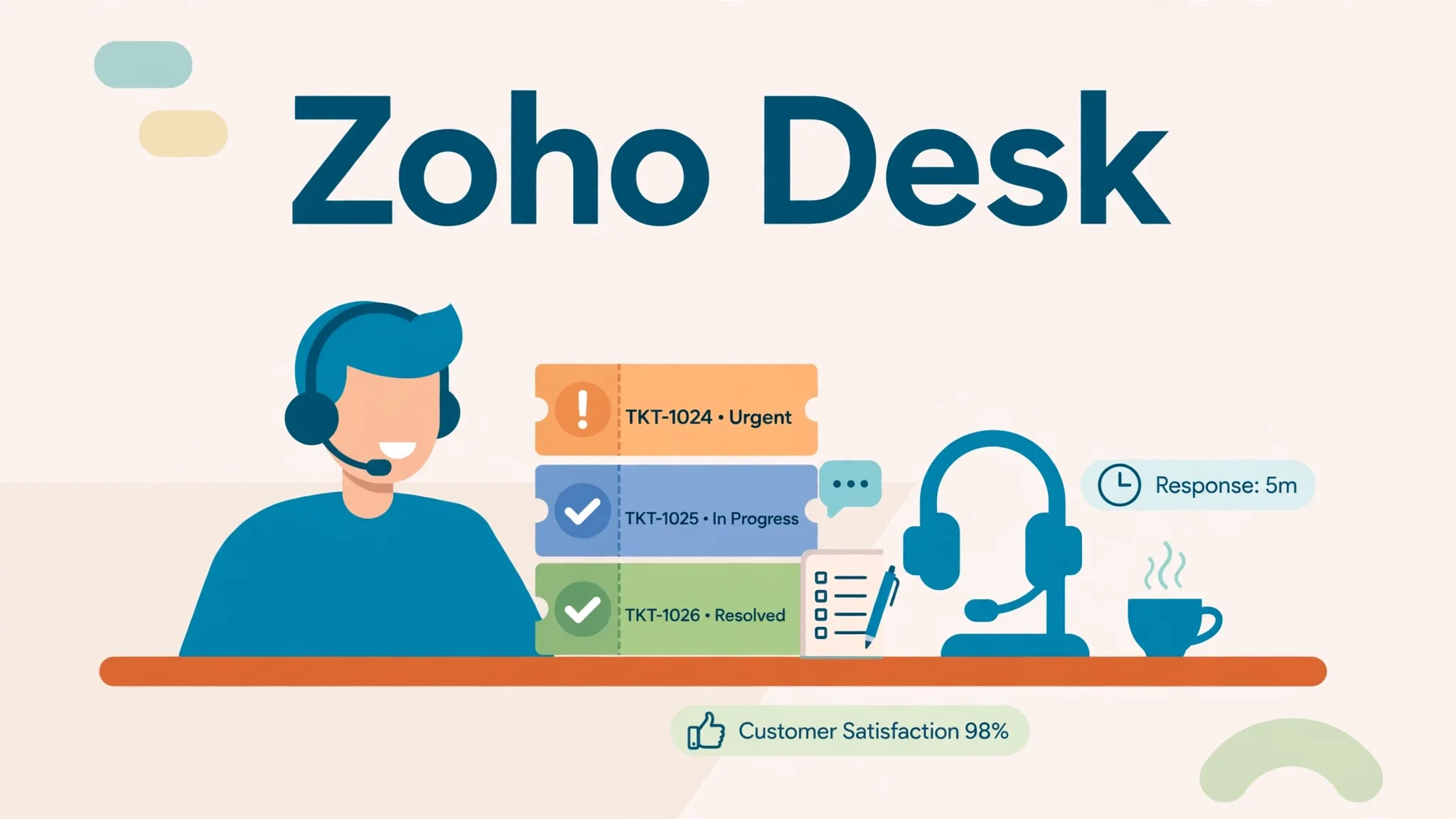
Zoho Desk is a multichannel helpdesk inside the Zoho suite. Express costs $7, Standard $14, Professional $23, and Enterprise $40 per agent a month billed annually. The free plan covers 3 users and the trial runs 15 days.
Best for small businesses already on Zoho apps, or where price decides. The catch: Zia, the AI, starts on Professional, so AI costs $23 per agent a month or more. If you buy Standard to save money, you are buying a helpdesk without its AI.
3. Freshdesk: Best Classic Helpdesk With AI Included
Freshdesk covers email ticketing, a customer portal and knowledge base, and reporting. Growth costs $19, Pro $55, and Enterprise $89 per agent a month billed annually. Every plan includes the first 500 Freddy AI Agent sessions, then $49 per 100.
Best for small teams that want a traditional ticketing tool with an AI agent to try at no extra cost. Two cautions: there is no free plan on the current pricing page (14-day trial only), and AI sessions are billed whether or not they resolve the question, so track resolutions, not sessions, when you judge whether the AI earns its keep.
4. Zendesk: Only If You Expect to Scale Fast
Zendesk Support Team costs $19 per agent a month billed annually for email ticketing, routing, and automations. Chat, a help center, AI agents, and telephony need Suite Team at $55 per agent. Suite Professional is $115.
Zendesk is the deepest omnichannel platform here: routing, SLAs, a giant marketplace, reporting that satisfies enterprises. It is also the most expensive once AI is included, and it carries more configuration than most small teams need. Buy it when you expect to grow into a large service operation and want the ecosystem from day one. Do not buy it as a first helpdesk for a two-person team.
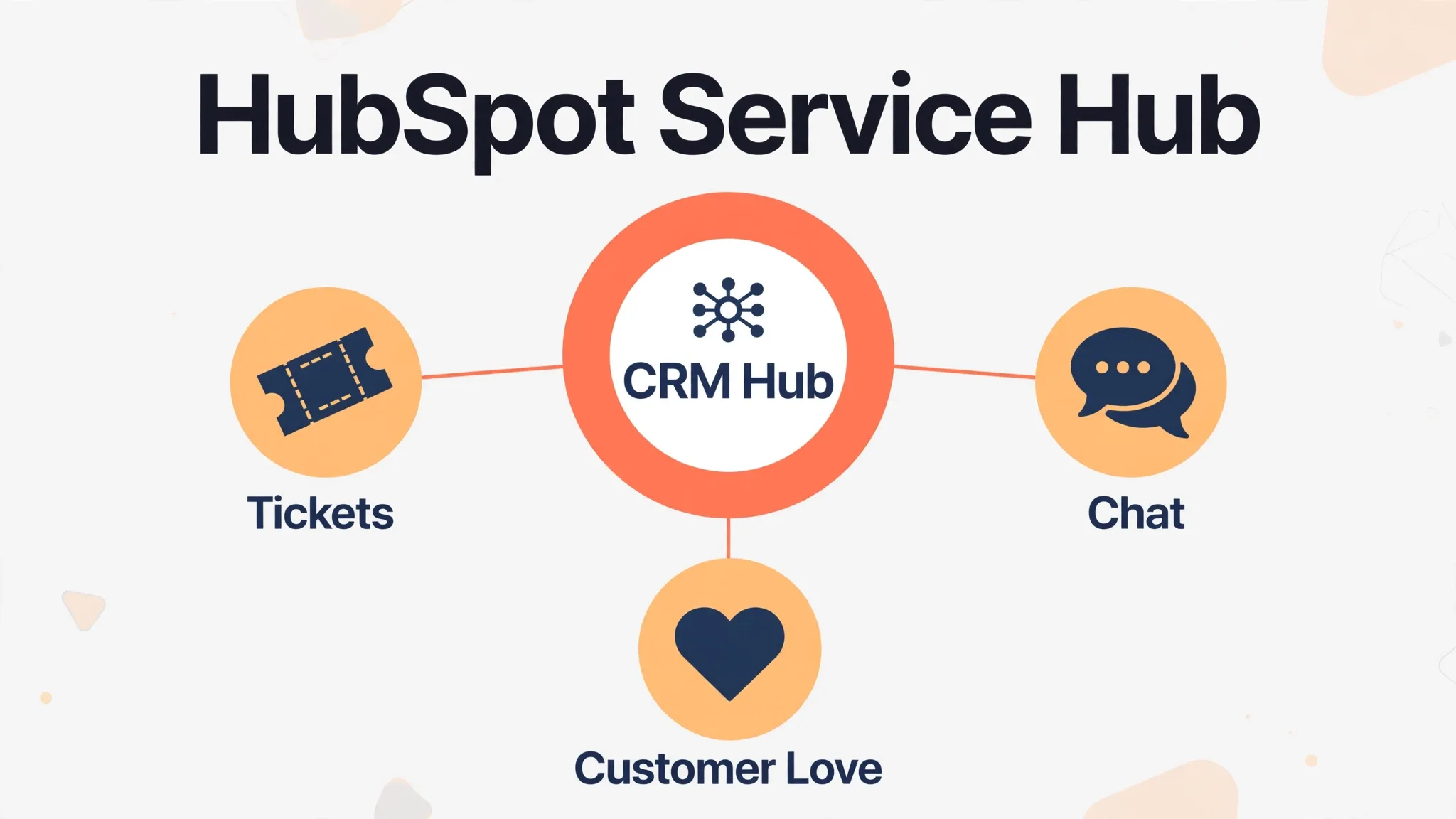
5. HubSpot Service Hub: Only If Your CRM Is Already HubSpot
Service Hub puts tickets and customer records in the same CRM as sales and marketing. Free tools cover 2 users. Starter is listed from $7 per seat a month (shown as a discount from $20). Professional costs $90 per seat plus a required $1,500 onboarding fee, and the Customer Agent, help desk workspace, and knowledge base start on Professional, with the agent at $0.50 per resolution.
The case for HubSpot is the CRM: if sales and marketing already run on HubSpot, support tickets land in the same contact record with no syncing. The case against it is the price of entry: $1,500 in onboarding before the first ticket. If you are not on HubSpot, you would be paying the highest total on this list for a support tool other vendors sell for $19 to $25 a seat.
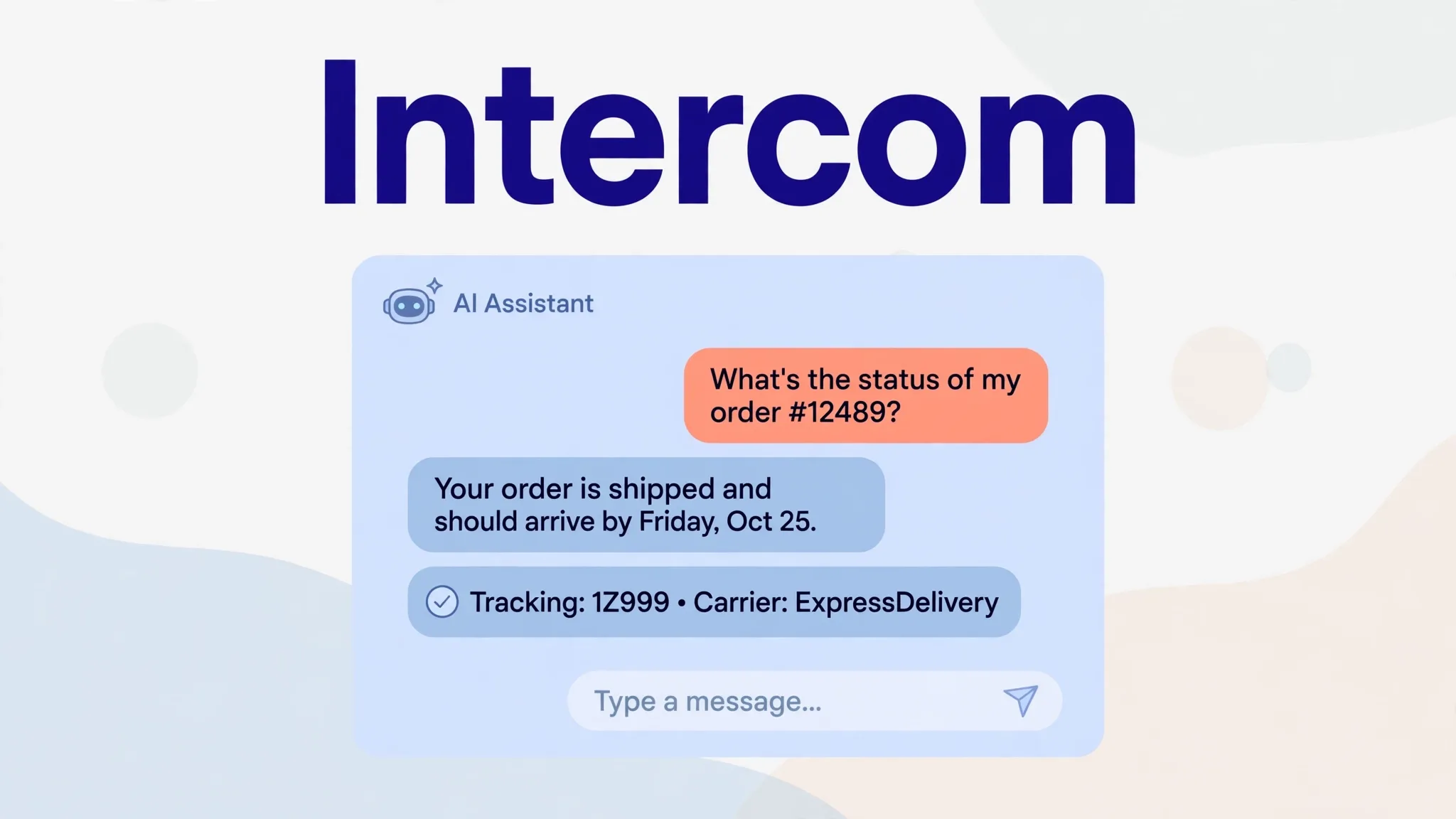
6. Intercom: Best AI-First Support
Intercom’s Fin is the most sophisticated AI agent in this category: it reads your help center, past conversations, and connected sources, answers on its own, and escalates to a human with full context when it cannot resolve the issue. Essential seats cost $29 a month billed annually, and Fin costs $0.99 per resolution, charged at most once per conversation, and free when it escalates without resolving.
Fin fits when each conversation carries real money and a mishandled reply costs more than a dollar. At 300 resolutions a month, Fin alone costs $297 before seats. For simple, low-value questions, that is more agent than the job needs.
7. Crisp: Best Flat Workspace Price
Crisp bundles live chat, a shared inbox, a help center, and the Hugo AI agent per workspace, you pay per workspace, not per seat. Mini costs $45 a month with 4 seats and $5 of AI credits, Essentials $95 with 10 seats and $25 of credits, and extra seats are $10 a month. The free plan covers 2 seats without AI.
Best for small teams that mainly chat with website visitors and want one predictable price. The catch: no published price for AI credits beyond the included amount, so heavy AI use means budgeting against an unknown per-conversation rate.
8. Gleap: Best for Small Software Teams
Gleap is AI-native support for software teams: a multichannel inbox, live chat, a knowledge base, in-app bug reporting, and feature voting, with AI agents built in. Starter costs $29 a month billed annually with one seat and Kai Support. Team costs $149 a month with unlimited seats and all agents: Kai Support answers customers at $0.29 per resolution, Kai Resolve investigates hard tickets at about $0.49 per investigation, Kai Code opens pull requests your team reviews, and Kai Copilot drafts replies.
Best for SaaS and app companies where support questions turn into bug reports and feature requests, and engineers need to see tickets without buying seats. For two or three people, Team costs more than per-seat tools, Starter has one seat, and there is no phone or SMS channel.
Help Centers: The Feature Everyone Skips
Every roundup ranks the inbox and the AI and treats the knowledge base as a checkbox. That is backwards. A good help center deflects tickets before they exist, and it is what the AI agent answers from, a bot grounded in a thin help center gives thin answers.
Compare three things when you evaluate help centers:
Article surfacing. Can customers find answers without opening a ticket: search that works, suggested articles on the contact form, and a chat widget that shows help center results before offering a human?
AI grounding. Does the AI agent answer strictly from your help center, and does it say “I don’t know” when the answer is not there? An agent that improvises from general knowledge will invent your refund policy sooner or later.
Maintenance cost. Who updates articles when a policy changes, and does the tool flag stale content? A help center with 40 outdated articles is worse than no help center, it gives customers wrong answers with your branding on them.
Help Scout’s Docs, Freshdesk’s portal, and Zoho’s knowledge base all clear the basic bar. The differentiator is not the editor; it is whether your team will actually maintain the articles. Budget one hour a month for it, or the help center rots.
FAQ Generation and Triage: Two Features, Not Two Products
Two standalone categories sometimes get pitched to small teams. Both are features inside every helpdesk’s AI layer, not separate purchases.
FAQ generation (turning your tickets into help center articles) is a help-center workflow, not a tool category. The useful version is simple: your helpdesk should surface the questions your team answers repeatedly and draft article outlines from them, which a human then edits and publishes. Every tool above does some version of this. Do not buy a standalone “AI FAQ generator” for it.
Ticket triage (routing, tagging, and prioritizing incoming tickets) is likewise built into every helpdesk here. Compare it as a feature: does the tool auto-tag by topic, route by urgency or language, and escalate VIP customers? The differences are in accuracy and configurability, not in whether triage exists. A standalone triage product only makes sense at enterprise ticket volumes a small team will never see.
The Shared-Inbox-to-Helpdesk Ladder
Most small teams do not start with a helpdesk. They start with a shared Gmail inbox, and that works, until it does not. Graduate when you hit any of these:
Collisions. Two people answer the same customer twice, or nobody answers because each assumed the other would.
No assignment. Emails sit unanswered because no one owns them, and nobody can see the backlog.
No memory. A customer writes back and nobody knows what was promised last time, because the thread lives in someone’s personal inbox.
No reporting. You cannot answer “how many tickets this week, and what were they about?” without counting by hand.
No self-service. Every repeat question becomes a fresh email, because there is nowhere to send customers first.
If none of those are true, stay on the shared inbox and spend the money elsewhere. A helpdesk you do not need is process theater. If two or more are true, the free plans above (Help Scout for 5 users, Zoho for 3) are the zero-cost first step.
If You Only Need a Chat Widget, Not a Helpdesk
One boundary section, because this is where buyers waste money. If your only problem is answering repeat questions on your website (a widget that deflects “what are your hours?” and “where is my order?”) you need a chatbot, not a helpdesk. Chatbot tools are priced by conversation or by credits and take an afternoon to set up. Do not buy a $275-a-month helpdesk to solve a widget problem, and do not buy a chatbot expecting ticket routing, SLAs, and a help center. Different products, different jobs.
Switching: What Migration Actually Takes
Migrating from one helpdesk to another typically takes 2 to 4 weeks depending on data volume and workflow complexity. Most platforms offer import tools for tickets, contacts, and knowledge base articles. Plan to run both systems in parallel for at least a week so nothing falls through the cracks, train the team before the cutover date, and update any customer-facing documentation that references the old system. The migration cost is the real reason to pick carefully the first time, the second move is always more expensive than the first.
Frequently Asked Questions
What is the difference between a helpdesk, a chatbot, and an AI agent?
A chatbot follows scripts or answers from content on your website. A helpdesk is the ticketing system: shared inbox, assignment, SLAs, help center, reporting. An AI agent works inside the helpdesk, resolving tickets on its own, usually billed per resolution. You can buy a chatbot without a helpdesk, but an AI agent without a helpdesk has nowhere to work.
Is there a free helpdesk for small businesses?
Yes. Help Scout is free for 5 users and 100 contacts a month, Zoho Desk for 3 users, Crisp for 2 seats, and HubSpot’s free tools for 2 users. Free plans leave out most AI and automation, so check the limits against your volume. Freshdesk has no free plan, a 14-day trial only.
How much does helpdesk software cost for a small business?
Most helpdesks charge $7 to $25 per user a month on entry plans billed annually, so five users cost about $35 to $125 a month before AI. Workspace-priced tools charge a flat fee: Crisp from $45 a month, Gleap Team at $149 with unlimited seats. AI agents are usually billed on top by usage: $0.29 to $0.99 per resolution, or per session.
Should a small business use Zendesk?
Zendesk Support Team at $19 an agent a month is reasonable for email ticketing. But chat, a help center, and AI agents need Suite Team at $55 an agent, and Zendesk is built for larger teams with administrators. Most small teams find a lighter tool faster to set up.
Do small businesses need an AI helpdesk?
Not always. An AI agent that answers common questions from your help center saves the most time on a small team, but only if your help center is good. Fix the help center first; the AI is only as good as what it reads from.
The Bottom Line
Start from your channel and your team size in a year. Email-first teams of up to five can start free on Help Scout. Budget-first teams should compare Zoho Desk and Freshdesk, and read the AI line before choosing between them, because Zoho’s AI starts on Professional while Freshdesk’s first 500 sessions are included. Chat-first teams should look at Crisp. Software teams should try Gleap. And whatever you buy, price seats plus AI together: the seat price is the sticker, and the AI bill is the cost. For the wider small business stack, see our guide to the 8 best AI tools for small businesses.