
Quick answer: If you only adopt a few AI tools this year, make them these eight: ChatGPT for everyday writing and thinking work, HubSpot for customer records, Tidio for website chat, QuickBooks for the books, Canva for design, Zapier for connecting your apps, Otter.ai for meeting notes, and Mailchimp for email. Seven of the eight have a usable free plan, and every price below was checked against the vendor’s own pages on 31 October 2026.
Most small business owners do not need more software. They need the four or five hours a week that vanish into emails, invoices, follow ups and meeting notes. The tools below were picked job by job, the way an owner actually works, rather than as a pile of impressive features. For each one you get what it does in plain language, what it really costs, and one honest limit so you can decide fast.
How these picks were chosen
Every tool here had to pass three tests. First, it has to remove a recurring job, not create a new one to manage. Second, a free plan or a genuinely cheap entry tier has to let a small team try it before paying. Third, the pricing has to be readable: if a vendor hides the real cost behind credits and add ons, that counts against it. Prices, plan names and free plan limits were checked on vendor pages and plan documents for this update, and user reviews were used for the limits and complaints vendors do not advertise. Judge any tool the same way: by the hours it hands back and the errors it prevents, not by how clever it sounds.
The 8 tools at a glance
| Tool | The job it takes over | Free plan | Paid starts at |
|---|---|---|---|
| ChatGPT | Writing, planning and everyday questions | Yes | Plus, $20 a month |
| HubSpot | Customer records and follow up | Yes, up to 2 users | Starter, $20 per seat a month |
| Tidio | Website chat and customer questions | Yes, 50 conversations a month | Starter, $29 a month |
| QuickBooks | Books, invoices and cash flow | Limited free tier | Simple Start, $38 a month |
| Canva | Design, social posts and product photos | Yes | Pro, $18 a month |
| Zapier | Connecting apps, automating busywork | Yes, 100 tasks a month | Professional, $19.99 a month billed annually |
| Otter.ai | Meeting notes and action items | Yes, 300 minutes a month | Pro, $16.99 a month |
| Mailchimp | Email campaigns and follow ups | Yes, 250 contacts | Essentials, $13 a month |
Prices checked 31 October 2026. Paid prices use monthly billing unless the table says otherwise, because that is the price a new customer actually meets first.
1. ChatGPT: the everyday assistant
ChatGPT is the best first AI tool for a small business because it covers the widest spread of daily writing and thinking work in one place: customer emails, quotes, job adverts, product descriptions, social posts, and first drafts of almost anything. Ask it to turn a rambling voice note into a tidy customer reply, or to read a long supplier document and pull out the three things that matter.
The free version is enough to learn your way around. Plus, at $20 a month, raises the limits and adds file analysis, web browsing and custom GPTs, which are small purpose built assistants you can set up for repeated jobs like drafting replies in your tone of voice. Business plans start at $20 per user a month billed annually, with a two seat minimum.
The honest limit: ChatGPT speaks with total confidence even when a detail is wrong, so prices, dates and names in its drafts need a human check before anything reaches a customer. It also sits outside your inbox, calendar and customer records until you connect other tools, which is what Zapier below is for. Treat it as a fast first draft machine, not an employee.
Best for: owners and tiny teams who write a lot and want one general tool before buying anything specialised. Cost to start: $0.

2. HubSpot: customer records without the spreadsheet
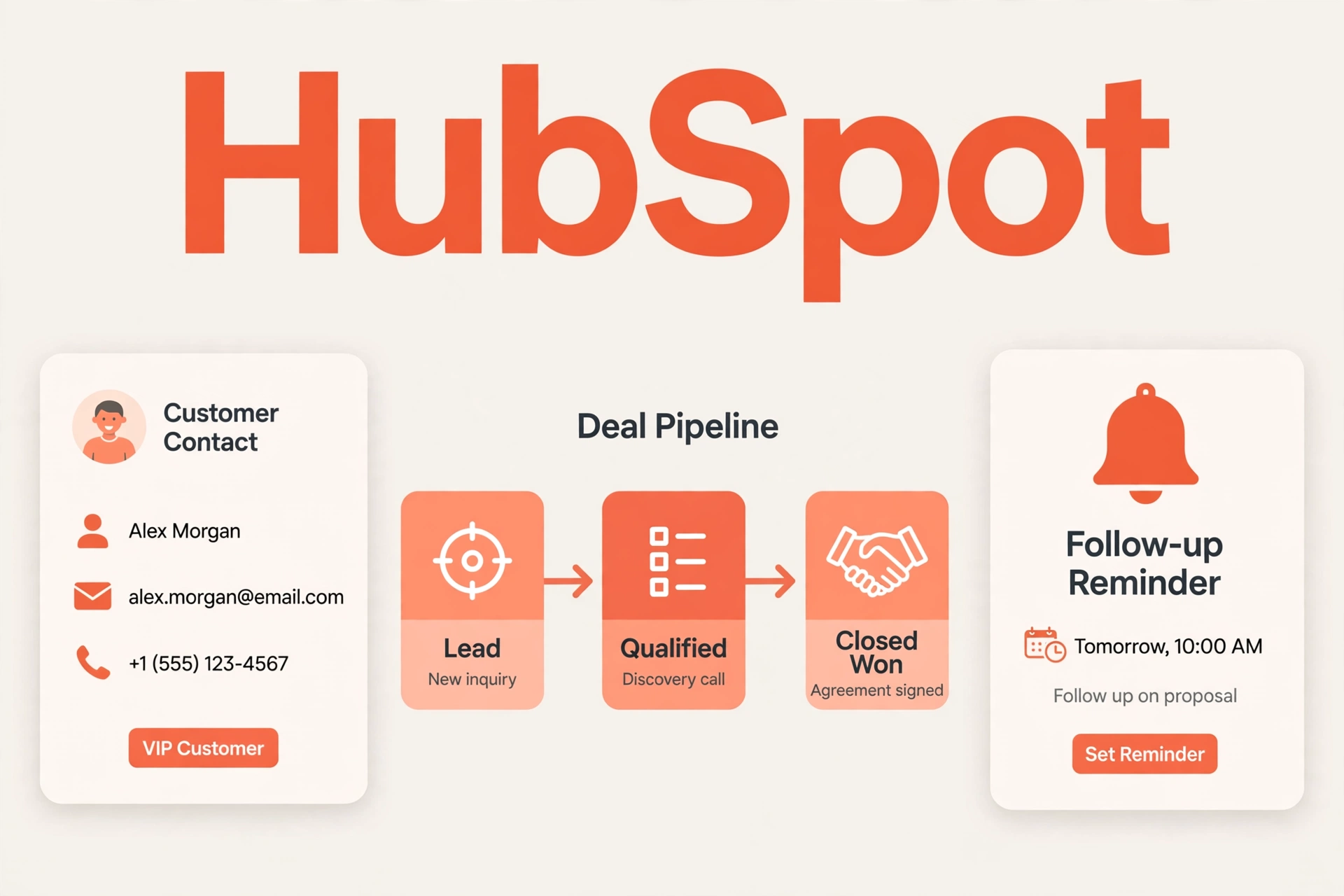
HubSpot is the pick for keeping track of customers, because its free CRM holds your contacts, deals and every email, call and meeting in one timeline, for up to 2 users and 1,000 contacts, with no time limit. When a customer calls back after three months, the whole history is in front of you instead of buried in an inbox.
The free tier carries HubSpot branding and the basics only, which is a fair trade at $0. Paid Starter plans list at $20 per seat a month and unlock more automation and reporting, and HubSpot keeps adding AI help inside the CRM, such as assisted email drafting and record summaries, so follow ups get written faster. Because it is one platform for marketing, sales and service, a growing team does not have to move its customer data again next year.
The honest limit is the ladder above Starter. The wider HubSpot platform gets expensive per seat very quickly, and a solo operator will use a fraction of it on day one. Start free, pay for Starter only when the free limits actually pinch, and count seats carefully before any annual contract.
Best for: businesses whose customer follow ups live in sticky notes and inboxes today. Cost to start: $0.
3. Tidio: website chat that answers while you work
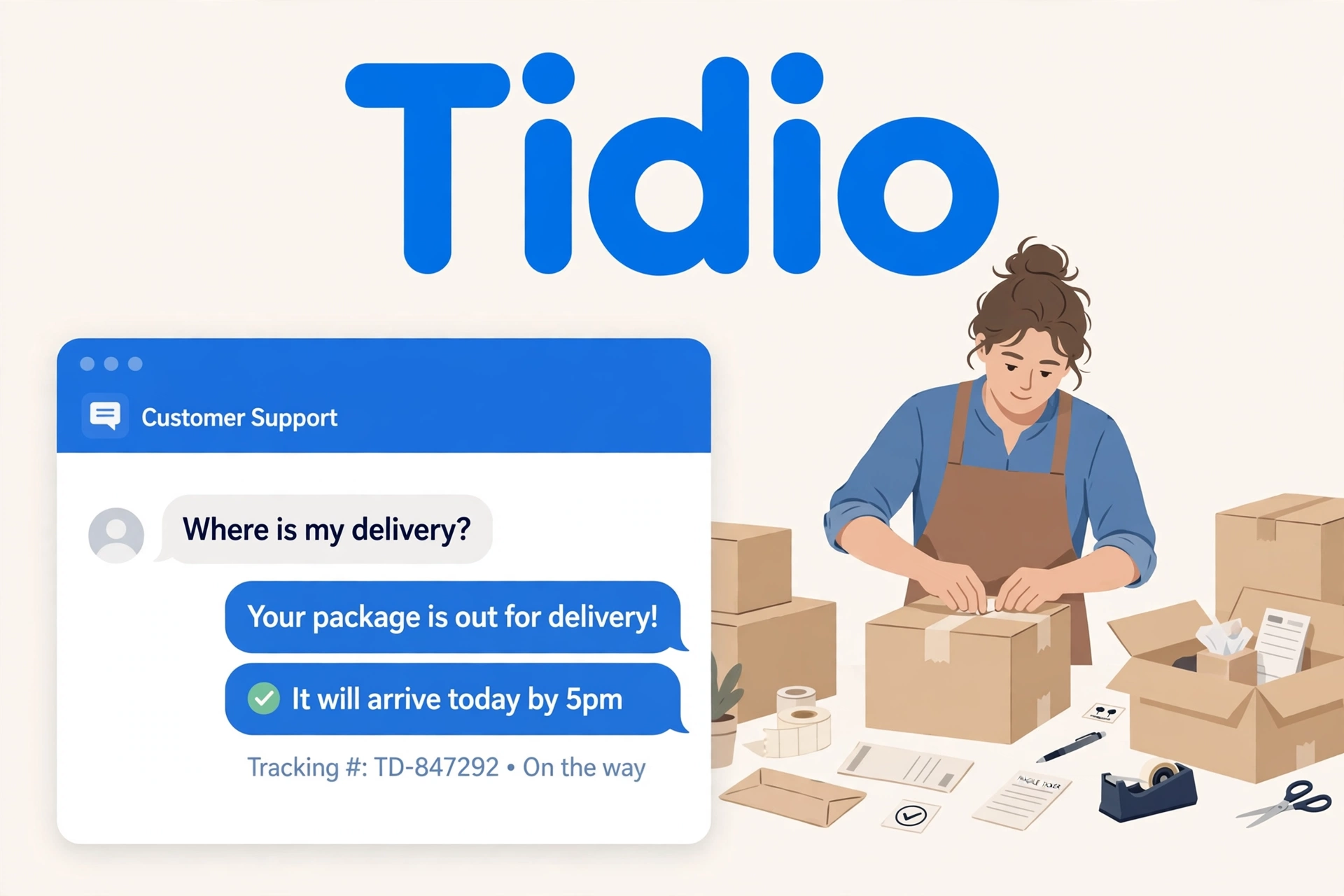
Tidio is the customer support pick because it puts a live chat box and an AI agent called Lyro on your website, answering the routine questions (opening hours, delivery times, returns) from your own help pages while you are busy doing the actual work. You and your team share one inbox for the conversations that need a human, and ready made flows can check an order status or capture a lead’s details.
The free plan covers 50 conversations a month, and the free taste of Lyro is a one time batch of 50 AI conversations rather than a monthly allowance, so treat it as a trial of the idea. Starter costs $29 a month billed monthly, or about $24 a month billed annually, with 100 conversations. Lyro is priced on top of the base plans per conversation once you rely on it, so a busy shop should model that cost before switching it on for every visitor.
The honest limit: the AI answers only from the help content you give it, so a thin FAQ page produces thin answers. Feed it your real policies first. If chat is your main support channel, our full guide to the best AI chatbot tools for small businesses compares Tidio with six rivals by real monthly cost, including the AI add ons most lists hide.
Best for: shops and service businesses losing enquiries outside working hours. Cost to start: $0.
4. QuickBooks: the books, with the boring parts automated
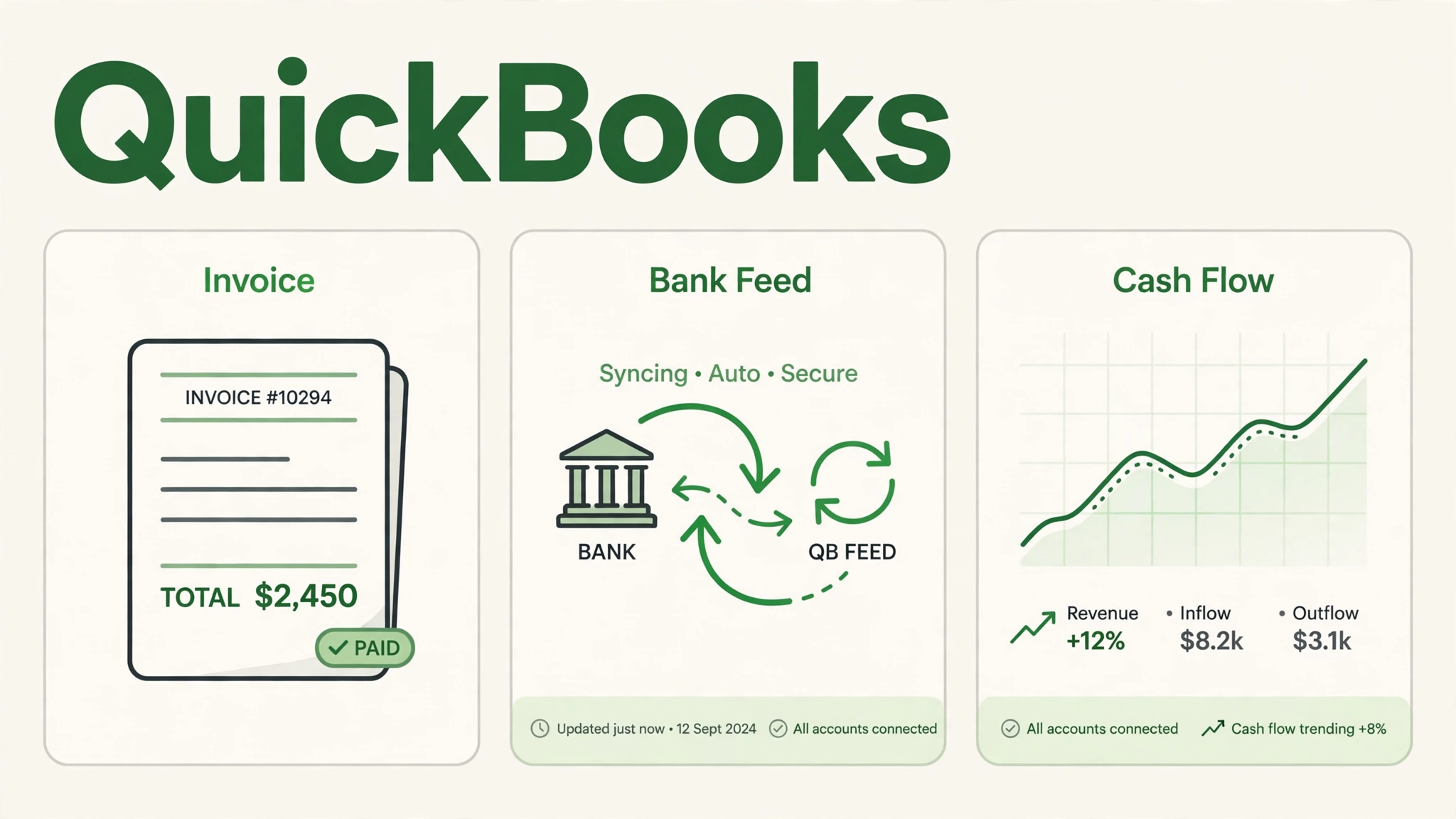
QuickBooks is the accounting pick because it is the tool your bookkeeper or accountant most likely already knows, and its built in AI layer, which Intuit now calls Intuit Intelligence, categorises bank transactions, helps create invoices and payment reminders, and answers plain language questions about your numbers. For most owners the real win is cash flow sight: who owes you money, what is due this week, and whether you can afford that purchase.
Simple Start lists at $38 a month, and introductory discounts for the first few months are common, so judge it by the list price, not the honeymoon price. QuickBooks also lists a limited free tier for one user with two invoices a month, which suits a brand new solo business and very little else. There is no free plan for the main Online range, and the more advanced AI agents sit on the higher tiers (Essentials and Plus), which is where the bill grows.
The honest limit: prices across the QuickBooks range have risen in recent years, and support quality is the complaint that comes up most in user reviews. If your needs are only invoicing and expense tracking, a lighter tool may serve you for less; our bookkeeping guide in this series compares those options in depth.
Best for: businesses that invoice regularly and share figures with an accountant. Cost to start: limited free tier, realistically $38 a month.
5. Canva: design that looks hired
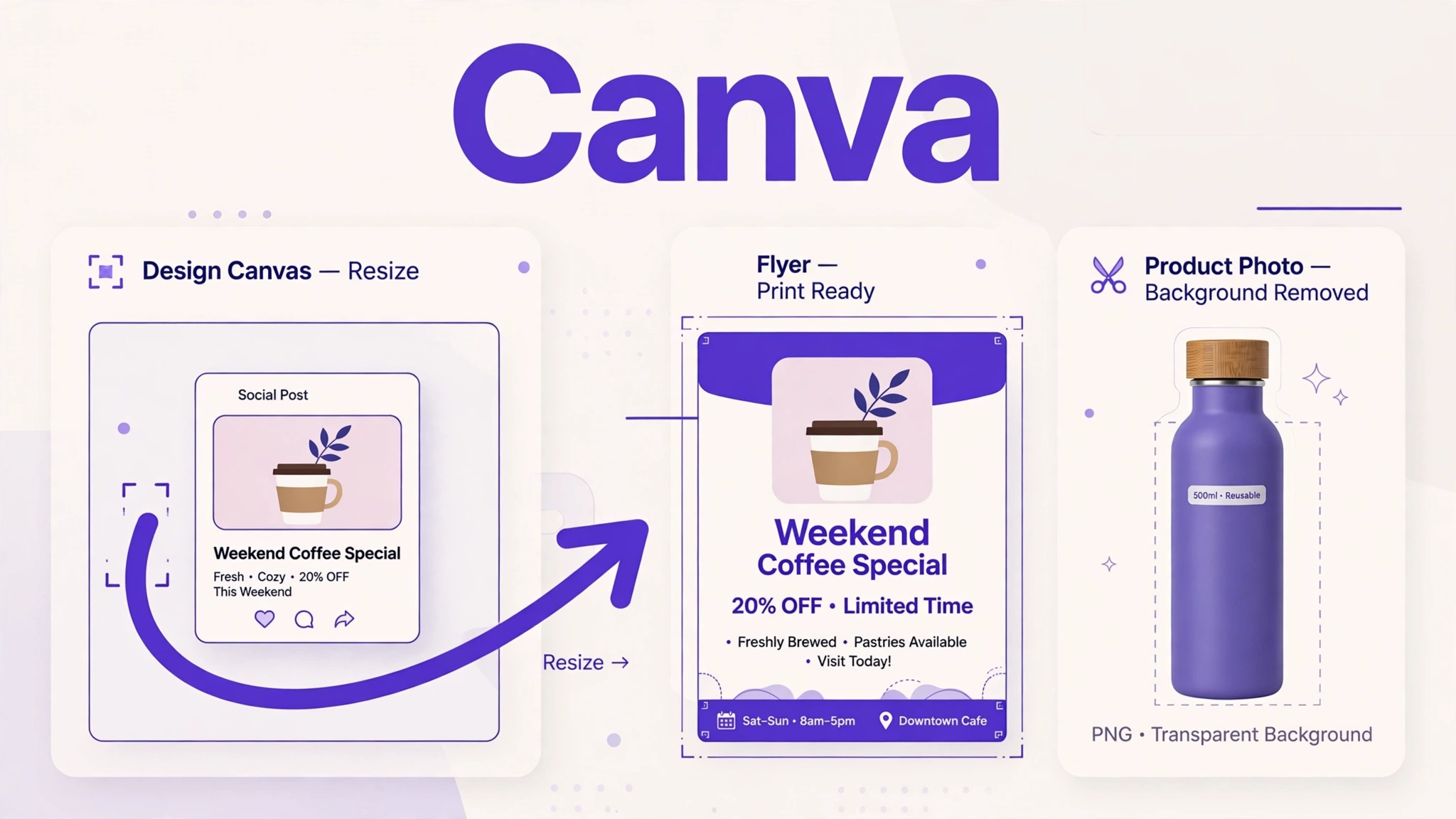
Canva is the design pick because it lets a non designer produce social posts, flyers, menus, presentations and product photos that look professionally made, in minutes. The AI tools inside Magic Studio write first draft captions, remove photo backgrounds, generate images from a description and resize one design into every format you need. For a shop, the background remover alone earns its keep on product photos.
The free plan is genuinely usable, and Canva’s licence allows free content to be used commercially inside your own designs, though you cannot sell Canva content on its own. Pro costs $18 a month billed monthly, or $144 a year, and adds the full template and stock library, brand kits that keep your colours and fonts consistent, and higher AI limits.
The honest limit: because millions of businesses start from the same templates, a feed built entirely from them can blend into the crowd, and AI generated images still need a human eye before they represent your product. Our Canva Magic Studio review walks through which of its AI features are worth paying for.
Best for: any business that posts on social media or prints its own marketing. Cost to start: $0.
6. Zapier: the glue between your tools
Zapier is the automation pick because it connects the apps you already use and moves information between them without code. A new enquiry form can create a contact in HubSpot and ping you on your phone. A paid invoice in QuickBooks can update your records sheet. A booked call can create a follow up task. You describe the workflow in plain words and its AI builder drafts it, then you approve and switch it on.
The free plan includes 100 tasks a month and simple two step automations, enough to prove the idea on one workflow. Professional starts at $19.99 a month billed annually for 750 tasks, or $29.99 billed monthly, and adds multi step workflows with branching logic.
The honest limit is the meter. Every automated action spends tasks, costs climb as your volume grows, and a badly built workflow can burn through a month of tasks quietly in the background. Start with one workflow, watch its task usage for a fortnight, then expand.
Best for: owners copying the same information between two or more apps by hand. Cost to start: $0.
7. Otter.ai: meeting notes without the typing
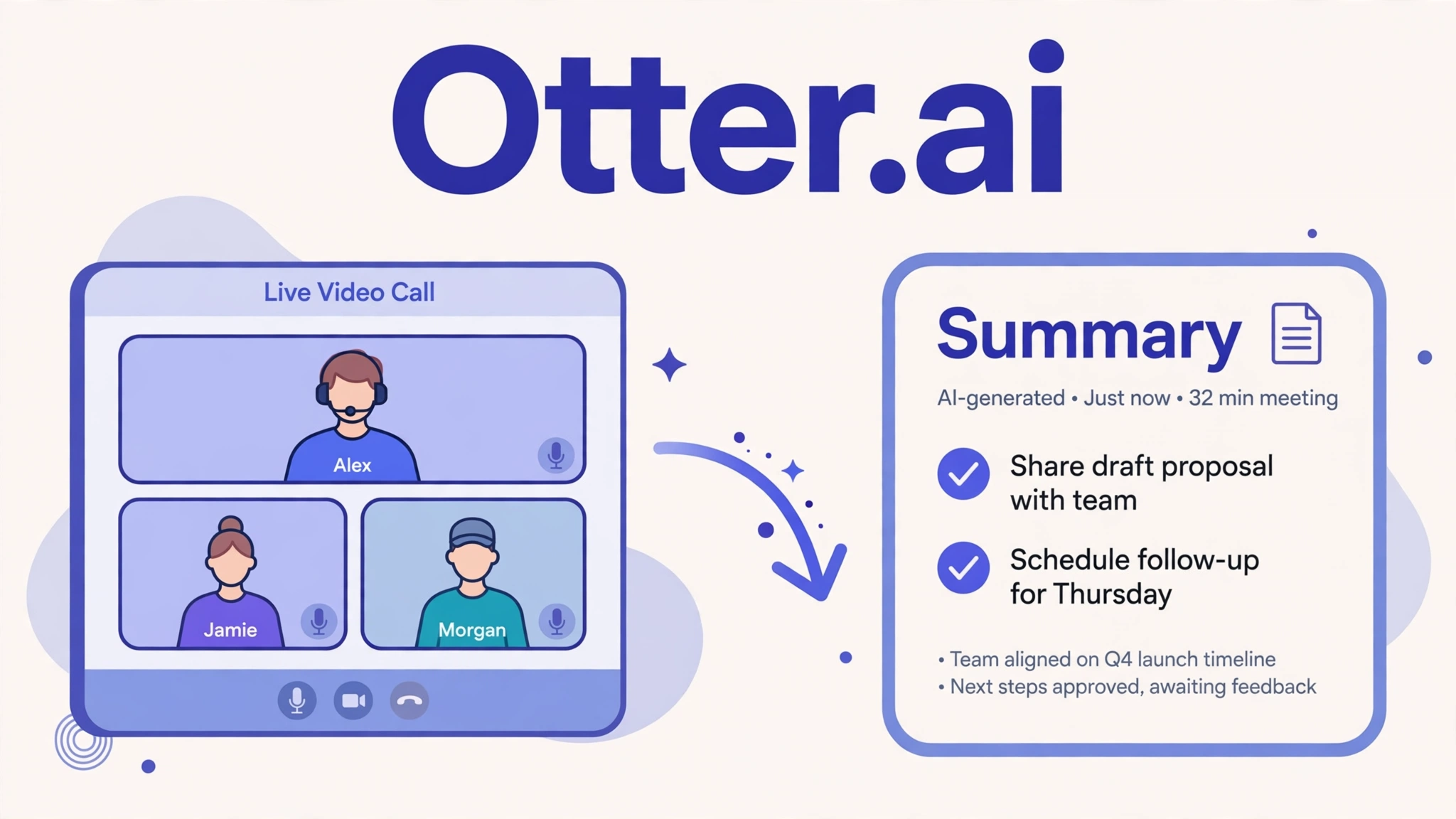
Otter.ai is the meetings pick because it joins your Zoom, Google Meet and Teams calls, records and transcribes them live with speaker labels, and hands you a summary with the decisions and action items before you have closed the laptop. The searchable archive matters a month later, when nobody can remember what was actually agreed with a supplier.
The free Basic plan gives 300 transcription minutes per user a month, with a 30 minute cap per conversation, and keeps only your 25 most recent conversations in history. That last limit is the one to notice: for a meeting heavy team the free plan behaves like a trial. Pro costs $16.99 a month billed monthly, or $8.33 a month billed annually, and lifts the caps.
The honest limit: Otter only captures the call. Turning its action items into chased, finished tasks still needs a human or another tool, and recording consent rules differ by place, so tell people on the call that it is recording. Our roundup of AI meeting note tools compares Otter with Fathom, Fireflies and others if meetings are your biggest time sink.
Best for: owners whose days are half meetings and whose notes live nowhere. Cost to start: $0.
8. Mailchimp: email that sells while you sleep
Mailchimp is the email pick because it combines campaign sending with the AI basics a small list actually needs: help writing subject lines and campaign copy, ready made automations for welcome emails, abandoned carts and winning back quiet customers, and simple signup forms and landing pages to grow the list in the first place.
The free plan still exists, and its current limits are 250 contacts and up to 500 email sends a month, with Mailchimp branding on your emails and forms. Note that the free plan shrank at the start of 2026, so older articles quoting 500 free contacts are out of date. Essentials, the entry paid plan, starts at $13 a month for 500 contacts.
The honest limit is per contact pricing. The entry price looks tiny, but the bill rises with your list on every tier, so the price you pay at 500 contacts is not the price at 5,000. Clean your list regularly and you will pay for engaged customers instead of dead addresses.
Best for: businesses with a customer list that hears from them twice a year. Cost to start: $0.

Running an online store? Read this before buying anything extra
Store owners ask about AI more than anyone, and most of what a store needs is already in the eight tools above. Tidio answers order status and product questions on Shopify and WordPress stores around the clock. Canva cleans up product photos. Mailchimp sends the abandoned cart and win back emails that recover sales you already earned. QuickBooks keeps the payout and invoice mess reconciled.
If your store runs on Shopify, try its built in AI features first: they can draft product descriptions and help with customer questions inside the tools you already pay for. Add a specialised store tool only when one of those jobs still eats hours after a two week trial of the basics.
A ninth job worth knowing: bookings
Most lists for this query skip booking tools entirely, which is odd, because missed appointments cost service businesses real money. If bookings are your bottleneck, look at Calendly before you buy a second writing tool. Its free plan covers one event type linked to one calendar, and Standard, at $10 per seat a month billed annually, adds automatic reminders that cut no shows, plus the option to take payment at booking through Stripe or PayPal. Our appointment scheduling guide in this small business series compares the booking tools in depth, including deposit features.
What a sensible starter stack costs
You do not need all eight on day one. These are the two stacks worth considering, with every price on the same monthly billing basis so the totals are honest.
The free stack, $0 a month. ChatGPT free, HubSpot free CRM, Tidio free, Canva free, Zapier free, Otter free and Mailchimp free cover seven of the eight jobs at no cost. The limits (50 chats, 100 automation tasks, 300 meeting minutes, 250 contacts) are real, but for a business testing whether AI fits its routines, this stack answers the question for nothing.
The solo paid stack, $87 a month. ChatGPT Plus ($20) for writing and thinking work, QuickBooks Simple Start ($38) for the books, and Tidio Starter ($29) so customer questions get answered while you work. Add Canva Pro ($18) if you make your own marketing, which brings it to $105. Per seat tools like HubSpot and Otter multiply as a team grows, so count seats before signing anything annual.
How to choose your first tool
Start where the hours go. Write down the one job that eats the most time each week: inbox, invoices, follow ups, meeting notes. Pick the tool for that job only, run it for two weeks, and count the hours it hands back against its price. Keep it if the trade is clearly worth it, cancel before any trial converts if it is not, and only then add the second tool. Before pasting customer details into any tool, check its data and privacy settings, and keep sensitive information out of free tiers unless the terms are clear. AI output that reaches a customer should always pass a human eye first. That sounds slow; it is still much faster than writing everything from scratch.
Frequently asked questions
What is the single best AI tool for a small business?
There is no single winner, because the best tool is the one aimed at your biggest time sink. If forced to name a starting point, ChatGPT covers the widest range of daily writing and thinking tasks for free, which is why it sits at number one here. Add the specialist for your most expensive job next.
Can a small business run on free AI tools alone?
Yes, up to a point. The free stack above covers customer records, website chat, design, simple automations, meeting notes and small email lists at $0. The walls arrive predictably: email contacts, automation tasks, chat volume and meeting history. When a limit starts costing you customers or hours, that specific upgrade is the one worth paying for.
How much should a small business spend on AI tools?
A sensible range is $0 while you test, then roughly $50 to $105 a month for a solo paid stack that covers writing, books and customer contact. Spending more makes sense only when each tool is returning measurable hours. If a subscription has not saved time in two weeks of real use, cancel it and reassess.
Do I need technical skills to use these tools?
No. Every pick here works through templates, plain language setup and drag and drop interfaces. Zapier rewards a little patience on the first workflow, and Tidio needs an hour spent feeding it good help content, but none of the eight needs code or a developer.
What AI tools does an online store need first?
Start with the four already in this list: Tidio for order questions and product chat, Canva for clean product photos, Mailchimp for abandoned cart and win back emails, and QuickBooks to keep payouts and invoices reconciled. If your store runs on Shopify, switch on its built in AI features before paying for any specialised store tool.
Will AI tools replace my staff?
No, and that is the wrong way to judge them. These tools take the repetitive layer (first drafts, data entry, routine answers, note taking) so the humans in a small business can spend their hours on customers and judgement calls. The businesses getting the most from AI are using it to grow what a small team can handle, not to shrink the team.
The bottom line
Start with one job, one tool and two weeks. For most small businesses that means ChatGPT for the writing pile or QuickBooks for the books, then Tidio when the website questions start piling up after hours. The free tiers above let you prove each one before a single dollar leaves the account, and the prices in this guide were checked on 31 October 2026 so you can budget against real numbers. When you are ready to go deeper on the support side, the chatbot comparison linked in the Tidio section is the natural next read.
[…] 8 Best AI Tools for Small Businesses in 2026: One Pick per Job […]