

Affiliate disclosure: this post links to the tools it covers. If you buy through one of those links, we may earn a commission at no extra cost to you.
Quick answer: For one-off queries against a schema you paste in, Text2SQL.ai or SQLAI.ai will do the job at low cost. For a team asking questions against a live database every week, Wren AI or Vanna AI earn their price through schema awareness and governance. For developers who want a free starting point, Outerbase AI and the open-source self-hosted options are the honest first stop. Whichever you pick, the tool does not know your business logic. A query that runs without error can still answer a different question than the one you asked, and the verification protocol in this article is not optional.
Every AI SQL generator on this list will turn “show me revenue by month” into SQL that runs. That is the easy part. The hard part is that revenue by month has at least four defensible meanings (orders placed, orders paid, orders shipped, orders recognised) and the generator will pick one without telling you. The query executes, the dashboard updates, and the number on the slide means something different from what the person who asked the question meant.
That is the silent-failure problem, and it is the whole reason this article exists. Competitor roundups list features. This one starts from the failure mode and works backwards to the tool choice.
The 7 Tools at a Glance
| Tool | Type | Schema connection | Best for | Starting point |
|---|---|---|---|---|
| Text2SQL.ai | Paste-a-prompt generator | Paste schema / upload | One-off queries, learning SQL | Free tier; Pro ~$19 to 20/mo (annual) |
| SQLAI.ai | Paste-a-prompt generator | Schema-aware, many engines | Broad dialect coverage on a budget | Hobby ~$4/mo (annual) |
| AI2SQL | Paste-a-prompt + live connectors | 7 live connectors + 13 dialect-only | Governed team use, agent access | Free 10 queries/mo; from ~$9/mo |
| Outerbase AI | Connected workspace | Connects to your database | Collaboration + connected querying | Free plan |
| Wren AI | Semantic-layer platform | Semantic layer, self-host or cloud | Teams needing governed definitions | Free plan; paid from ~$179/mo |
| Vanna AI | Self-hostable assistant | Trains on your schema | Self-hosted, privacy-first teams | Free plan; paid from ~$50/mo |
| ChatGPT / Claude | General assistant (baseline) | None: you paste everything | One-off queries, explaining SQL | Free tiers; Plus/Pro ~$20/mo |
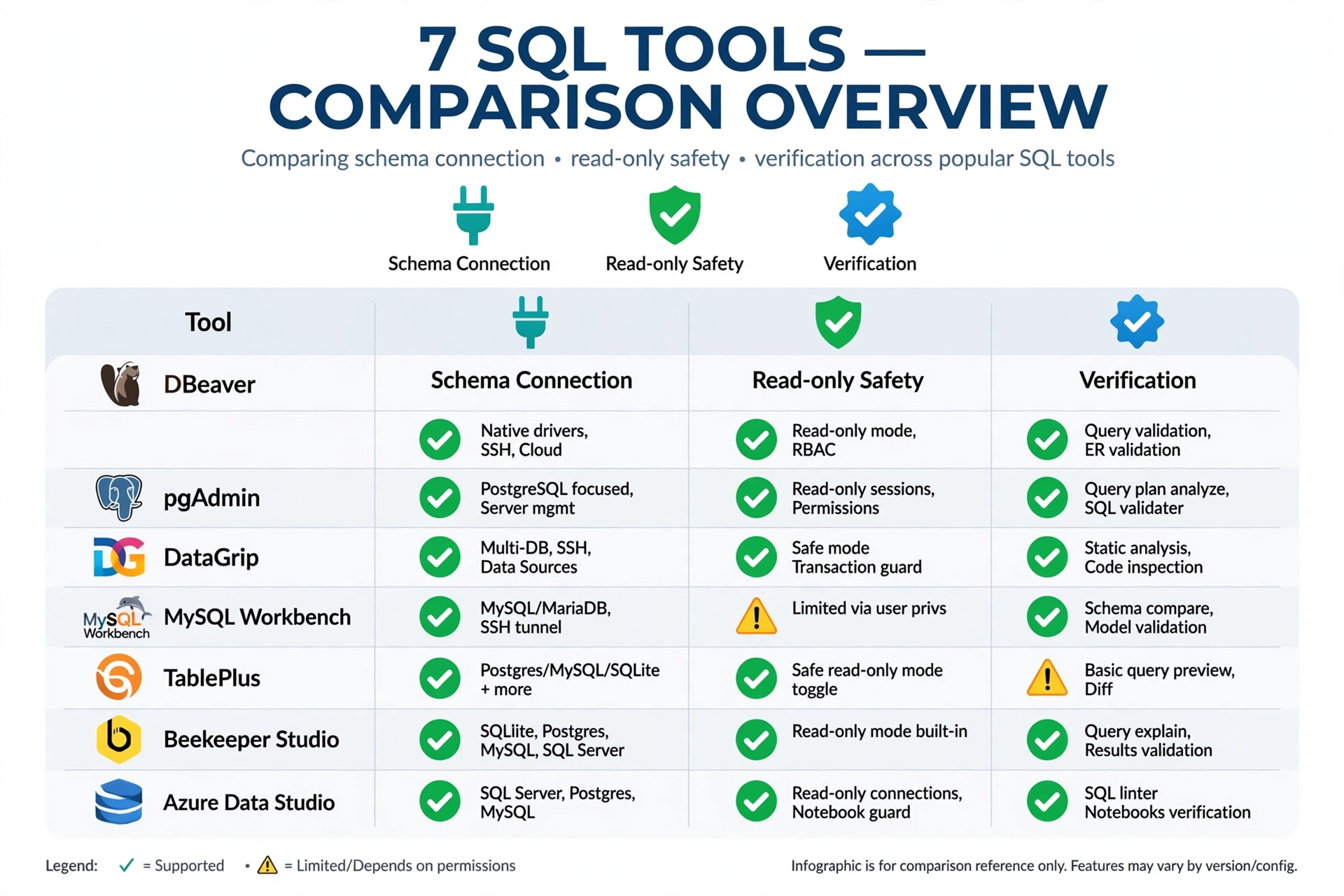
The Split That Decides Everything: Paste-a-Prompt vs Schema-Connected
There are two kinds of tool on this list, and no roundup that mixes them without saying so is doing you a favour.
Paste-a-prompt generators (Text2SQL.ai, SQLAI.ai, and the general assistants) know only what you paste. You give them a table list, a few column names, and your question. They generate SQL from that alone. They are cheap, fast, and fine for one-off queries, and they have no way to know that orders contains one row per order line, not one row per order, unless you tell them.
Schema-connected tools (Outerbase AI, Wren AI, Vanna AI, AI2SQL’s live connectors) read your actual schema, learn your table relationships, and (in Wren’s case) carry a semantic layer: named definitions for what “revenue”, “active user”, and “churn” mean in your business. That is the difference between a tool that guesses your grain and a tool that has been told it.
The rule of thumb: if you will ask the tool more than a few questions a week against the same database, you want schema-connected. If you need one query today, paste-a-prompt is fine. With the verification protocol below.
The 7 Tools in Detail
1. Text2SQL.ai: Best Paste-a-Prompt Generator for One-Off Queries
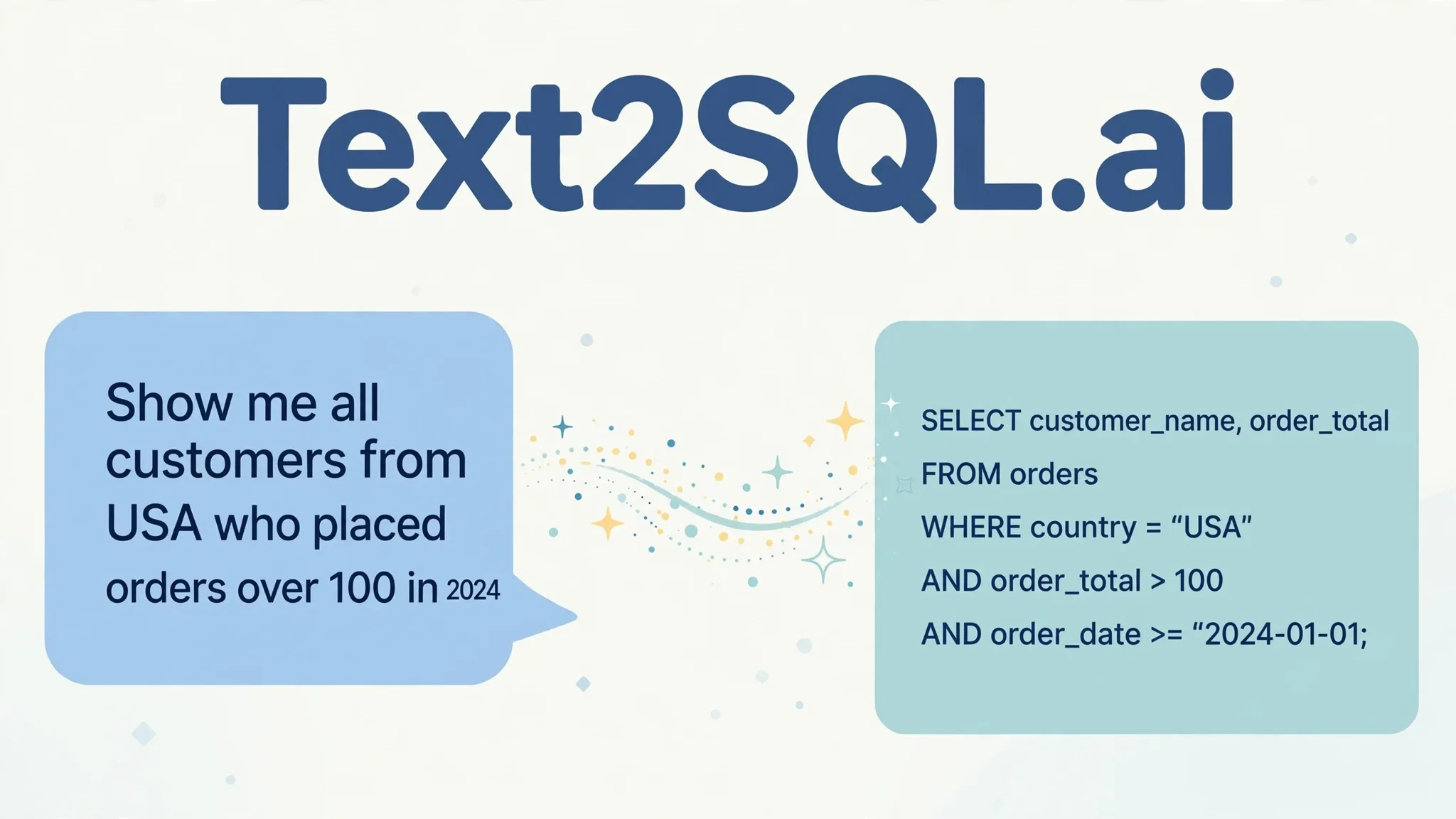
Text2SQL.ai turns natural language into SQL for MySQL, PostgreSQL, Oracle, SQL Server, MongoDB, and others, using the schema you supply. It adds generation, explanation, fixing, and optimisation, plus an API, a desktop app, and follow-up queries.
Pricing is genuinely confusing across sources. One comparison lists $29 per seat, one review lists $19 a month, another lists Pro at $20 a month on annual billing with a 7-day trial and a 100-request-a-month API cap. Treat the honest figure as roughly $19 to $20 a month on annual billing for Pro, and confirm the live pricing page before paying. The disagreement itself is a finding: when three sources quote three prices, the vendor’s page is the only one to trust.
Text2SQL.ai fits an analyst or developer who needs a query now and can verify it. It does not know your business logic. Its own reviewers note that it generates syntactically correct SQL that matches your schema but cannot know what your business means by a term. That sentence is the most honest line in any SQL-generator marketing, and it applies to every tool here.
2. SQLAI.ai: Best Budget Option for Broad Dialect Coverage
SQLAI.ai translates natural language into SQL across 30-plus database engines, with optimisation, validation, formatted diffs, schema-aware generation, and a VS Code-style editor with step-by-step explanations. Its strength is breadth: if your stack includes an unusual engine, SQLAI.ai is more likely to speak its dialect than a narrower tool.
Pricing, as reported in October 2026: Hobby around $4 a month billed yearly ($5 monthly), with higher tiers above. At that price it is the cheapest paid option on this list, and the right pick when the job is “generate SQL for many engines, cheaply” rather than “govern one team’s definitions.”
3. AI2SQL: Best for Governed Team Use
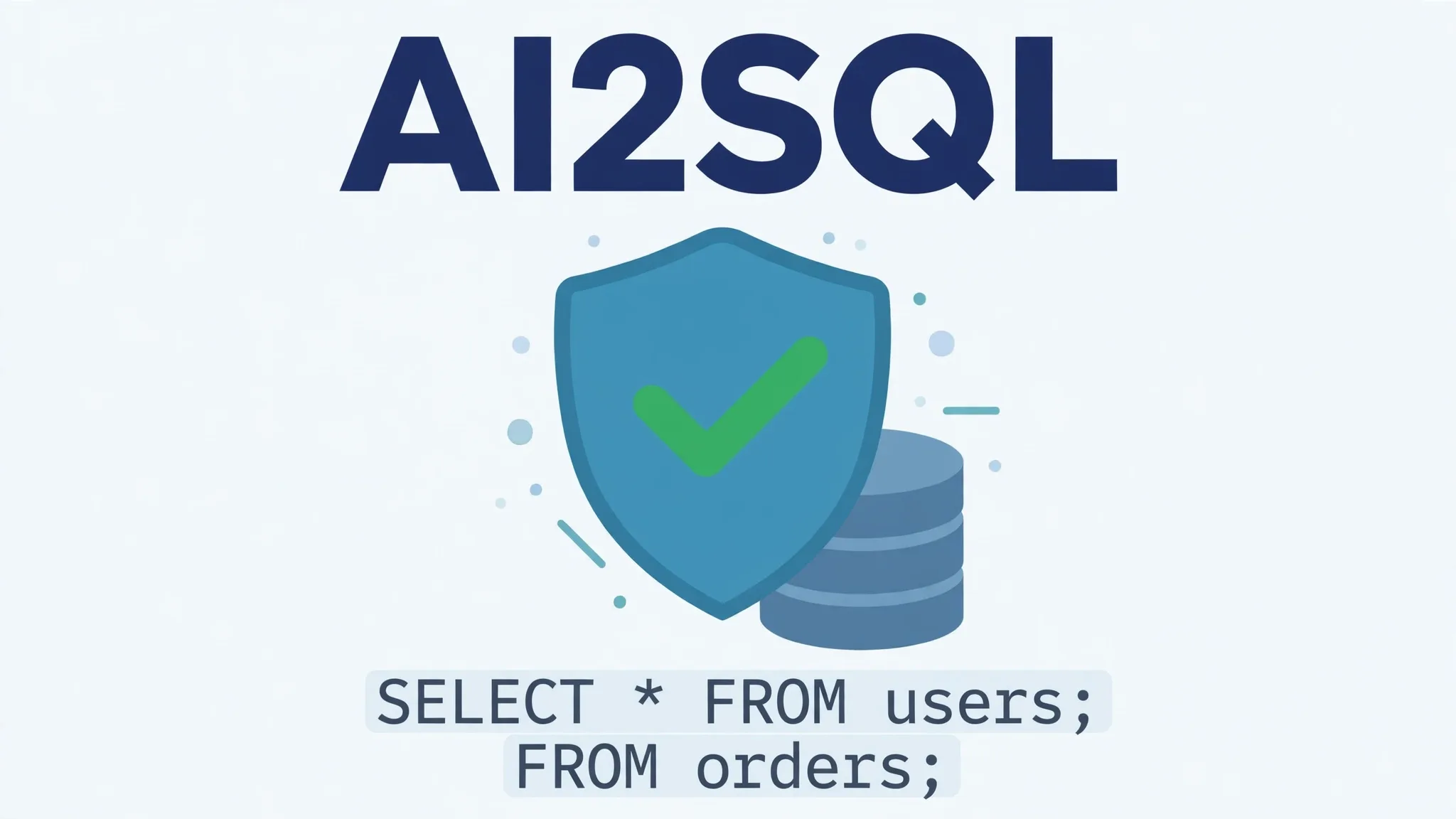
AI2SQL has changed more than most roundups admit. Older pages describe it as a paste-a-prompt tool with no live database connection. That is now outdated: current comparison coverage reports live connections to seven engines (PostgreSQL, MySQL, SQL Server, Snowflake, BigQuery, MongoDB, Oracle) plus dialect-only generation for thirteen more, built around a sqlGuard layer and an MCP Gateway for AI agents that need supervised, read-only access to something close to production.
Pricing, as reported: a free plan with a small monthly query allowance (around 10 queries a month), then paid tiers from roughly $9 a month for individuals up to team plans. Verify the live page: AI2SQL’s quoted entry price varies across sources ($7 to $9 to $29), which is the same pricing-chaos pattern as Text2SQL.ai.
AI2SQL fits a team that wants agent access to a database with guardrails (read-only enforcement, audit trails) rather than raw generation. A three-person startup running ad-hoc analytics cares more about dialect breadth; a data platform team wiring an AI agent into a Postgres instance one step from production cares more about read-only enforcement. Pick accordingly.
4. Outerbase AI: Best Connected Workspace for Collaboration
Outerbase AI is a collaboration-focused SQL assistant with a capable free plan: generation plus execution in a shared workspace, so the query and its results live where the team can see them. It is the most natural pick when the bottleneck is not generating SQL but sharing, re-running, and discussing it.
Check the live pricing page for current paid tiers. Comparison tables disagree on whether a paid tier is even listed, which usually means the vendor’s page has moved since the comparison was written.
5. Wren AI: Best for Teams That Need Governed Definitions
Wren AI is the most enterprise-shaped tool on this list: semantic context, SQL generation, governance, and self-hosted or cloud deployment. The semantic layer is the point. You define “monthly recurring revenue” once, in one place, and every question the tool answers uses that definition. That is the only structural answer to the silent-failure problem that does not rely on every questioner remembering to check.
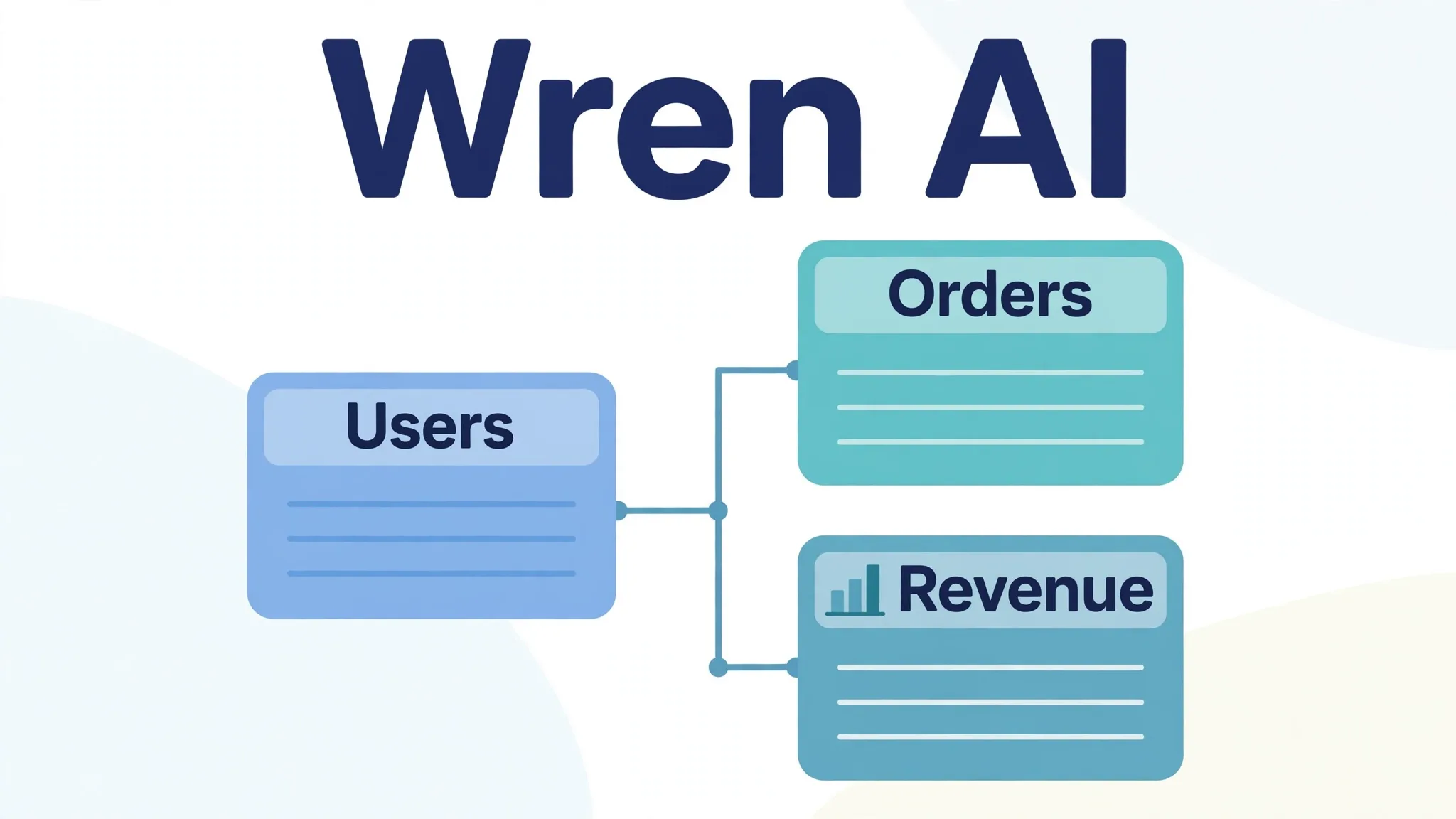
Pricing, as reported: a free plan, with paid tiers from around $179 a month on annual billing. That is a large jump from the paste-a-prompt tools, and it is only worth it if your team asks questions against the same database often enough for shared definitions to pay for themselves. For a solo analyst, it is overkill.
6. Vanna AI: Best Self-Hostable Option for Privacy-First Teams
Vanna AI is a self-hostable SQL assistant you train on your own schema. It fits teams that cannot or will not send schema details to a third-party cloud. Regulated data, customer databases, anything where the schema itself is sensitive. Pricing, as reported: a free plan, with paid tiers from around $50 a month.
Self-hosting is not free. It trades a subscription for server costs and maintenance time, the same trade covered in our automation guide. The win is data control: your schema never leaves your infrastructure.
7. ChatGPT / Claude: The Baseline for One-Off Queries
General assistants are the baseline every dedicated tool must beat. ChatGPT Plus and Claude Pro both sit around $20 a month, both generate SQL competently from a pasted schema, and both explain queries well. Often better than the dedicated tools, because explanation is what they are built for.
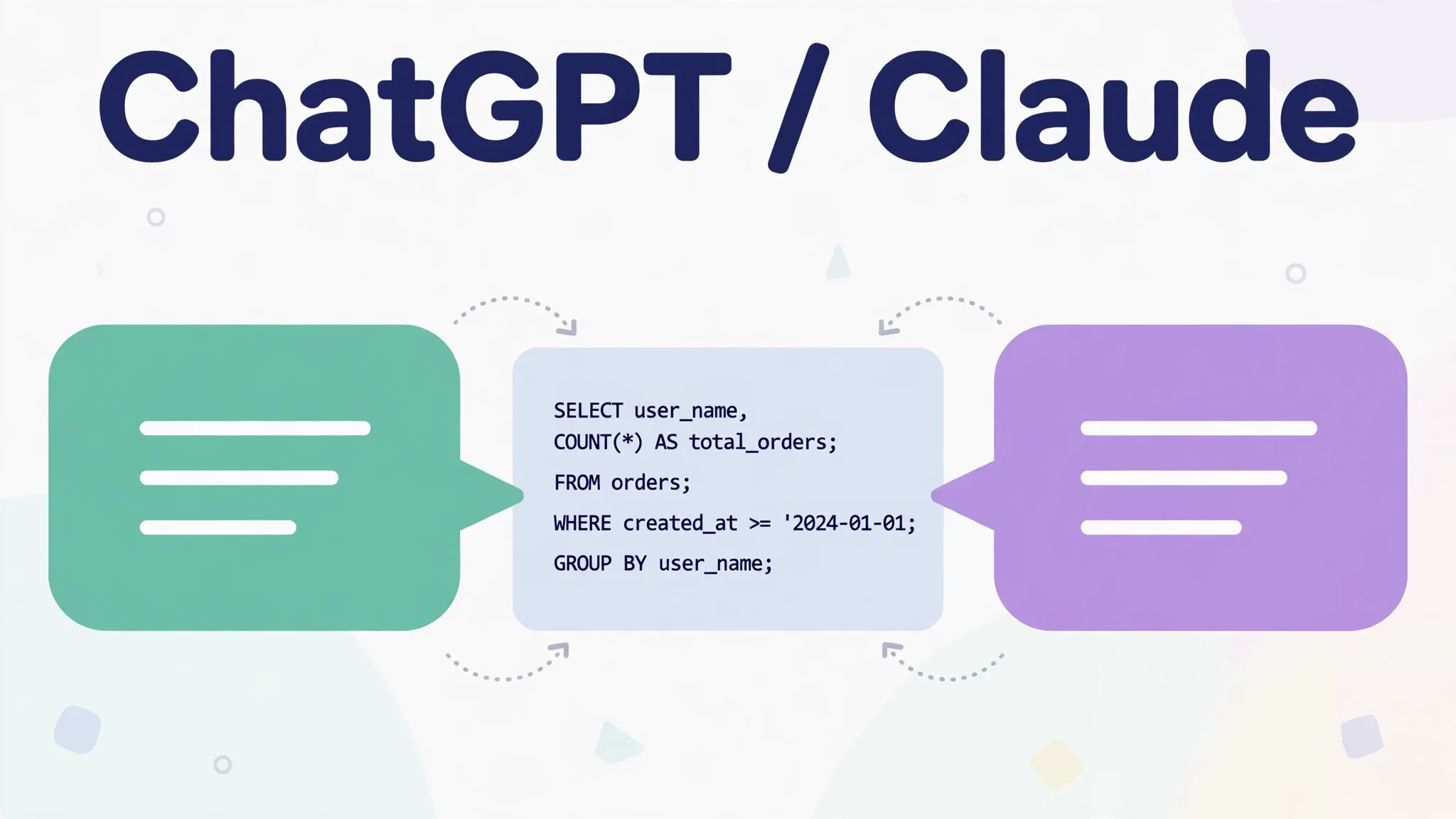
They lose on exactly the two things that matter at scale: they have no persistent schema connection, so you re-paste context every session; and they have no governance, so nothing stops the same question producing a different definition of revenue on Tuesday than it did on Monday. For one query today, a general assistant is fine. For a team’s recurring questions, it is not a system.
The Silent-Failure Problem, With Worked Examples
These are the failure modes that produce no error message. Every one of them has shipped a wrong number to a real dashboard somewhere.
*Grain confusion: COUNT() counts lines, not orders. A table with one row per order line: COUNT(*) returns the number of lines. If five lines belong to one order, your “order count” is five times too high. Nothing errors. The number is simply inflated. The fix: COUNT(DISTINCT order_id), and a habit of asking “one row of this table is one what?”
Join fan-out. Joining orders to order lines multiplies order rows. A SUM(order_total) computed after that join counts each order once per line. The fix: aggregate before joining, or join to a pre-aggregated subquery.
INNER JOIN drops the zeros. Asking “orders per customer, including customers with none” with an INNER JOIN silently drops every customer with zero orders. The answer looks complete. It is missing exactly the people you most needed to see. The fix: LEFT JOIN, and check whether the question needs the zeros.
NULLs vanish from filters. WHERE status != 'cancelled' drops rows where status is NULL, because NULL is not equal to anything, including “not cancelled”. Rows disappear without warning.
Timezone drift. A “revenue on 15 October” query against UTC timestamps, read as local time, shifts the day boundary by hours. The total is right for some timezone, just not yours.
Business-logic gaps. Different phrasings of the same question produce different invented definitions. “Active users” might mean logged in, or paid, or performed an action, or did not churn. The generator picks one and does not flag the ambiguity. This is the failure no syntax check catches, because the SQL is correct for the definition it silently chose.
The Verification Protocol (Run It on Every Generated Query)
Do not run AI-generated SQL against production. Ever. The protocol below takes five to ten minutes and catches most silent failures.
- Read the query before running it. If you cannot read SQL well enough to spot a wrong join, paste it into a general assistant and ask for a plain-English explanation of what it counts. A query you cannot explain is a query you cannot trust.
- State the grain. Write one sentence: “One row of the result is one ___.” If you cannot fill in the blank, the query is not ready.
- Run it read-only, on a copy or a read-only role. Create a database role with SELECT only, and use it for every AI-generated query. Never let a tool run UPDATE or DELETE unchecked. For write queries, wrap in BEGIN, inspect, then ROLLBACK. Do not commit until a human has read the affected-row count.
- Sanity-check the shape. Row count in a plausible range? Totals within an order of magnitude of last month’s? Zero rows where you expected zeros, or zero rows where you expected data? A total that exactly equals a total you already know is a good sign; a total that is suspiciously round is a warning.
- Recompute one figure by hand. Pick the most important number in the result and rebuild it a second way. A different query, a spreadsheet pivot, a known report. If the two disagree, the AI query is wrong until proven otherwise.
- Ask “what did it exclude?” For every filter and join, ask what rows it removed. INNER JOINs and NULL handling are where exclusions hide.
- Save the verified query. A checked query becomes a template. The next person asking the same question should reuse it, not regenerate it and get a different definition.
Write Safety: The Rules That Are Not Negotiable
- Read-only roles for AI tools. If a tool only needs to answer questions, it gets SELECT and nothing else. This is configured in the database, not in the tool’s settings.
- Never run AI-generated UPDATE or DELETE without a dry run. BEGIN, run, inspect affected rows, ROLLBACK. Then, and only then, run for real. After a human has read the statement.
- Keep production credentials out of paste-a-prompt tools. If the tool does not need a live connection, do not give it one. Paste the schema, not the connection string.
- Treat the schema as sensitive. Table and column names reveal what a business tracks. Self-host or use a vendor with clear data-handling terms when the schema itself is confidential.
Frequently Asked Questions
Can AI generate SQL from plain English?
Yes, competently, for well-specified questions against a known schema. The failure mode is not syntax, it is meaning. The generator picks one definition of your terms without telling you, so verification is part of the job, not an optional extra.
Will AI-generated SQL be right for my database?
Only if the tool knows your schema and your definitions. Paste-a-prompt tools guess from what you paste. Schema-connected tools with a semantic layer (Wren AI in particular) carry your definitions forward. Either way, run the verification protocol before trusting a number.
Is it safe to connect an AI tool to my production database?
Only through a read-only role, and preferably not at all for one-off questions. Give the tool SELECT-only access, never let it run writes unchecked, and keep production credentials out of tools that do not need a live connection.
What is the best free AI SQL generator?
Outerbase AI’s free plan is the strongest free connected option, and the self-hosted open-source tools cost nothing but server time. For paste-a-prompt work, the free tiers of Text2SQL.ai and AI2SQL cover a handful of queries a month. Enough to learn the workflow, not enough to run a team on.
Do I need a dedicated SQL tool, or is ChatGPT enough?
For one query today, ChatGPT or Claude is enough. Paste the schema, get the query, verify it. For recurring questions against the same database, a dedicated tool wins on schema persistence, shared definitions, and governance. The crossover is roughly “more than a few questions a week against the same database.”
The Bottom Line
Pick by connection, not by feature list. One-off queries: Text2SQL.ai or SQLAI.ai, verified by hand. Recurring team questions against a live database: Wren AI if shared definitions matter, Vanna AI if the schema must stay on your servers, Outerbase AI if collaboration is the bottleneck, AI2SQL if you need governed agent access. And whatever you pick, remember the rule that governs this whole category: a query that runs without error has proven nothing except that it runs. The verification protocol is the product. The generator is just the typing.
Prices verified: October 2026. SQL-generator pricing varies across sources. Confirm on the vendor’s live pricing page before paying.