

Affiliate disclosure: this post links to the tools it covers. If you buy through one of those links, we may earn a commission at no extra cost to you.
Quick answer: For most creators, Pikzels is the strongest dedicated thumbnail maker if you publish weekly and want scored variants plus face consistency, 1of10 is the better buy if you also need title and topic research, and Canva Pro is the cheapest route if you are happy designing with templates and adding text yourself. The number that decides between them is cost per finished thumbnail, not the monthly price, and on credit-based tools that number depends on how many variants you burn before one is good enough to publish.
A thumbnail is the only part of your video most people ever see. YouTube shows it to people who have never heard of you, next to a dozen others fighting for the same click. That makes the thumbnail a packaging decision, not a decoration decision, and it is why a tool that hands you four variants, scores them, and lets you fix the winner beats a tool that hands you one image and wishes you luck.
This guide compares seven options (Pikzels, 1of10, Canva, vidIQ, Thumix, MagicHour, and Thumbnail Test) on what each one actually costs per finished thumbnail, whether your face stays recognisable across videos, whether the text on the image reads cleanly, and what the vendor scores are worth. It does not compare title generators. Titles get a mention where a tool bundles them, and nothing more.
The 7 Tools at a Glance
| Tool | What it is | Billing unit | Best for | Starting point |
|---|---|---|---|---|
| Pikzels | Dedicated thumbnail + title maker | Credits per generation | Weekly uploaders who test variants | Free trial; Essential from ~$20/mo |
| 1of10 | Research + titles + thumbnails | Credits per generation | Creators who need topics and titles too | Free 60 credits/mo; Basic $19/mo |
| Canva | General design editor with AI | Flat subscription | Template-led design, full text control | Free; Pro ~$15 to 18/mo |
| vidIQ | YouTube growth toolkit | Subscription | Research + ideas + thumbnails in one place | Boost from $16.58/mo (annual) |
| Thumix | Thumbnail-focused maker | Subscription/credits (check page) | Simple thumbnail generation | Check current plans |
| MagicHour | AI image + video workflow tool | Credits | Thumbnails inside a wider image workflow | Check current plans |
| Thumbnail Test | A/B testing, not generation | Subscription per channel | Proving which thumbnail wins | Basic $29/mo |
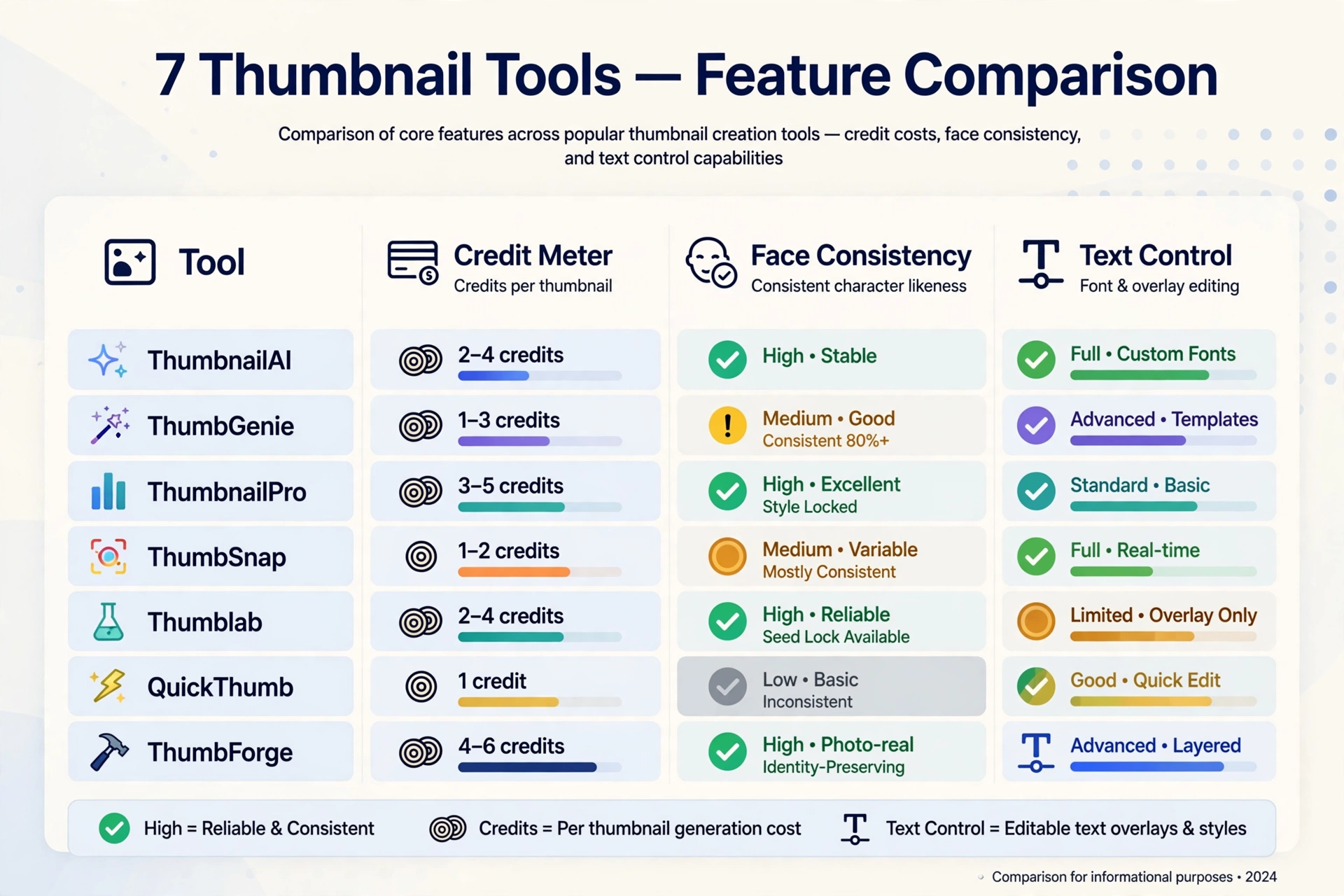
What $X Actually Buys You Per Thumbnail
This is the table the pricing pages make hard to build, because three of these tools sell credits, not thumbnails. A credit is not a thumbnail. One finished thumbnail usually costs several generations, plus face training, plus a fix pass.
| Tool | Plan used | What you get | Cost per finished thumbnail (worked) |
|---|---|---|---|
| Pikzels Premium | $40/mo monthly, or $28/mo billed annually ($336/yr) | 18,000 credits a year, upfront | ~$0.19 to $0.37 at 10 to 20 credits per generation |
| Pikzels Ultimate | $80/mo monthly, or $56/mo billed annually ($672/yr) | 54,000 credits a year | ~$0.12 to $0.25 at 10 to 20 credits per generation |
| Pikzels Essential | ~$20/mo monthly, or ~$14/mo annual | 2,400 credits a year | ~$0.83 to $1.67 at 10 to 20 credits per generation |
| 1of10 Basic | $19/mo monthly, or $15/mo annual | 150 credits a month | ~$0.19 to $0.38 at 4 credits per thumbnail, before title runs |
| 1of10 Pro | $89/mo monthly, or $69/mo annual | 1,000 credits a month | ~$0.07 to $0.14 at 4 credits per thumbnail |
| Canva Pro | ~$15 to 18/mo monthly, or $144/yr (~$12/mo) | Flat subscription, no per-thumbnail meter | Flat: cost per thumbnail falls with volume |
| vidIQ Boost | From $16.58/mo annual | Subscription | Flat within plan; thumbnails are one feature among many |
How the Pikzels numbers were worked out: Premium’s 18,000 annual credits divided by 10 to 20 credits per thumbnail generation gives 900 to 1,800 generations a year. At $336 a year, that is $0.19 to $0.37 per generation. But a generation is not a finished thumbnail. A realistic first session (train one Persona (50 credits), train one Style (50 credits), generate four variants (40 to 80 credits), analyse two title-and-thumbnail packages (10 credits)) runs 154 to 194 credits before any edits or recreations. Budget two to four generations per published thumbnail, and the honest per-thumbnail cost on Premium lands nearer $0.40 to $1.50 once training and rejects are counted. The same logic applies to every credit tool on this list: the vendor’s “up to 1,800 thumbnails a year” figure assumes one generation per thumbnail, and nobody publishes on the first generation.
Two patterns jump out. First, annual billing roughly halves the per-thumbnail cost on Pikzels, because the yearly credit pool arrives upfront and the monthly rate drops from $40 to $28. Second, Canva’s flat price wins at high volume and loses at low volume: a creator publishing twice a month pays the same $144 a year whether they make 24 thumbnails or 240, while a credit tool lets a twice-a-month creator spend far less.
Face Consistency: The Feature That Decides Repeat Channels
If your face is on your thumbnails, consistency is not a nice extra. Viewers recognise your channel by your face before they read the title. A tool that redraws you differently every time costs you recognition, and recognition is a large part of what a thumbnail is for.
- Pikzels Persona trains on your photos and reuses the same face across thumbnails. Training costs 50 credits. The result is the closest thing on this list to a stable on-thumbnail identity, though AI faces can still drift on unusual angles or expressions, and you should check every output against a real photo before publishing.
- Pikzels Style trains on reference thumbnails (50 credits) and keeps the look (colours, layout feel, background treatment) consistent across a series.
- FaceSwap (5 to 10 credits per use on Pikzels) drops your real face onto a generated thumbnail. This is often the most honest route: a real photo of you, composited onto an AI background, reads as you in a way a fully generated face sometimes does not.
- 1of10, Canva, vidIQ, Thumix, MagicHour do not offer an equivalent trained-face system. In Canva you get consistency a different way: you place your own real photo into a template yourself, which is fully consistent because the photo is genuinely yours.
If your channel is faceless (animation, gameplay, commentary over footage) this whole section does not apply to you, and you should weight scoring and speed instead.
Text on the Image: Where Generated Thumbnails Still Fail
AI image generators still garble text. Short words in big, bold fonts usually survive. Longer phrases, small text, and unusual words come back misspelled, doubled, or melted into the background. Every tool on this list has this weakness to some degree, because they all generate pixels rather than placing real type.
The professional workflow, and the one this site’s social-images guide teaches, is to split the job: generate the background and the subject with AI, then add the text in an editor with real fonts. That is how-to-use-ai-image-generators-for-social-media. The guide covers the style formula, prompt formulas, and the Canva text handoff in full, so this article does not re-teach it.
In practice that means:
- Canva has the best text handling on this list, because the text is real text. You type it, pick a font, and it renders exactly. Canva’s AI can suggest layouts, but the headline itself is yours.
- Pikzels and 1of10 generate text inside the image. Short headlines (one to four words) usually come out clean. Check every letter before publishing, and if a word is wrong, fix it in an editor rather than re-rolling the whole thumbnail and burning more credits.
- A thumbnail needs at most a few words. If your headline needs a sentence to make sense, the headline is doing the title’s job. Put the sentence in the title and keep three or fewer words on the image.
The 7 Tools in Detail
1. Pikzels: Best Dedicated Thumbnail Maker for Regular Uploaders
Pikzels is built around one job: thumbnails and the titles that go with them. Generate from a one-line prompt, recreate a format from a YouTube link, or edit with plain-language notes. Pikzels Score rates a thumbnail-and-title package across five pillars (virality, clarity, idea, curiosity, emotion) and One-Click Fix applies improvements. Persona and Style handle consistency, and a title generator writes click-focused titles.

Pricing, as reported in October 2026: Essential around $20 a month ($14 annual) with 2,400 credits a year; Premium $40 a month ($28 annual, $336 a year) with 18,000 credits; Ultimate $80 a month ($56 annual, $672 a year) with 54,000 credits. Credit costs on the pricing page include 10 to 20 credits per thumbnail, 50 to train a Persona, 50 to train a Style, 5 to 10 per FaceSwap, 5 per Analyse, and 1 per title. Annual subscribers receive the full credit allocation upfront, and rollover can be enabled at checkout while the subscription stays active.
Pikzels fits a creator publishing weekly, running more than one channel, or testing several thumbnail directions per video. It is the wrong buy for a creator publishing twice a month who only needs one decent thumbnail per video. The credit pool will sit unused.
2. 1of10: Best If You Also Need Topics and Titles
1of10 starts from the other end: a database of outlier videos (videos outperforming their channel’s average) that tells you what to make, then generates titles and thumbnails shaped by those patterns. Its own pages cite 300,000+ high-performing videos and 62.6 billion analysed views in the outlier database. The thumbnail generator sits in the same workflow as the title generator, so you compare title-and-thumbnail pairs rather than either alone.
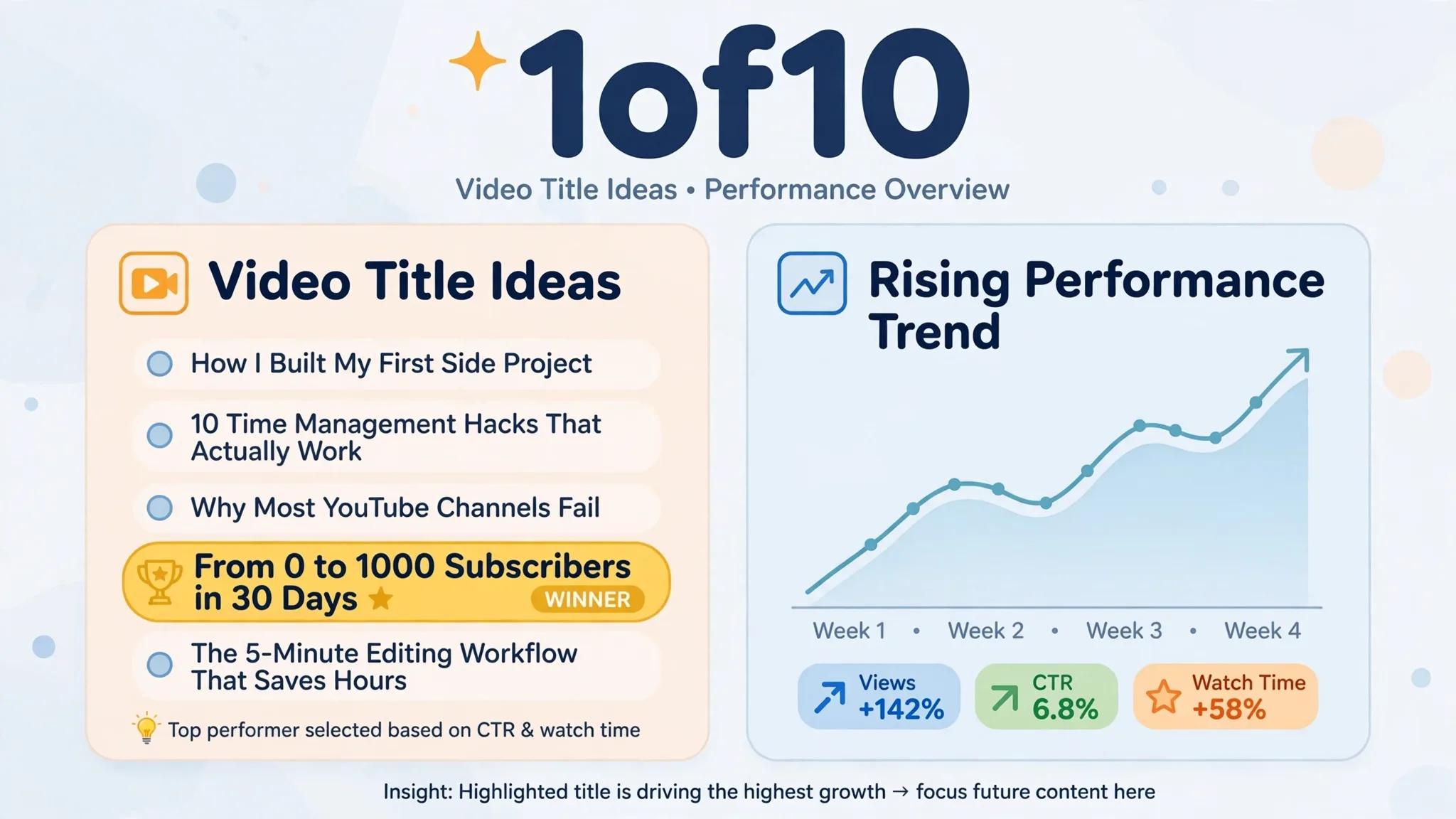
Pricing, as reported in October 2026: Free ($0) with 60 credits a month and the top 5 outlier results; Basic $19 a month ($15 annual) with 150 credits and full research tools; Pro $89 a month ($69 annual) with 1,000 credits plus AI Optimize. One thumbnail generation costs 4 credits; one title or idea run costs 8. Research tools never use credits. On Basic, 150 credits buys roughly 7 thumbnail generations plus a handful of title runs in any mix, so Basic is a research plan with some generation attached, not a high-volume thumbnail plan.
1of10 fits a creator whose bottleneck is “what do I make?” as much as “what does it look like?” If packaging alone is your bottleneck, Pikzels gives you more thumbnail generations per dollar.
3. Canva: Best Flat-Price Option With Real Text
Canva is not a thumbnail specialist. It is a general design editor with AI features, and that is exactly its strength here: templates, real fonts, your own photos, and no per-thumbnail meter. You design the thumbnail, or start from a YouTube-thumbnail template, and the text you type is the text that renders.
Pricing is the least stable figure in this article. Third-party trackers report Pro at $15 to $18 a month billed monthly and $144 a year (about $12 a month) on annual billing, with a Business tier at $250 per person a year. Canva has changed these prices more than once since 2024, so check the live pricing page before budgeting. The free plan covers templates and basic design with 5GB storage and limited AI features.
Canva fits creators who want full control over text and layout, creators already paying for Pro for other design work, and anyone whose thumbnails lean on clean typography rather than generated scenes. It fits less well if you want the AI to invent the whole image from a prompt: Canva’s AI can help, but the tool expects you to direct the design. Our canva-magic-studio-review covers Canva’s AI features in depth.
4. vidIQ: Best All-in-One YouTube Toolkit
vidIQ is a YouTube growth toolkit: keyword and topic discovery, daily video ideas, an AI script writer, an Outliers feature, optimisation for existing videos, an AI thumbnail maker, and clipping from long video to Shorts. Thumbnails are one feature among many, not the product.
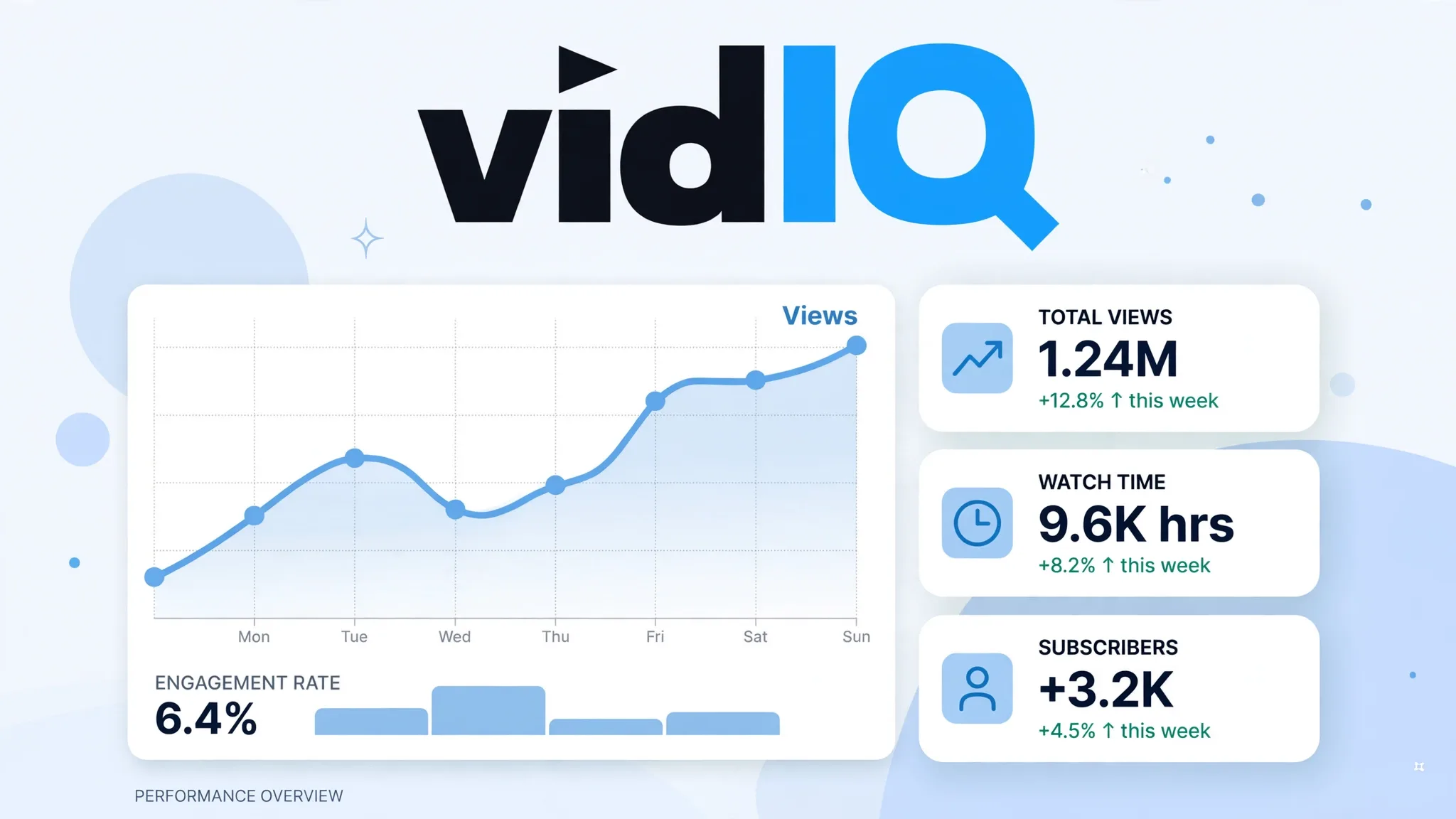
Pricing, as reported in October 2026: Boost from $16.58 a month and Max from $39 a month, both billed annually. The higher-value AI features (Max Mode AI, more AI Coach conversations, more clipping hours) sit on Max. Buying vidIQ for thumbnails alone is poor value; buying it for research and getting thumbnails included is reasonable.
5. Thumix: Simple Thumbnail-Focused Option
Thumix positions itself as a thumbnail maker with comparison-style pages ranking its own tool first. The vendor self-ranking pattern that dominates this category. Treat its marketing claims the way you would any vendor’s: useful for the feature list, not for the verdict. Pricing and plan details change often enough that you should check Thumix’s live pricing page rather than trusting any roundup’s figures, including this one’s. Thumix fits a creator who wants a simple thumbnail generator without a research suite attached.

6. MagicHour: Best Inside a Wider Image Workflow
MagicHour compares thumbnail tools on workflow rather than on thumbnails alone, and its own product is an image-and-video workflow tool. If you already generate images for other purposes (social posts, channel art, Shorts covers) having thumbnails in the same workflow saves switching tools. If thumbnails are the only thing you need, a dedicated tool gives you scoring and face consistency that a general image workflow does not. Check MagicHour’s current plans on its pricing page before comparing, since credit pricing in this category moves often.
7. Thumbnail Test: Best for Proving Which Thumbnail Wins
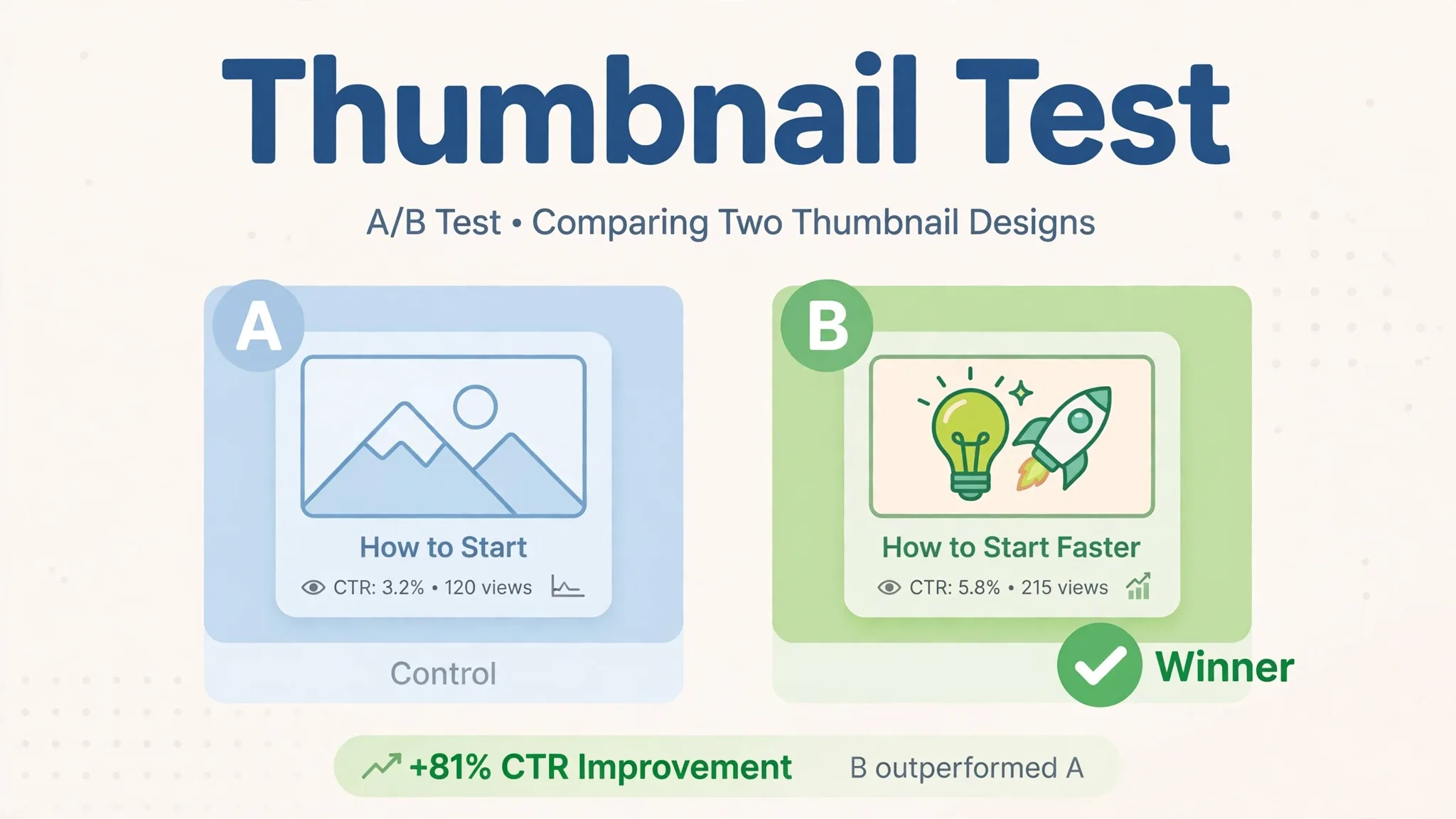
Thumbnail Test does not generate thumbnails. It A/B tests them: show half your viewers one thumbnail and half another, and read which one earns more clicks. Basic is $29 a month for one channel with unlimited A/B thumbnail, title, and title-plus-thumbnail tests. That is the honest answer to every vendor score in this article. A score is a prediction, and a test is evidence. If your channel gets enough views for a test to reach significance, a month of testing teaches you more about your audience than any score. If your channel is small, test results will be noise, and you should skip this tool until views grow.
Vendor Scores Are Predictions, Not Verdicts
Every scoring tool on this list (Pikzels Score, 1of10’s optimisation, any “virality score”) is a vendor’s model guessing what viewers will do. None of them is validated against your audience, your niche, or your channel’s history. A score is useful as triage: it catches a muddy image, an unreadable headline, a layout with no focal point. It is not evidence that the higher-scored thumbnail will win.
Use scores the way you would a spellchecker: let them flag obvious problems, then decide yourself. The real verdict comes from YouTube’s own A/B testing or a tool like Thumbnail Test, run on your own viewers. One honest caution from a competing comparison applies to the whole category: a score is a guide, not a guarantee of clicks, and topic, title, and audience match matter as much as the image.
Recreating a Competitor’s Thumbnail: Where the Line Is
Pikzels and similar tools let you paste a competitor’s video link and generate a thumbnail in a similar layout. Learning from a layout (bold text in the bottom third, face on the left, high-contrast background) is normal design practice. Copying another creator’s thumbnail so closely that viewers mistake your video for theirs is not. It invites complaints, it does not build your own brand, and it teaches you nothing about what your audience responds to.
The working rule: take the structure, supply your own content. Use your own face, your own footage, your own words. If the recreation is indistinguishable from the original, you have gone past inspiration into copying. Start over with your own material.
The 10-Minute Thumbnail Check (Run It Yourself)
No roundup can tell you which thumbnail your audience will click. Run this check on every thumbnail before it goes live. It takes about ten minutes.
- Shrink it to phone size. View it at the size YouTube shows in search on a phone. If you cannot read the text and recognise the subject at that size, it fails.
- Cover the title. Show the thumbnail to someone without the video title. Can they say what the video is about in one sentence? If not, the thumbnail is not doing its job.
- Check every letter. Read the text character by character. AI-generated text garbles quietly. One wrong letter in a three-word headline is easy to miss at full size and obvious at phone size.
- Check the face. If your face is on it, does it look like you? Compare against a real photo. Drift is worst on unusual angles.
- Ask “would I click this, and would I feel tricked?” The thumbnail must promise what the video delivers. A click you earn with a misleading image is a viewer who leaves early and a video YouTube stops recommending.
When NOT to Buy a Thumbnail Tool
- You publish less than twice a month. A free plan, Canva Free, or a template will cover you. A credit subscription will sit mostly unused.
- Your channel is too small to learn from tests. Scores and A/B tests are noise at low view counts. Spend the time making better videos first.
- You already pay for Canva Pro. You already own a capable thumbnail tool. Try the template workflow before adding a second subscription.
- You want the tool to decide for you. No score picks your thumbnail. If you will not look at the output critically, the tool will happily sell you confident-looking mediocrity.
Frequently Asked Questions
What is the best AI thumbnail maker for YouTube?
For regular uploaders who want scored variants and face consistency, Pikzels. For creators who also need topic and title research, 1of10. For flat-price design with exact text control, Canva Pro. The right pick depends on whether your bottleneck is packaging, ideas, or design control.
How much does an AI thumbnail cost?
On Pikzels Premium at $40 a month ($28 annual), one generation costs 10 to 20 credits from an 18,000-credit yearly pool. Roughly $0.19 to $0.37 per generation, or $0.40 to $1.50 per published thumbnail once training, variants, and rejects are counted. On 1of10 Basic, one thumbnail costs 4 credits from a 150-credit monthly pool. On Canva Pro there is no per-thumbnail meter.
Are AI-generated thumbnails allowed on YouTube?
Yes, as long as they are not misleading. YouTube’s rules target deceptive thumbnails that promise something the video does not deliver, not AI-made images as such. A thumbnail that misleads viewers will hurt the video’s watch time and recommendations regardless of how it was made.
Can AI thumbnails keep my face consistent?
Pikzels Persona trains on your photos for that purpose, and FaceSwap composites your real face onto a generated thumbnail. Fully generated faces can drift between outputs, so check every thumbnail against a real photo. In Canva, you place your own real photo in a template, which is consistent by construction.
Should I trust a thumbnail score?
Use it as triage, not as a verdict. Scores flag obvious problems (muddy image, unreadable text, no focal point) but they are vendor predictions, not measurements of your audience. The real verdict is an A/B test on your own viewers.
The Bottom Line
Start from your upload volume. Publishing weekly or more, Pikzels Premium on annual billing gives you the most thumbnail firepower per dollar, with scoring and face consistency included. Publishing less, or already paying for Canva Pro, start with Canva and a template. The text will be exact and the price is already sunk. If your real problem is deciding what to make, 1of10’s research plus thumbnails beats a thumbnail-only tool. Whatever you pick, shrink every thumbnail to phone size, read every letter, and never let a score overrule your own judgement about what your audience was promised.
Prices verified: October 2026. Credit costs and plan details change often. Check the vendor’s live pricing page before paying.
Keep reading
- How to Use AI Image Generators for Social Media Content
- Canva Magic Studio Review: Is It Worth Using in 2026?
- The 7 Best AI Image Generators in 2026 (Compared Honestly)
- 7 Best Free AI Image Generators You Can Use Right Now
- How to Start a Faceless YouTube Channel with AI (2026 Blueprint)
- 10 Best Free AI Tools for Content Creators
- Runway AI Review 2026: Is Gen-4 Worth It for Creators?