

The Short Verdict
Runway is the best AI video platform for people who get paid to make video. Gen-4 and 4.5 produce the most directable, most consistent output in the industry, and the surrounding toolkit (camera controls, motion brush, editing timeline, Act-One) turns it from a generator into a production environment.
But it’s not cheap, credits burn faster than you expect, and the free tier is basically a demo. If you’re a filmmaker, motion designer, marketer, or agency, Runway earns its price. If you just want fun clips for social, Pika or Kling will make you happier for less money.
That’s the honest summary. Here is the detail behind it.
What is Runway in 2026?
Runway started as a research lab that accidentally created the AI video category. In 2026 it’s a full creative platform:
- Gen-4.5: the flagship text-to-video model, top-rated on generation benchmarks, cinematic output with strong prompt adherence
- Gen-4: excellent image-to-video; turn any reference image into smooth, realistic motion
- Gen-4 Turbo: faster, cheaper generations (about 5x faster) at slightly lower quality, perfect for iterating
- Act-One / Act-Two: performance capture: transfer human motion and expression onto characters
- Motion Brush: paint motion onto specific parts of an image (make just the water move, keep the boat still)
- Aleph: an AI video editing layer: trim, retime, and refine clips inside Runway
- Camera controls: direct pan, tilt, zoom, dolly, and crane moves like a real camera operator
- Multi-model access: here’s the 2026 twist: one Runway subscription now includes third-party models like Veo 3.1 and Kling 3.0 Pro. No model lock-in, one bill.
The big leap from Gen-3 to Gen-4 was consistency. Gen-3 made pretty clips but couldn’t keep a character looking the same across shots. Gen-4’s reference system fixed that, which is what made real sequences (not just one-off clips) possible.
What did we love about Runway?
Control. This is Runway’s whole identity. Motion Brush, camera moves, reference images, inpainting. You don’t just prompt and pray; you direct. For anyone coming from traditional video, this feels like home.
Consistency across shots. Generate a character once, reference them across a whole sequence. For ads, short films, and branded content, this is the feature that matters most, and Runway does it best.
The ecosystem. Generation, editing, upscaling to 4K, lip sync, green screen removal, all in one place. Chaining tools without exporting between five apps saves real hours.
4K output. 4K upscaling comes with Standard plans and up; ProRes and HDR exports are on the Max plan. If your deliverable goes to a client, this matters.
Multi-model access. Getting Veo 3.1 and Kling 3.0 Pro inside your Runway subscription is quietly one of the best deals in AI video right now. Use whichever model fits the shot.
What frustrated us about Runway?
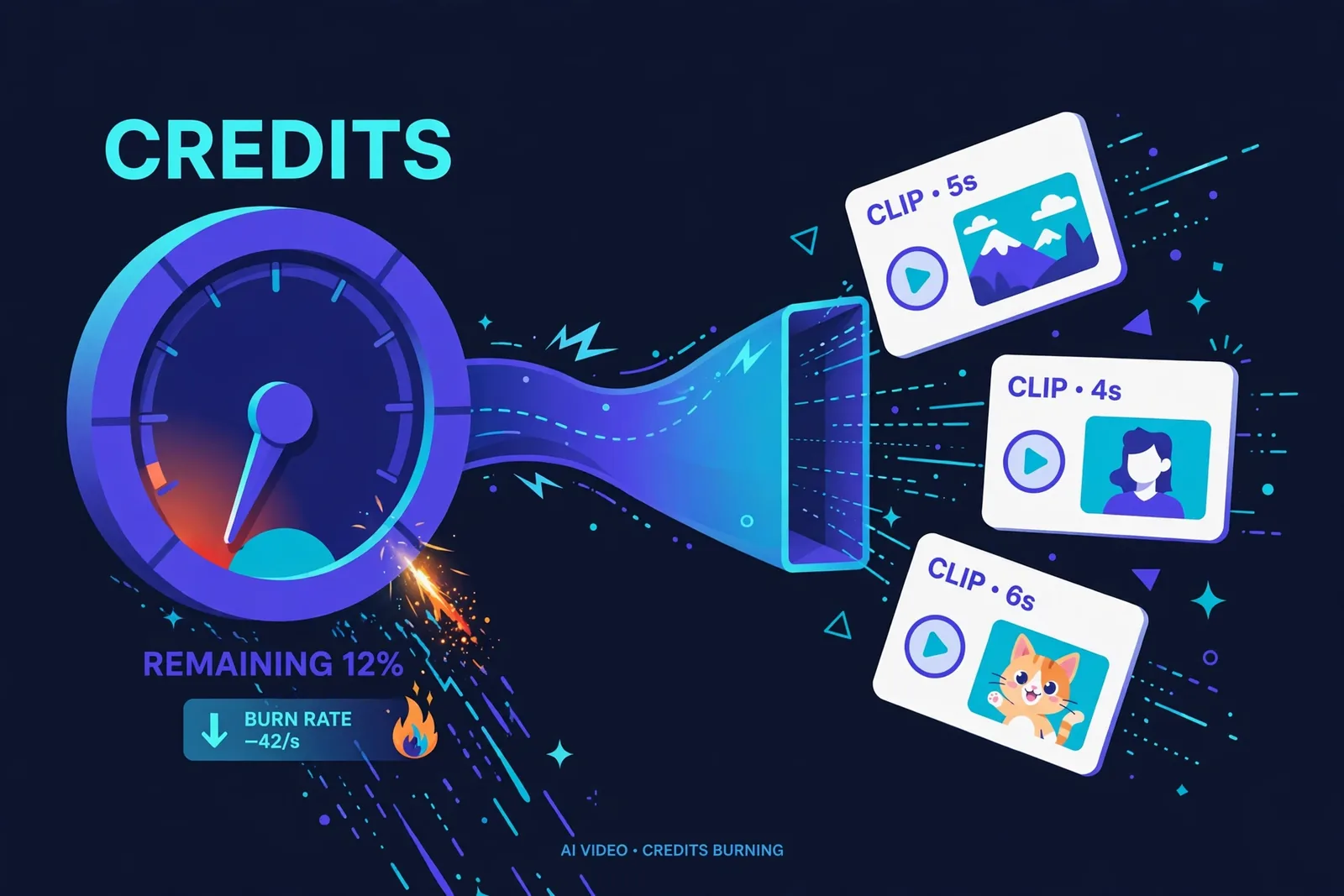
Credits burn fast. This is the #1 complaint and it’s legitimate. Gen-4.5 costs around 12 credits per second, so a Standard plan’s 625 monthly credits gets you roughly 52 seconds of Gen-4.5. A single ambitious project can eat a month’s allocation in an afternoon. And credits are consumed per attempt, including the generations you throw away.
The free tier is a demo. 125 one-time credits, watermarked output, no renewal. Enough to fall in love, not enough to make anything real. That’s by design, but let’s call it what it is.
No native audio. Unlike Veo 3 (best-in-class native audio), Runway still needs separate tools for sound. You’ll be syncing audio in post, which adds steps.
Weak in-scene text. Need readable text inside your generated video? Still a weak point. Plan around it.
Opaque pricing math. Credits-per-second varies by model and the system takes a weekend to understand. Per-second pricing (like Veo’s) is clearer.
How much does Runway cost in 2026?
Plans (check the official site, as these shift):
| Plan | Price | Credits/month | Roughly |
|---|---|---|---|
| Free | $0 | 125 (one-time) | A demo, watermarked |
| Standard | ~$15/mo (~$12 annual) | 625 | ~52s of Gen-4.5 at 12 credits/sec |
| Pro | ~$35/mo (~$28 annual) | 2,250 | Active creators, 4K + custom voices |
| Max | ~$95/mo (~$76 annual) | 9,500 (+ 1-month rollover) | Heavy users, teams; ProRes/HDR exports |
| Enterprise | Custom | Custom | SSO, security, support |
Prices verified: October 2026.
Note: Runway retired the old Unlimited plan in June 2026 and replaced it with Max, a bigger credit bucket (9,500/month with rollover) rather than an uncapped meter.
The practical advice: Start on Standard monthly. You’ll learn within 30 days whether your usage fits 625 credits or blows past it. Most serious solo creators land on Pro. The Max plan only makes sense when you’re generating daily.
And here’s a tip from experience: do your iterating on Gen-4 Turbo (5 credits/sec), then render finals on Gen-4.5. Your credit budget will last roughly twice as long.
How does Runway compare to Pika and Kling?
- vs Pika: Runway wins on quality and control; Pika wins on speed, price, and viral effects. Different users, different tools.
- vs Kling: Kling is the value pick (native 4K from ~$7/month, daily free credits). Its first-party quality now rivals Runway’s in some benchmarks, though Runway’s editing ecosystem is deeper.
- vs Veo 3: Veo leads on native audio and prompt adherence, with a free tier via Google AI Studio. Runway leads on editing tools and control. (And Runway now includes Veo access, which blurs the line.)
- vs Sora: OpenAI shut down Sora’s consumer app in April 2026 and discontinued the API in September 2026. It’s off the board for new work.
The honest landscape: Runway is no longer the undisputed quality king the way it was in 2024. Veo 3.1 and Kling 3.0 have caught up on raw generation. Runway’s moat now is the platform: the editing tools, the control, the multi-model access, the workflow integrations.
Who Should Pay for Runway?
Yes, pay if you:
– Make video professionally (filmmaker, motion designer, marketer, agency)
– Need directable, consistent, client-ready output
– Want 4K deliverables with professional export options
– Like the idea of multiple models (Veo, Kling) under one subscription
– Build products on the API
No, skip if you:
– Make casual social content (Pika is faster and cheaper)
– Are on a tight budget (Kling gives you more per dollar)
– Need native audio in one step (Veo 3)
– Just want to experiment (the free tier will frustrate you)
Final Score: 4.5/5
Runway remains the professional standard in AI video, not because its raw generation is untouchable anymore, but because it’s the most complete production platform. The control, the consistency, the editing layer, and now the multi-model access make it the tool working professionals reach for.
Just go in with open eyes about credits. Budget for Pro if you’re serious, iterate on Turbo, and you’ll get work out of it that justifies the price.
Affiliate disclosure: This review may contain affiliate links. If you purchase through them, we may earn a commission at no extra cost to you.

Who Actually Sticks With Runway After Month Three
We’ve noticed a pattern with Runway users. The ones who stay past the novelty phase fall into two camps: professionals billing clients for AI-assisted video work, and serious hobbyists making short films or music videos. Both groups share one trait: they learned to direct the tool rather than expecting it to direct itself.
The people who churn tend to be casual experimenters who expected magic from vague prompts. Runway rewards specificity and punishes laziness. If that sounds like a warning, good. Give it a real project and a full weekend before judging it. The learning curve is steep on purpose, because this is a professional tool, not a toy.
FAQ
Is Runway AI worth it in 2026?
For professional video work, yes. For casual social content, probably not; cheaper options exist. The value depends entirely on whether you need its control and consistency.
How much does Runway cost?
Free (125 one-time credits), Standard ~$15/month, Pro ~$35/month, Max ~$95/month, with roughly 20% savings on annual billing. Check the official pricing page for current numbers.
How do Runway credits work?
Each generation consumes credits based on model and duration. Roughly: Gen-4.5 and Gen-4 ~12 credits/sec, Gen-4 Turbo ~5 credits/sec. Credits are spent per attempt, including discarded generations.
Is there a free version of Runway?
Yes, but it’s a 125-credit one-time trial with watermarks. Enough to test, not enough to produce with.
Does Runway generate audio?
Not natively. You’ll need separate tools for voiceover, music, and sound effects, then sync in post-production.
What’s the difference between Gen-4 and Gen-4 Turbo?
Gen-4 is the full-quality model; Turbo generates about 5x faster at lower quality and credit cost. Smart workflow: iterate on Turbo, render finals on Gen-4/4.5.
Is Runway AI free?
There’s a free tier, but “free” needs a big asterisk. You get 125 credits once — not monthly, once — and generations carry a watermark. It’s enough to test whether you like the tool, not enough to make anything you’d publish.
How many credits does Runway’s free plan actually give you?
125 credits, one time. At ~12 credits per second on Gen-4.5, that’s roughly 10 seconds of full-quality video. Total. Ever. After that you’re on a paid plan, which is exactly how Runway designed it — the free tier is a trial, not a plan.
How much does a Runway Gen-4 video really cost?
Do the math before you subscribe: Gen-4.5 burns ~12 credits per second, so a 10-second clip costs ~120 credits. On Standard (~$15/month), that constrains how much you can iterate. Budget for Pro if you’re doing client work — the credits disappear faster than the marketing suggests.
Keep reading:
– Runway vs Pika 2026: Which Should You Actually Pay For?
– 10 Best Free AI Video Generators in 2026
– How to Start a Faceless YouTube Channel with AI