

The One-Sentence Version
Runway is the professional’s toolkit, with better quality, deeper control, and a higher price. Pika is the speed demon: faster, cheaper, and built for social. Which one deserves your money depends entirely on what you’re making.
The pricing and credit figures below were checked against both vendors’ pricing pages and current pricing analyses in October 2026; they shift often, so confirm before subscribing.
Runway vs Pika: how do they compare at a glance?
| Feature | Runway (Gen-4/4.5) | Pika (2.5) |
|---|---|---|
| Max resolution | 4K | 1080p |
| Max clip length | Up to 60s (extendable) | ~10s (25s with Pikaframes) |
| Text-to-video | Advanced | Good |
| Image-to-video | Excellent | Good |
| Camera control | Granular (pan, tilt, zoom, dolly, crane) | Basic (pan, tilt, zoom) |
| Native audio | Yes (Gen-4.5, paid plans) | No (SoundGen sound effects only) |
| Video editor | Built-in timeline | No |
| API access | Full | Limited |
| Free tier | 125 one-time credits | ~80 credits/month |
| Entry price | ~$12–15/month | ~$8–10/month |
| Quality rank | #1 | Mid-pack |
| Best for | Production, client work | Social, viral, volume |
Prices verified: October 2026.
Which has better video quality, Runway or Pika?
Let’s not dance around it. Runway wins on quality, and it’s not close.
Runway’s Gen-4 and 4.5 models produce more coherent motion, better physics, and more cinematic output. Character consistency across shots (via features like Act-One) actually works. When professionals talk about AI video, they’re usually talking about Runway for a reason.
Pika’s output is good, not great. It shines in short, stylized, effects-driven clips. But photorealistic human motion? It trails Runway noticeably. Pika knows this, which is why it leans into its strengths instead of fighting Runway head-on.
Winner: Runway, decisively.
Which has better features, Runway or Pika?
This is where the two tools reveal their different philosophies.
Runway’s arsenal:
– Act-One for consistent characters across shots
– Granular camera controls (pan, tilt, zoom, dolly, crane)
– Built-in video editor with a real timeline
– Green screen removal, inpainting, 4K upscaling
– Custom model training (Enterprise)
– A full creative suite: image generation, audio design, lip sync
– Gen-4.5 added native audio (dialogue, sound effects, music) on paid plans
Runway isn’t just a video generator anymore. It’s a production platform.
Pika’s arsenal:
– Pikaffects: one-click transformations (melt, inflate, explode, crush). Nobody else has anything like these, and they go viral constantly.
– Lip sync for adding speech to characters
– SoundGen: auto-generated sound effects
– Modify Region: edit specific areas of uploaded videos
– Swap Element: replace objects within existing footage
– Pikaframes: keyframe interpolation for up to 25-second sequences
– A community feed that doubles as a prompt library
Pika’s features are narrower but sharper. Pikaffects alone have launched a thousand TikTok trends.
Winner: Runway for breadth and professional depth; Pika for viral creativity. Depends on your game.
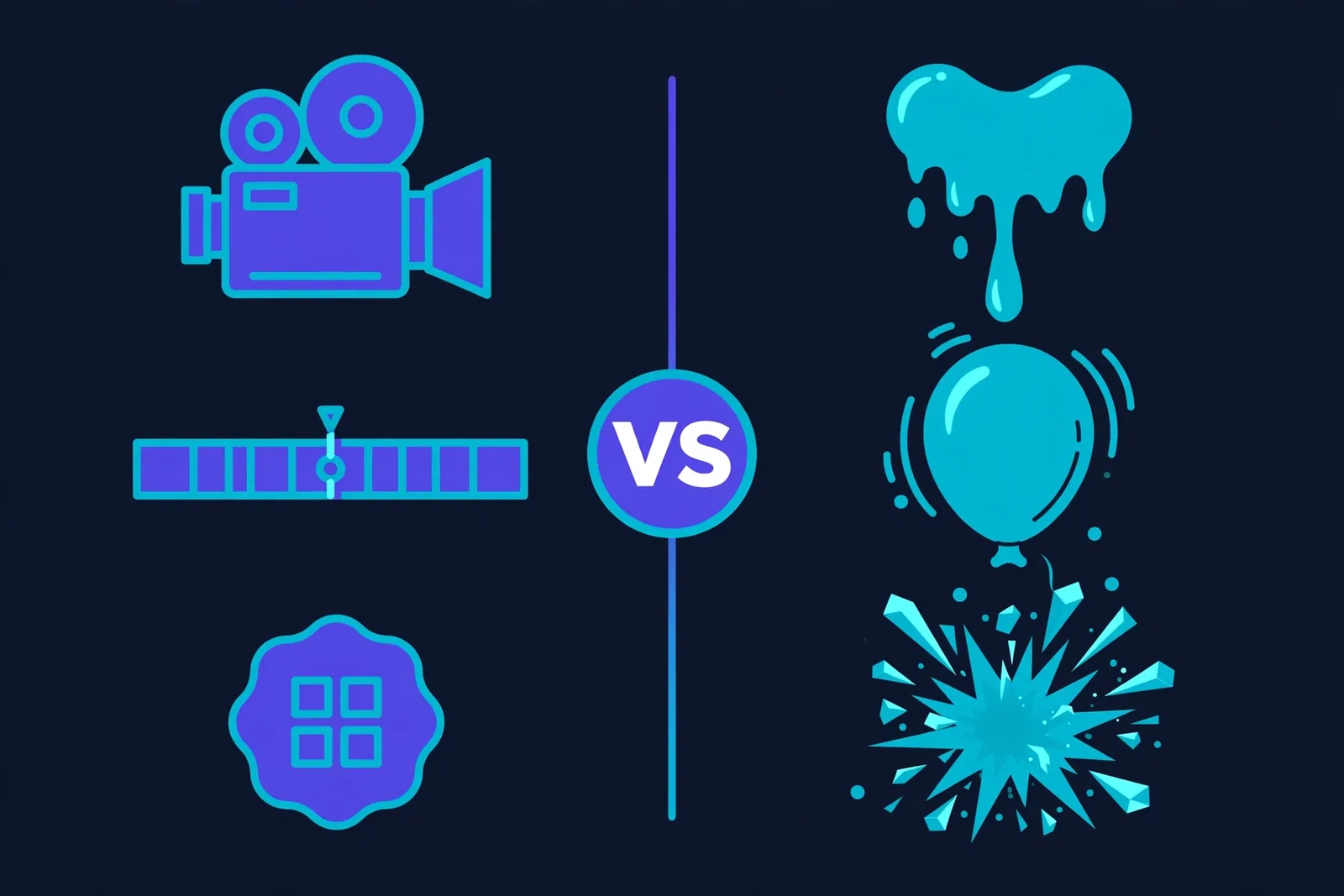
Which is faster, Runway or Pika?
Pika is fast. Really fast. Short clips render in about 8–15 seconds for quick generations, which makes it incredible for iteration. Have an idea, generate it, post it, move on.
Runway takes roughly a minute or more for a standard clip. Its Turbo mode speeds things up, but it’s still a “craft your shot” workflow, not a “spam ideas” workflow.
Winner: Pika, by a mile. If your content strategy is volume, speed is everything.
Which is the better value, Runway or Pika?
| Runway | Pika | |
|---|---|---|
| Free | 125 credits (one-time, ~25s of video) | ~80 credits/month (480p) |
| Entry | ~$12–15/month | ~$8–10/month |
| Mid | ~$35/month | ~$35/month (commercial license included) |
| Top | ~$95/month | ~$95/month |
Prices verified: October 2026.
Per second of video, Pika offers roughly 30–40% better value at comparable tiers. Its free tier also refills monthly, while Runway’s is one-time.
But here’s the thing about value: cheap per-second pricing means nothing if the output doesn’t meet your bar. Pika is better value. Runway is better quality. Those are different statements, and you need to decide which one matters for your work.
Winner: Pika on pure value; Runway if quality justifies the premium (and for client work, it usually does).
Which is easier to use, Runway or Pika?
Pika is dead simple. Open it, type a prompt, get a video. The learning curve is basically flat, which is exactly right for social creators who need to move fast.
Runway has a learning curve. It’s a suite, not an app: multiple tools, settings, a timeline editor. That depth is the point, but expect to spend a weekend learning it.
Winner: Pika for beginners; Runway rewards the learning investment.
Who Should Pick Which?
Pick Runway if you:
– Deliver client work or professional productions
– Need 4K output and longer, coherent clips
– Want camera control that feels like directing
– Need an API for your product or pipeline
– Care about character consistency across shots
Pick Pika if you:
– Post daily on TikTok, Reels, or Shorts
– Want viral effects (Pikaffects are genuinely unmatched)
– Need speed and volume over polish
– Are on a tight budget
– Are just starting with AI video and want zero learning curve
Consider neither and look at Kling if: you want cinematic quality on a budget. Kling’s entry Standard tier (~$10/month, often discounted to ~$7 for the first month) with a daily free tier of 66 credits is the value dark horse of 2026. Note the fine print: Standard is capped at 1080p and the first-month discount doesn’t last; 4K is reserved for the higher Premier and Ultra tiers. And if narrative with great native audio is your thing, Google’s Veo 3 is worth a look.
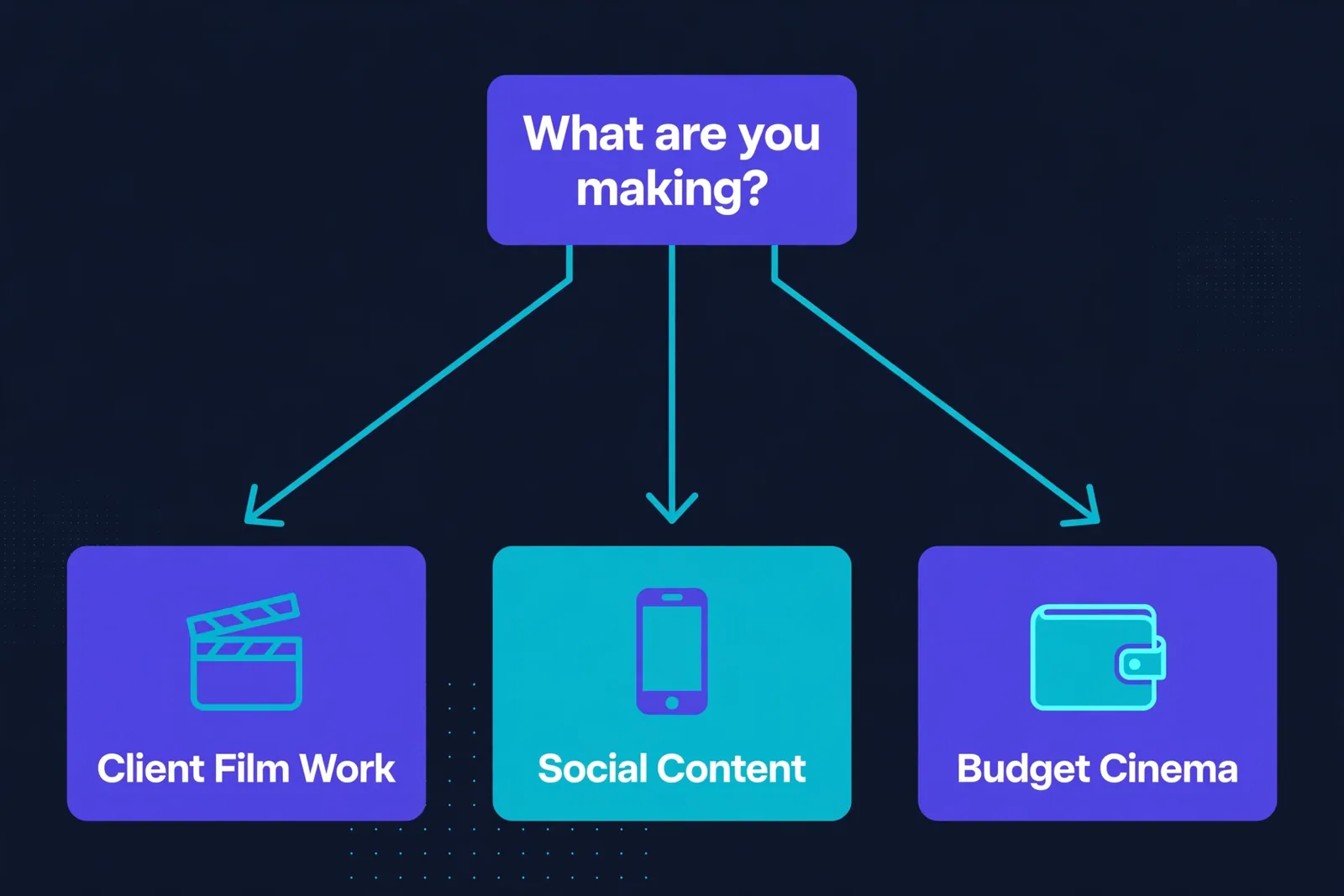
The Pricing Trap Most Beginners Fall Into
Nobody talks about this in the feature comparisons, so we will: both Runway and Pika run on credits, and credits disappear faster than you’d think. A single usable 10-second clip often takes three or four generations to get right, sometimes more while you’re learning what prompts actually work. Every failed attempt costs the same as a good one.
Runway’s paid tiers give you a set number of credits monthly, and heavy users burn through them in days, not weeks. Pika’s generations cost less individually, which makes it more forgiving for experimentation. But here’s what most beginners miss: the real cost isn’t per month, it’s per finished video.
Do the math on your actual workflow. If a project needs 10 good clips and each takes 3 attempts, that’s 30 generations. Track that for a month and you’ll know exactly which tool is cheaper for how you work. For straightforward cinematic shots, Runway tends to nail it in fewer tries, so the higher per-generation cost balances out. For wild experimental effects where you’re throwing ideas at the wall, Pika’s cheaper attempts win.
One more practical tip: annual billing cuts the monthly rate noticeably on both platforms. If you’ve tested both free tiers and picked your winner, the annual plan typically pays for itself by month eight or nine. Just don’t commit annually until you’ve finished a real project on the free tier. Treat the free tier as your audition and use it like one.
The Honest Verdict
There’s no single winner here, and anyone who tells you otherwise is selling something.
Runway is the better tool. Higher quality, deeper features, professional ecosystem. If you’re getting paid for video work, the premium pays for itself.
Pika is the better deal. Faster, cheaper, easier, and its viral effects do things Runway simply doesn’t. If you’re a social creator pumping out content, Pika’s speed-to-post workflow is hard to beat.
Most serious creators we know use both. Runway for the hero shots, Pika for the daily content. At ~$20/month combined on entry tiers, that’s a complete AI video stack for less than a single stock footage subscription.
Affiliate disclosure: This comparison may contain affiliate links. If you purchase through them, we may earn a commission at no extra cost to you.
FAQ
Is Runway better than Pika?
For video quality, professional features, and control: yes. For speed, price, ease of use, and viral effects: Pika wins. They’re built for different users.
Which is cheaper, Runway or Pika?
Pika. Entry is ~$8–10/month vs Runway’s ~$12–15, and Pika gives roughly 30–40% better value per second of video. Pika’s free tier also refills monthly.
Can I use Runway or Pika videos commercially?
Yes — on all of Runway’s paid plans, and on Pika’s Pro ($28–35/month) and Fancy ($76–95/month) plans. Important exception: Pika’s entry-level Standard plan ($8–10/month) does NOT include a commercial license, so if you’re publishing for clients or monetized channels, Pro is Pika’s real starting point. Free-tier output typically carries watermarks and usage restrictions.
Which is better for beginners?
Pika, easily. Near-zero learning curve. Runway rewards a weekend of learning with far deeper capability.
Do I need both?
Many creators use both: Runway for polished hero content, Pika for fast daily social clips. The combined entry cost is around $20/month.
What about Kling or Veo?
Kling is the budget-cinema pick (1080p at ~$10/month entry with a daily free tier). Veo 3 leads on narrative with best-in-class native audio. The AI video space in 2026 is genuinely competitive, which is great for creators.
Keep reading:
– 10 Best Free AI Video Generators in 2026
– How to Start a Faceless YouTube Channel with AI
– 10 Best Free AI Text-to-Speech Tools in 2026