
Quick answer: Fathom has the most generous free tier for recording, but caps AI summaries at 5 a month. Fireflies gives unlimited transcription on free, then limits storage and AI summaries. Otter is the cheapest reliable solo paid plan at about $8.33 a user a month billed annually. Granola is the pick if you never want a bot to join your calls. Before buying any standalone tool, check whether Zoom AI Companion, Gemini in Meet, or Copilot in Teams already covers you — you may be paying for this twice.
Every meeting-note roundup lists the same names. Few of them tell you what “free” actually gives you, because the answer is embarrassing: one tool’s free tier is unlimited recording with 5 AI summaries a month, another’s is 300 minutes with a 30-minute cap per call, and a third’s is 5 notes total, forever. The headline is “Free: yes.” The reality is a cap that decides whether a trial tells you anything.
This guide compares seven tools — Otter, Fireflies, Fathom, Granola, Fellow, tl;dv, and one bot-free privacy pick — on the real caps, on bot-free capture, on sales and CRM fit, and on the privacy questions that matter once a tool holds your meeting history.
The 7 Tools at a Glance
| Tool | Best for | Free tier’s real cap | Entry paid plan |
|---|---|---|---|
| Fathom | Free recording + sales follow-up | Unlimited recording; 5 AI summaries/mo | $16/user/mo (annual) |
| Fireflies | High-volume transcription | Unlimited transcription; storage + AI summaries capped | $10/seat/mo (annual) |
| Otter | Live transcription + solo use | 300 min/mo; 30 min per call | $8.33/user/mo (annual) |
| Granola | Bot-free personal notes | Unlimited notes, only last 30 days visible | Business $14/user/mo |
| Fellow | Structured meetings + follow-through | 5 AI notes + 5 recordings, lifetime | Team $7/user/mo (annual) |
| tl;dv | Sharing clips + async review | Unlimited recording; AI notes capped; 3-month history | $18/seat/mo (annual) |
| Jamie / Krisp | Bot-free + privacy-first capture | Trial/limited | Check vendor page |
Prices and limits were cross-checked across several sources in October 2026; where sources disagree, the disagreement is noted in the text. Confirm the current figures on the vendor’s pricing page before buying.
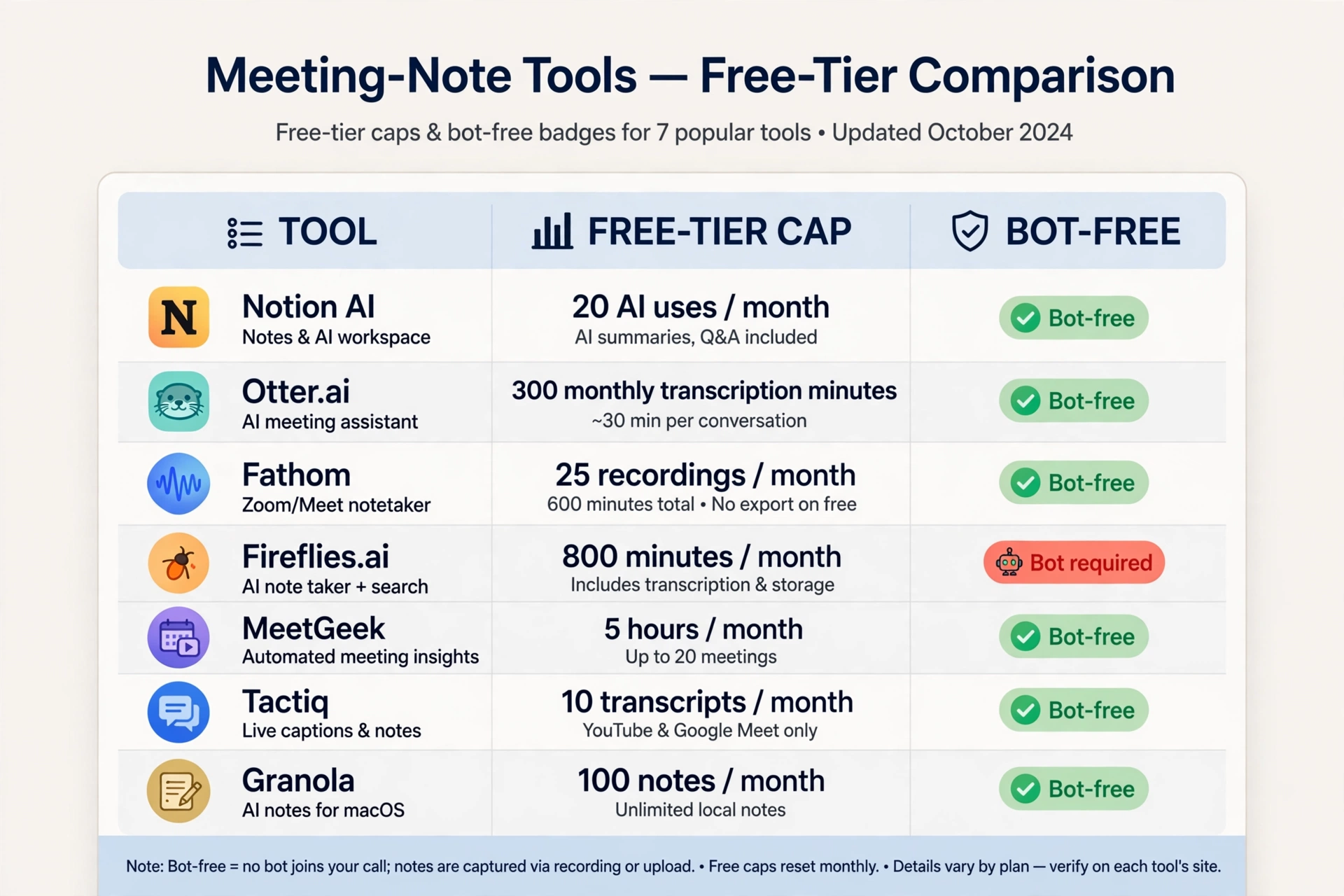
Free-Tier Truth: The Cap Is the Product
Free tiers in this category are not the same kind of free. They cap different things, and the cap decides whether the tool works for you.
- Fathom: unlimited recording and transcription, but only 5 AI summaries a month. If you need every meeting properly processed, the free tier is a trial, not a workflow. Its paid plans add CRM sync (Salesforce, HubSpot) and are backed by a 90-day money-back guarantee.
- Fireflies: unlimited transcription and summaries in the headline, but storage and AI features are capped — sources report either 400 minutes of storage per team or 800 minutes per seat, and either 3 AI summaries a month or a one-time block of AI credits. The disagreement itself is the warning: check the live pricing page, because the free tier’s real limit is whichever meter runs out first.
- Otter: 300 transcription minutes a month, each conversation cut off at 30 minutes, and only the 25 most recent meetings stored. Clean and honest limits. If your calls run long, the 30-minute cap ends the transcript mid-meeting.
- Granola: Unlimited notes, with only the last 30 days of history visible, and older notes hidden until upgrade. Granola has moved to team pricing — there is no solo paid tier — so solo users on a budget should look elsewhere.
- Fellow: 5 AI notes and 5 AI recordings per user, lifetime. Not monthly. Once you have generated your fifth note, the free plan has run its course. Team at $7 a user a month (annual) raises this to 10 AI notes and 10 recordings per user per month; unlimited arrives at Business, $15.
- tl;dv: unlimited recordings and transcription, AI notes capped, 3-month history. Good for sharing clips; the history window is the constraint.
- Jamie / Krisp: bot-free capture with limited free use. Jamie keeps notes off its servers by design; Krisp processes audio on-device. Both are covered in the bot-free section below.
The pattern: the generous headline number is rarely the one that stops you. Fathom’s unlimited recording stops at the fifth summary. Otter’s 300 minutes stop at the 30-minute call. Fellow’s “free” stops at five notes, forever. Match the cap to your actual constraint — total minutes, number of meetings, or history length — before you commit to a trial.
Bot-Free vs Bot-Joins: Why It Matters
Most notetakers send a visible bot into your call. It appears in the participant list, announces itself, and sometimes gets left in the lobby or blocked by IT. Bot-free tools capture audio from your own device instead, so no extra participant ever joins.
Bot-free options include Granola, Circleback, Jamie, Krisp, Bluedot, and MeetGeek’s extension. The trade-offs are real:
- Client calls: a bot joining a sales or client call can feel intrusive. Bot-free capture avoids the awkwardness and the “is this being recorded?” moment — though you still must tell people you are recording (see the privacy section).
- IT policies: some organisations block third-party bots. Bot-free capture through a desktop app sidesteps that, but requires the app to be running.
- Features: bot-free tools tend to sacrifice CRM depth and team search. Granola has no native CRM sync and no team search; Fellow’s botless recording needs the desktop app.
If your meetings are mostly internal, a bot is fine and the extra features are worth it. If your meetings are mostly with clients, or your IT department blocks bots, start with the bot-free list.
The 7 Tools in Detail
1. Fathom — Best Free Tier for Recording, Best Sales Follow-Up on Paid
Fathom’s free tier is the most generous for raw capture: unlimited recording, transcription, and storage. The 5-AI-summaries-a-month cap is what pushes you to paid. Premium costs $16 a user a month billed annually and unlocks more AI features; Business at $25 adds Salesforce and HubSpot sync and is built around sales workflows.
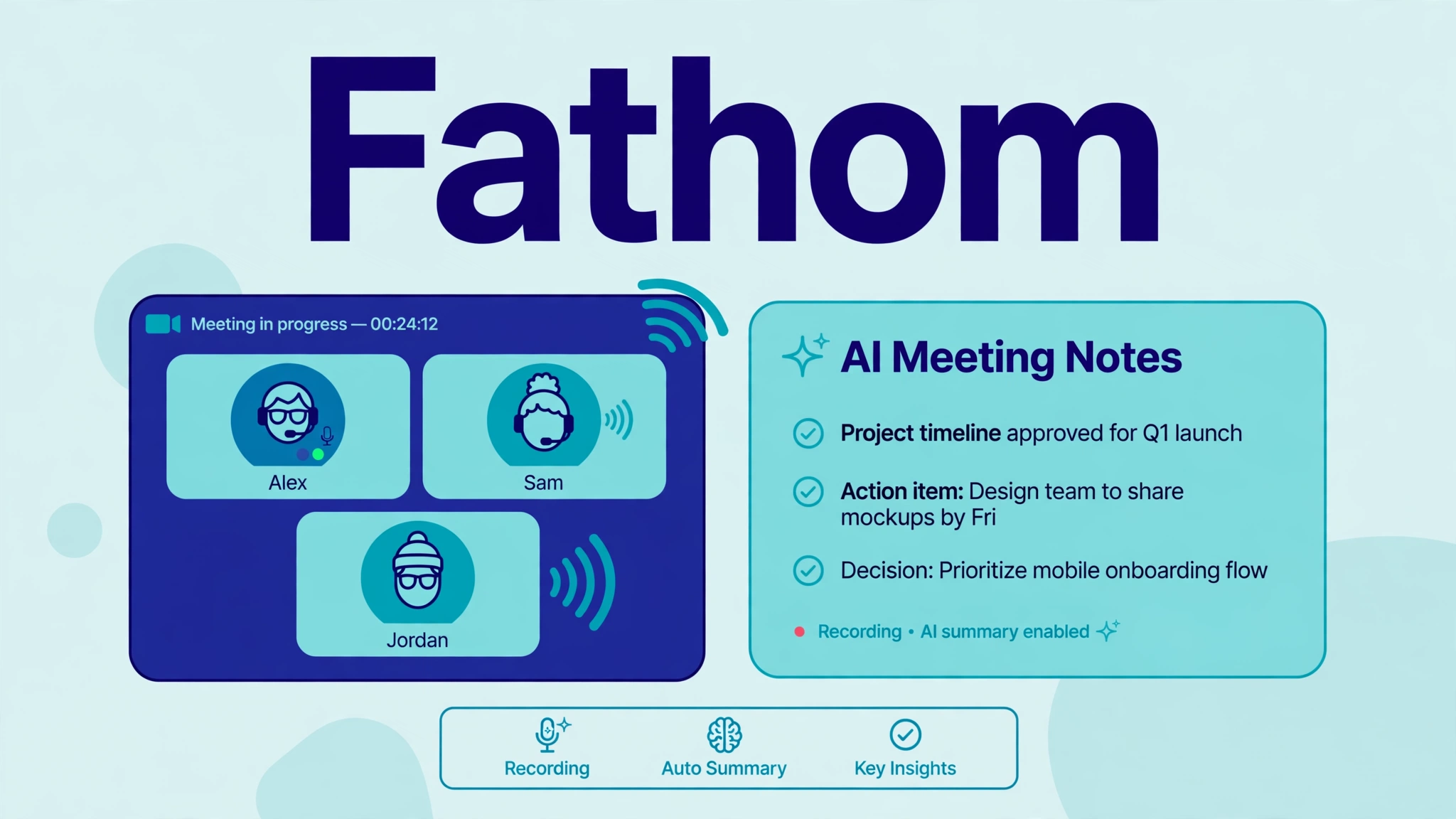
Fathom fits a salesperson or founder who records a lot of calls and wants follow-up notes, action items, and CRM entries. If you only need a handful of summaries a month, the free tier may genuinely be enough.
2. Fireflies — Best for High-Volume Transcription
Fireflies’ free tier transcribes without a minute cap, which is the headline that wins it trials. The limits are storage and AI features, as above. Pro costs $10 a seat a month billed annually and raises the minute allowance to 8,000, with Business at $19 adding team search and deeper analytics.
Fireflies fits teams that record everything — support, sales, research — and want a searchable archive. Watch the credit system: its most useful AI features (AskFred, advanced summaries, action items) run on a separate credit allowance, so heavy users can pay more than the sticker price suggests.
3. Otter — Best Cheap Solo Plan, Best Live Transcription
Otter is the most familiar name here, and its Pro plan is the cheapest true solo plan at about $8.33 a user a month billed annually, with 1,200 minutes. Business at $19.99 adds team search and admin controls. Live transcription during the call is Otter’s standout: you can follow along and search as the meeting runs, which the bot-based rivals mostly do after the call ends.
Otter fits an individual who wants reliable transcription without team features. Our head-to-head with Fireflies covers the two-way comparison in full: otter-vs-fireflies.
4. Granola — Best Bot-Free Experience, Team-Only Pricing
Granola captures audio from your device — no bot joins, no participant tile, no lobby problem. Notes are clean, personal, and fast. The free plan allows unlimited notes, with only the last 30 days of history visible, and the only paid tier is Business at $14 a user a month. Solo users who want a paid solo plan will not find one.
Granola fits a team that wants bot-free capture and is buying for the team, not for one person. If you are a solo user on a budget, Fathom or Otter serves you better.
5. Fellow — Best for Structured Meetings and Follow-Through
Fellow is more than a notetaker: agendas, action items with owners and due dates, searchable meeting history, and integrations with Salesforce, HubSpot, Asana, Jira, Notion, and Slack. It records with a bot, bot-free through its desktop app, or in person, and transcribes in over 100 languages.
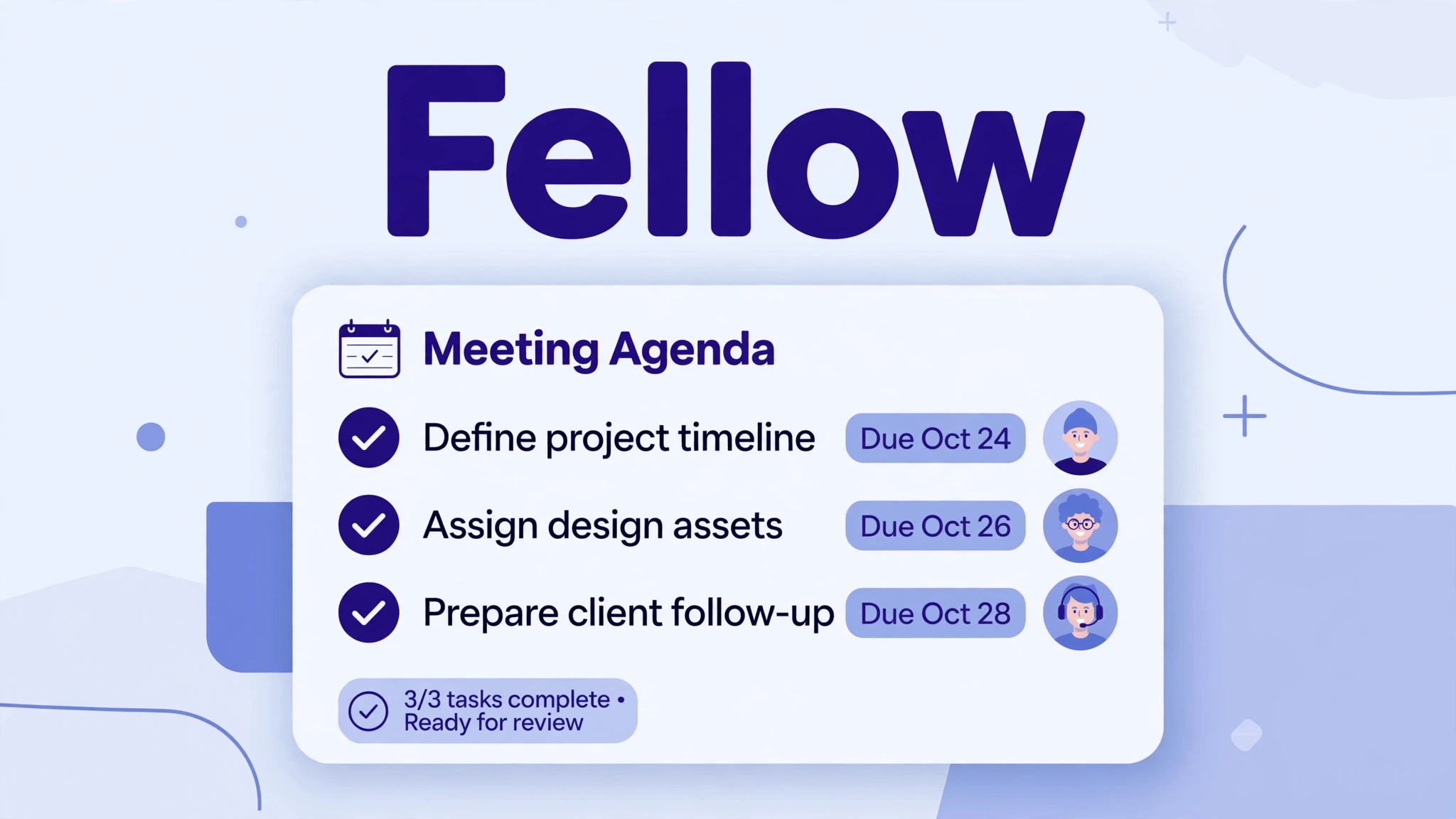
The free plan’s 5 lifetime notes make it a trial. Team at $7 a user a month (annual) gives 10 AI notes and 10 recordings per user per month; Business at $15 gives unlimited. Fellow never trains AI models on your data, and it lists SOC 2 Type II, HIPAA, and GDPR compliance, with a BAA on Enterprise. It fits teams that want meeting decisions to flow into the tools they already use, not just a transcript archive.
6. tl;dv — Best for Sharing Clips and Async Review
tl;dv records unlimited meetings on free, caps AI notes, and keeps a 3-month history. Its strength is clipping: timestamp the moment, share the clip, let teammates watch the two minutes that matter instead of the whole hour. Pro costs $18 a seat a month billed annually.
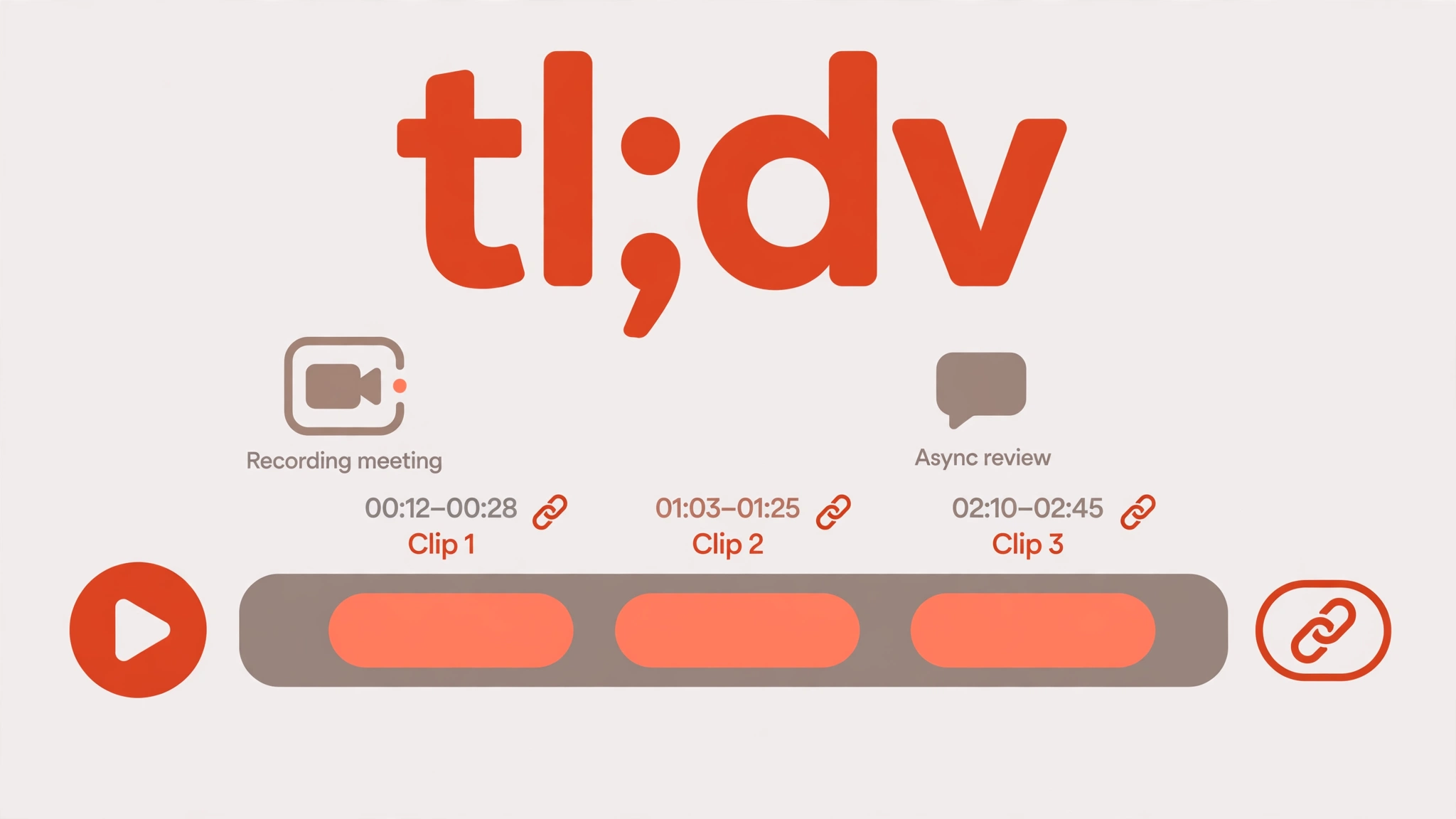
tl;dv fits teams that review calls asynchronously — sales coaching, user research, standup catch-up. If you need long-term searchable history, the 3-month window is the constraint to plan around.
7. Jamie / Krisp — Best Bot-Free Privacy Picks
Jamie and Krisp are the privacy-first end of the bot-free list. Jamie captures without a bot and is designed to keep notes off its servers; Krisp processes audio on-device. Both suit people who discuss sensitive material — legal, HR, finance, client strategy — and want the smallest possible data footprint.
The trade-off is breadth: neither matches Fellow’s workflow layer or Fireflies’ archive depth. Pick one when privacy is the deciding factor, not when you need CRM sync and team search.
Before You Buy: Check What You Already Pay For
Three bundled assistants may already cover you:
- Zoom AI Companion is included with paid Zoom plans. If your team lives on Zoom, it handles summaries and action items with no extra subscription.
- Gemini in Google Meet is bundled with Google Workspace plans that include Gemini. If your team lives in Meet, check your Workspace tier before buying a standalone tool.
- Copilot in Microsoft Teams comes via Microsoft’s Copilot and Teams Premium offerings. If your team lives in Teams, check your Microsoft 365 plan.
A standalone tool earns its fee when you need cross-platform capture (Zoom plus Meet plus Teams plus in-person), deeper CRM sync, or bot-free capture that the bundled assistants do not offer. If you only meet on one platform, the bundled assistant is usually the right call.
Privacy and Legal: Read This Before You Record
A meeting notetaker holds your conversations — decisions, salaries, client details, personal stories. Four checks before you trust one:
- Consent. About a dozen US states require all-party consent to record, and GDPR requires informed consent. A bot visible in the participant list is not consent by itself. Announce recording clearly, note it in the invite, and allow opt-outs.
- Training. Check whether the tool trains its models on your meetings, and whether you can opt out. Fellow states it never trains on your data. Granola has faced public criticism over its training defaults — check the current settings in your account, and opt out if the default is on.
- Retention and deletion. Some tools keep transcripts indefinitely unless you delete them. If your calls include customer personal data, confirm retention, deletion, and who can export what.
- Compliance. If you handle health or financial data, confirm whether the tool offers a BAA for HIPAA or the equivalent your regulator needs, and on which tier. Fellow and MeetGeek advertise HIPAA-aligned options; several rivals only offer a BAA on Enterprise.
In 2026, privacy lawsuits involving meeting-note and transcription tools were reported in the press, including cases over call recording and data handling. We are not repeating case details we could not verify from primary sources — the practical takeaway is the same: check the settings, not the marketing.
In-Person Meetings: The Gap Most Roundups Miss
Almost every tool here is built for video calls. Hallway chats, client lunches, and conference conversations are a different problem. Options include phone-based capture (dictation-style apps that transcribe from your device), earbuds with built-in capture, and dedicated hardware notetakers such as the Plaud NotePin, which records in-person conversations and syncs notes to an app.
If a meaningful share of your important conversations happen off-camera, pick a tool with a mobile or hardware path — Laxis, Fellow, and Jamie all offer mobile capture — rather than a video-call-only bot.
The Same-Meeting Test (Run It Yourself Before You Pay)
Do not take any roundup’s word for accuracy. Run this protocol on your own shortlist instead. It takes about an hour.
Record one real meeting with two shortlisted tools at once (with everyone’s consent). Then compare three things: the action items (did each tool catch the same owners and due dates, and did either invent one?), the names and numbers (people’s names, dates, and figures are where transcription fails first), and the summary (read it against the transcript — does it say anything the meeting did not?). Keep the tool whose summary you would forward without editing. The one whose summary you have to fix is the one that will cost you time after every meeting.
Frequently Asked Questions
What is the best AI meeting note tool?
It depends on the job. Fathom for free recording and sales follow-up, Fireflies for high-volume transcription, Otter for the cheapest solo plan and live transcription, Granola for bot-free capture, Fellow for structured meetings and follow-through, tl;dv for sharing clips.
Can an AI note taker work without a bot joining the meeting?
Yes. Granola, Circleback, Jamie, Krisp, Bluedot, and MeetGeek’s extension capture audio from your device instead of adding a visible participant. Bot-free capture avoids lobby and IT blocks but usually sacrifices CRM depth and team search.
What is the best free AI meeting notetaker?
Fathom, if your constraint is recording volume — unlimited recording, but only 5 AI summaries a month. Fireflies, if your constraint is transcription volume — unlimited transcription, but capped storage and AI summaries. Otter, if your calls are short — 300 minutes a month with a 30-minute cap per call. None of the free tiers is unlimited in every dimension.
Is it legal to record meetings with an AI notetaker?
It depends on where participants are. About a dozen US states require all-party consent, and GDPR requires informed consent. Announce recording clearly, note it in the invite, allow opt-outs, and check the tool’s retention and training settings.
Do I need a separate tool if I already pay for Zoom, Meet, or Teams?
Maybe not. Zoom AI Companion comes with paid Zoom, Gemini in Meet with qualifying Google Workspace plans, and Copilot in Teams via Microsoft’s offerings. Buy a standalone tool when you need cross-platform capture, deeper CRM sync, or bot-free recording.
The Bottom Line
Start from your constraint, not the feature list. If recording volume is the constraint, Fathom. If transcription volume is the constraint, Fireflies. If call length is the constraint, watch Otter’s 30-minute cap. If a bot in the call is the constraint, Granola, Jamie, or Krisp. If follow-through is the constraint, Fellow. Check the bundled assistant you already pay for first, check the privacy settings second, and run the same-meeting test before you commit.
Prices and limits verified: October 2026. Free-tier caps change often — confirm the current figures on the vendor’s pricing page before buying.
[…] consent rules differ by place, so tell people on the call that it is recording. Our roundup of AI meeting note tools compares Otter with Fathom, Fireflies and others if meetings are your biggest time […]